 Figpea
What's New in Figpea: Free Editing and More Ways to Open Your Files
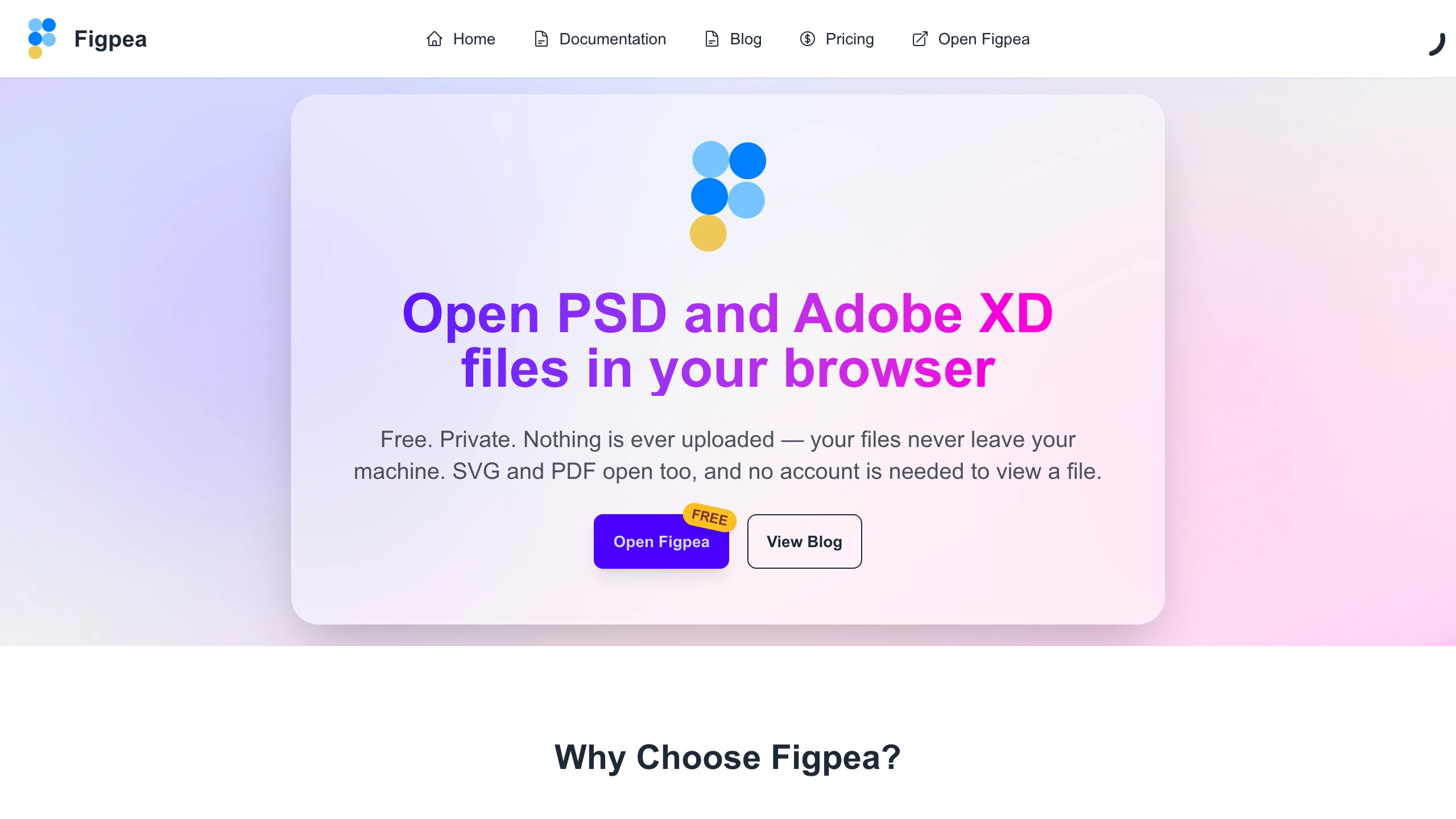
Figpea lets you open and edit design files — Photoshop (PSD/PSB), Adobe XD, SVG, PDF, and more — right in your browser. There's nothing to install, no sign-up to look at a file, and nothing is ever uploaded: your files stay on your machine. This is a big release, so here's a tour of what changed.
Editing is now free
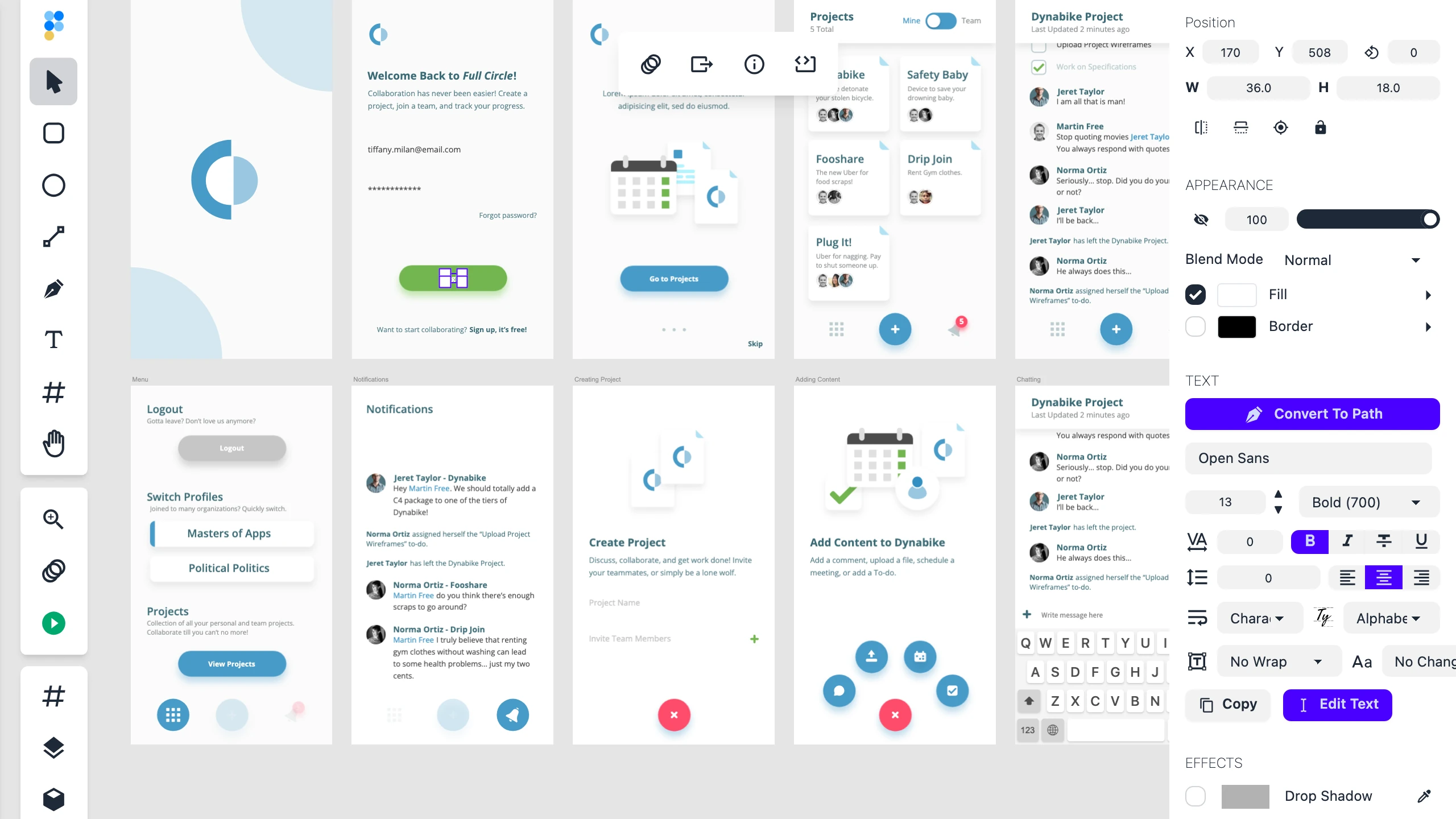
The headline change: editing is free for everyone. Open a PSD or XD file, then move layers, edit text, draw shapes, and reshape your design — no account, no upgrade, no catch. Figpea has always been able to edit files; now it's official, with the tools unlocked for every visitor, including anonymous ones.
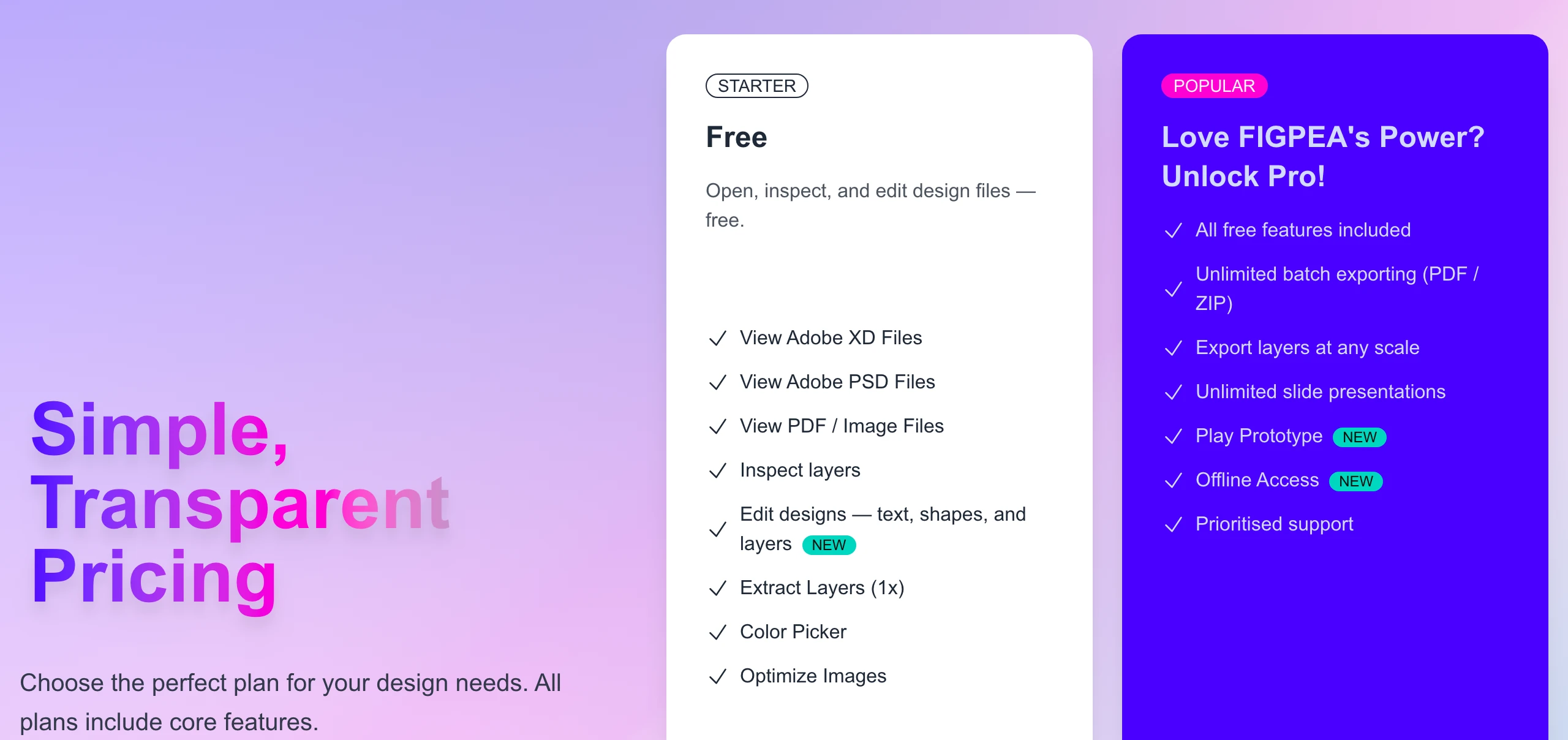
That makes the free tier genuinely useful on its own — viewing, inspecting, and editing any supported file. Pro is now focused squarely on power-user workflows: batch-exporting to PDF or ZIP, extracting layers at any scale, and running unlimited presentations. We also tidied up the pricing page so what you see is what you get.
Open more file types — including early Figma support
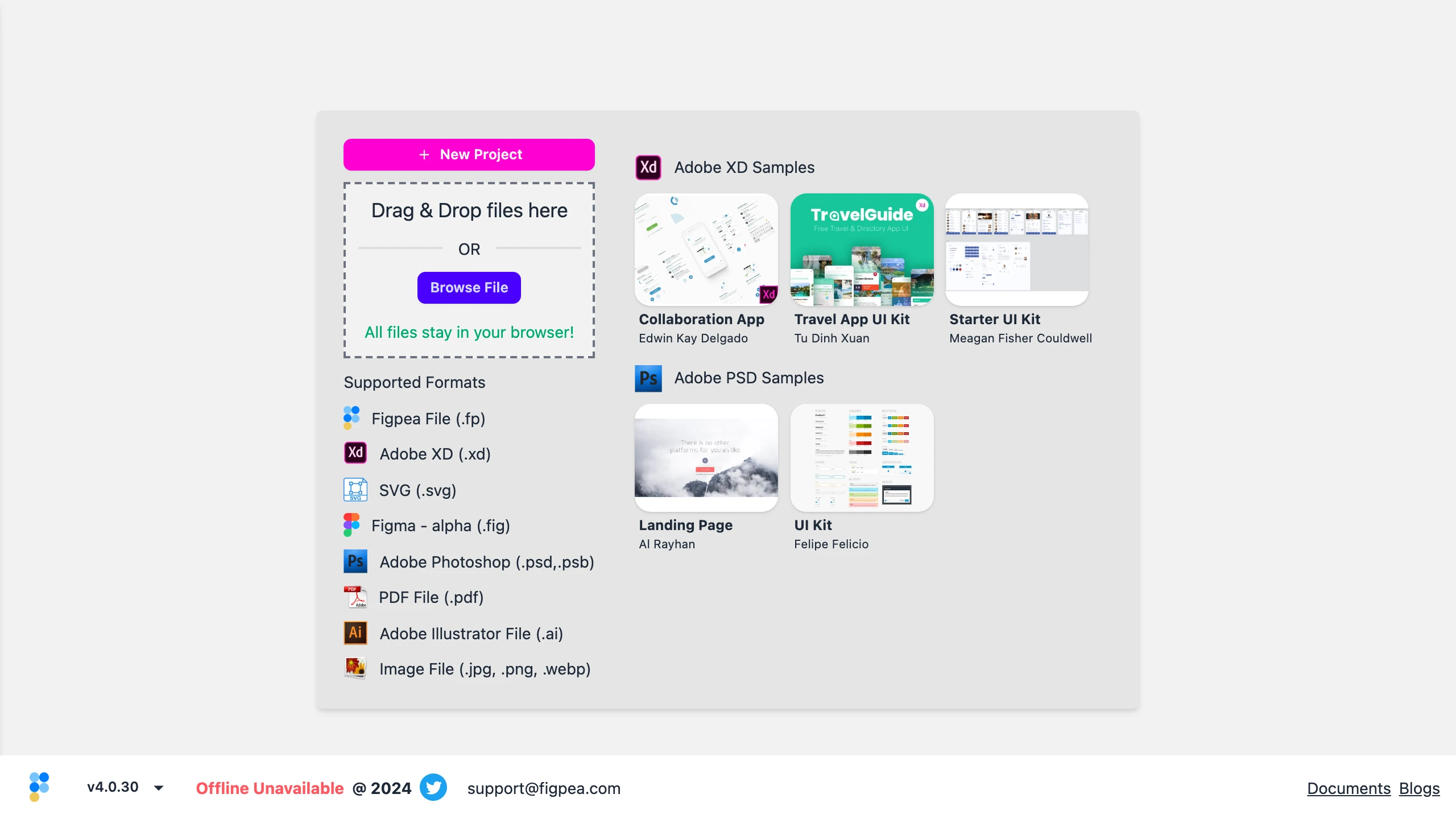
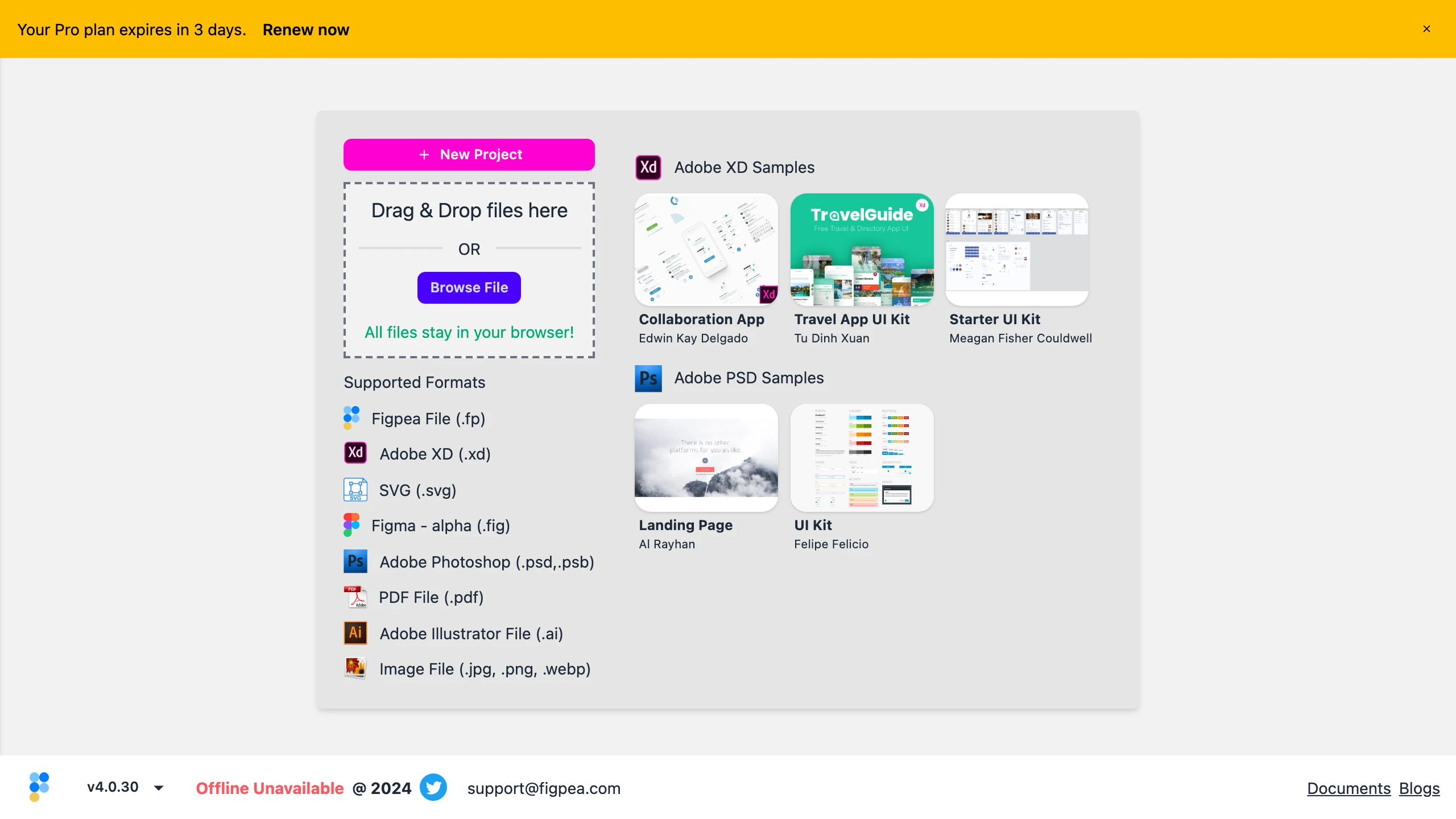
Figpea opens a wide range of design and image formats, all locally in your browser:
- Adobe Photoshop (.psd, .psb) — layers, text, masks, and effects
- Adobe XD (.xd) — one of our most mature and highest-fidelity formats
- SVG (.svg) and PDF (.pdf)
- Adobe Illustrator (.ai) and common images (.jpg, .png, .webp)
- Figma (.fig) — early and experimental
We've kept hardening our Figma (.fig) support. You can open a Figma file and explore what's inside — pages, frames, text, vectors, images, and gradients — across a much wider range of real-world files than before. And multi-page files now lay themselves out side by side instead of piling up: previously every page in a .fig stacked at the same spot, which made a multi-page file impossible to read; now the pages tile out like a contact sheet, the way XD artboards already do.
This is still an early, experimental capability — you'll see it labeled "alpha" in the app. It's built to let you read the structure of a .fig, not to reproduce it pixel-for-pixel, and there's no saving back to Figma. If you mostly work in XD, PSD, or SVG, those remain the most polished experiences.
Sharper SVG gradients and shapes
Imported SVGs render more faithfully this release. Gradients defined in user-space coordinates (gradientUnits="userSpaceOnUse") now use the correct geometry — including gradients applied to a whole group of shapes, which previously could come out flat or misplaced — and shapes like circles now decode with the right position and size, including under viewBox scaling. If you've opened an SVG that looked slightly off, it's worth another try.
Leaving Adobe XD? Get your files out
Adobe XD is winding down, and there's no official way out. Figpea opens .xd files in your browser with full access to every artboard and layer — no account needed just to open and inspect your work.
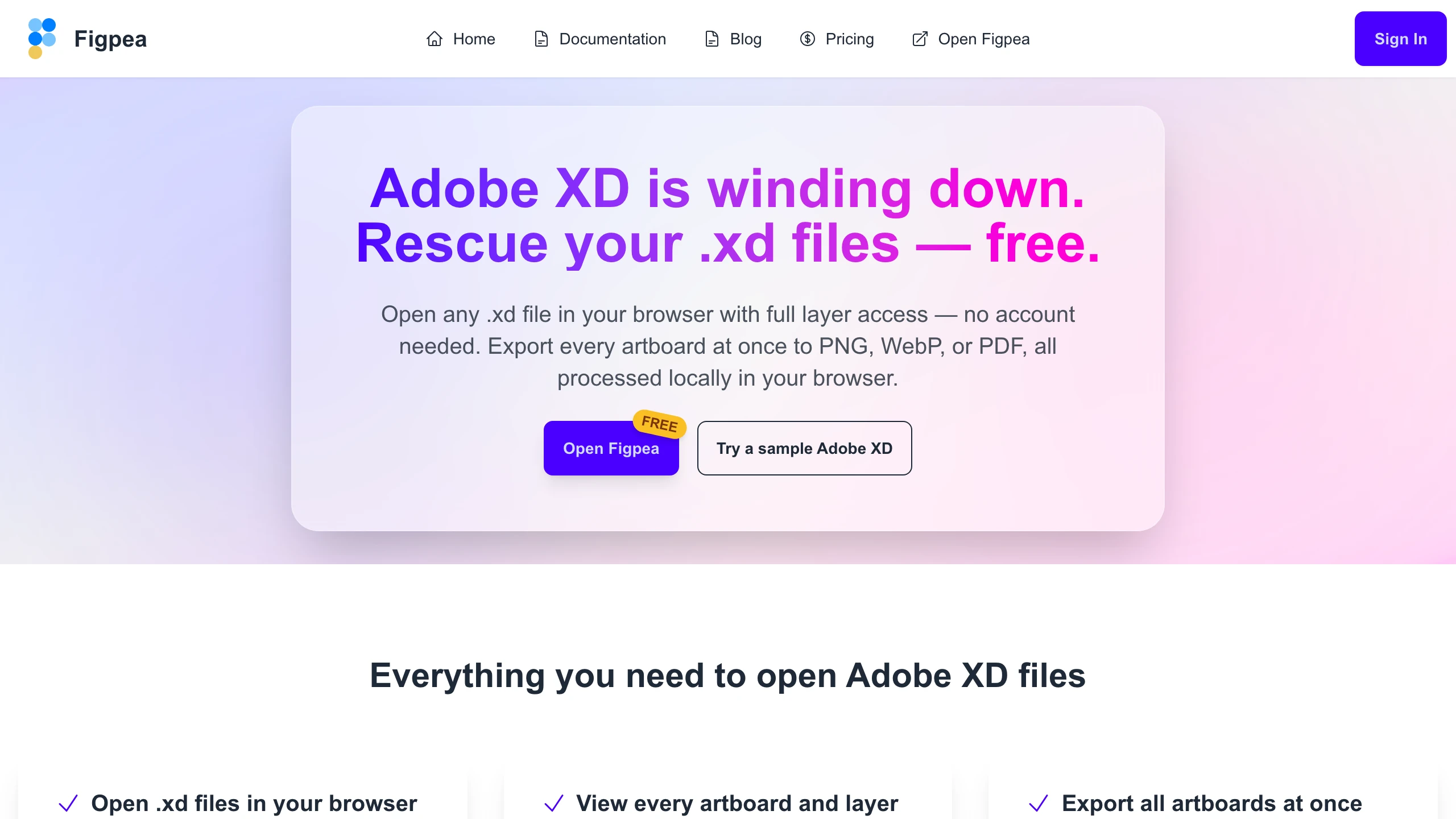
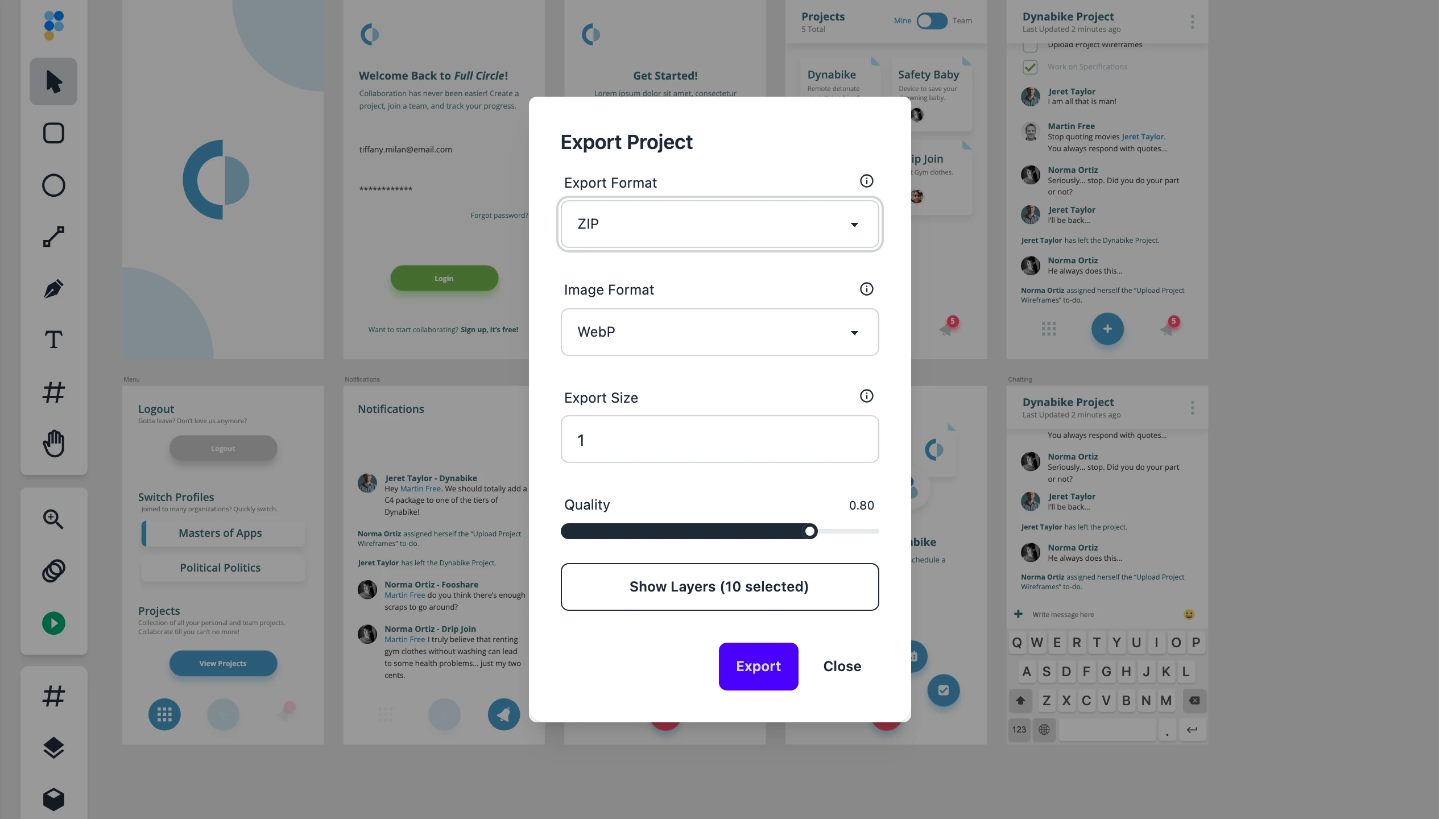
When it's time to move on for good, open your file from our new XD rescue page and Figpea sets the export up for you: every artboard pre-selected, ready to download as a ZIP — or as PNG, WebP, or PDF — all processed locally in your browser. Opening and inspecting your file is always free; exporting every artboard in one batch is a Pro feature.
Open a file straight from a link
Figpea can now open a file directly from a link — pass a file's address in the URL and it loads automatically, with no manual drag-and-drop. It's a small thing that makes Figpea easy to share and to plug into your own workflows. And when you arrive with a file to open, it opens front and center: a promo prompt never lands on top of the project you just opened.
When a file won't open, you'll know why
Fidelity is the whole point, so we made failures loud instead of silent. However you open a file — drag-and-drop, the file picker, a link, or a sample — if it can't be opened, Figpea now shows a single, clear message that names the kind of file it was and why it didn't work, instead of leaving you staring at a blank editor.
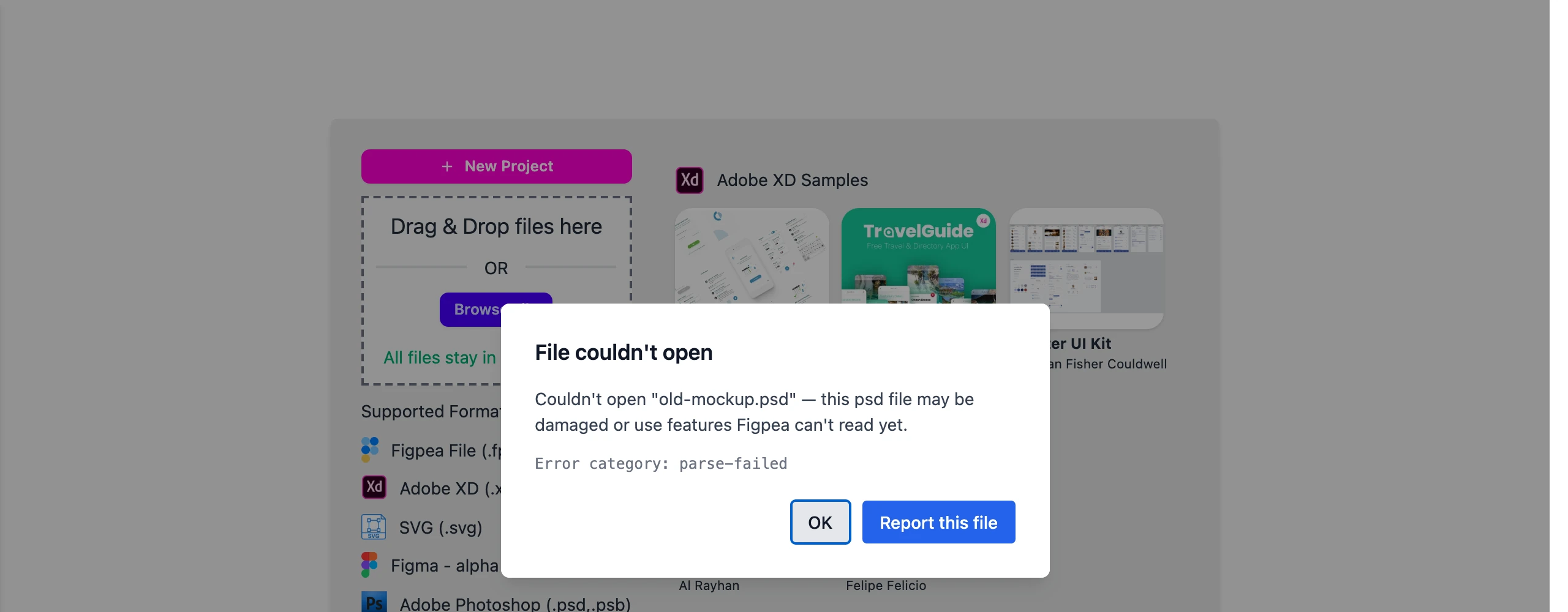
If you hit a file that should have worked, you can report it right from that message. Figpea first shows you exactly what would be shared — a short diagnostic summary of the failure, never the file's contents — and only sends anything if you agree. Your file itself never leaves your machine.
A fresh home, and a page just for PSD files
We rebuilt the homepage around what Figpea does best: open PSD and Adobe XD files in your browser, privately, with nothing uploaded. We also added a focused page for one of the most common reasons people find us — opening a PSD without Photoshop — and you can try it instantly with a built-in sample file.
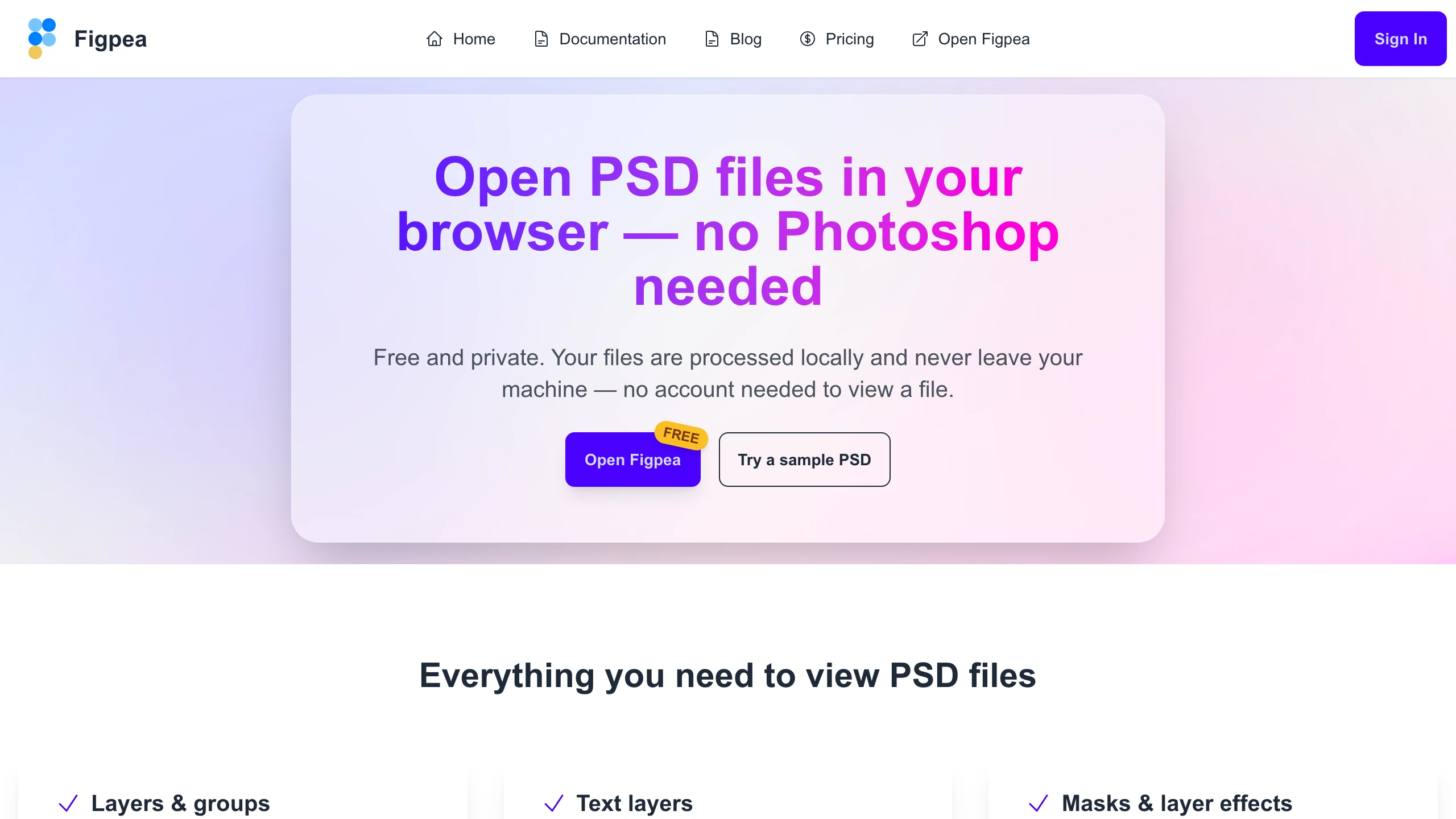
Sharing a Figpea link looks right now, too: links unfurl on Slack, X, LinkedIn, and Discord with a proper preview card instead of a broken thumbnail.
Your Pro plan follows you into the editor
If you upgrade to Pro, signing in on figpea.com now reliably unlocks your Pro features in the editor as well — your plan is recognized across both the website and the app, with no extra steps. And if your Pro plan is close to expiring, the editor now gives you a friendly heads-up with a one-click link to renew, so nothing lapses by surprise.
Under the hood
We also spent this cycle on the parts you don't see but always feel: a big investment in automated testing across both the editor and the website, a self-contained PSD parser we now maintain in-house, a round of dead-code cleanup and a pass to get the editor codebase to zero type errors, and tighter checkout privacy — your email address no longer travels in the checkout URL. Small things that keep the features above stable release after release.
Try it
Everything here is live now. Open Figpea, drag in a PSD, XD, SVG, or PDF — or a Figma file — and start editing, for free. Prefer to kick the tires first? Load one of the built-in sample files. When you're ready for batch export, any-scale layer extraction, and unlimited presentations, Pro has you covered.