 Figpea
Agent API
window.figpea is Figpea's curated, versioned, JSON-serializable command surface for agents and other external tools. It wraps the editor's design primitives (layer creation, mutation, history, export) behind a small, stable API, and it is available only when the ?agent=1 query parameter is present on the editor URL -- open https://editor.figpea.com/?agent=1 (or your local dev build with the same flag) and the API attaches shortly after the app's initial render.
Every method returns a structured result -- { ok: true, value } on success, or { ok: false, code, message } on failure -- and never throws across the boundary, so always check ok before touching value. Layers are addressed by string id; there are no live proxy references, so every returned value is plain, JSON-serializable data you can log, diff, or hand back to a model.
Documents window.figpea contract version 5.4.0, fetched at build time from the deployed editor — so this stamp always states what the editor is actually serving, and the history below documents every version. Looking for the MCP setup guide or client configuration? Visit AI Agents.
Tier-1 recipe
The end-to-end loop for driving Figpea programmatically: open the editor with ?agent=1, call figpea.describe() to discover the live surface, author and refine layers, take a screenshot with your browser-automation MCP (Playwright MCP, Chrome DevTools MCP, or similar) and read figpea.session.layerTree() back to see what actually changed, then iterate.
The block below is the canonical, executable Tier-1 recipe. Wait for window.figpea to exist, then run await figpeaTier1Recipe(window.figpea):
// Figpea agent Tier-1 recipe — runs in a live editor tab opened with ?agent=1.
// Each call returns { ok, value } | { ok:false, code, message }; we throw on
// failure so any drift between these docs and the live API surfaces loudly.
async function figpeaTier1Recipe(figpea) {
  const must = (r, label) => {
    if (!r || r.ok !== true) {
      throw new Error(`${label} failed: ${r && r.code ? r.code : "no result"}`);
    }
    return r.value;
  };

  // 1. Discover the surface — an agent's first call.
  const manifest = figpea.describe();
  if (!manifest || !manifest.session || !manifest.layer) {
    throw new Error("describe() did not return the expected surface groups");
  }

  // 2. Author: a fresh project with a page, a rounded rectangle, and a caption.
  await figpea.session.newProject();
  const page = must(await figpea.layer.create("page", {
    name: "Recipe Page", pageWidth: 400, pageHeight: 300,
  }), "create(page)");
  const rect = must(await figpea.layer.create("rect", {
    parentId: page.id, x: 40, y: 40, rwidth: 160, rheight: 90,
    style: { fill: "#4f46e5", cornerRadius: 8 },
  }), "create(rect)");
  const label = must(await figpea.layer.create("text", {
    parentId: page.id, x: 40, y: 160, text: "Made by an agent",
  }), "create(text)");

  // 3. Refine.
  must(await figpea.layer.move(rect.id, 20, 0), "move(rect)");
  must(await figpea.layer.stylePatch(label.id, { fontSize: 24, fill: "#111827" }), "stylePatch(label)");

  // 4. Read the tree back — this is what you'd screenshot with your MCP, then iterate on.
  const tree = must(await figpea.session.layerTree(), "layerTree()");
  return { pageId: page.id, rectId: rect.id, labelId: label.id, tree };
}
The recipe returns { pageId, rectId, labelId, tree }. tree is the same shape as figpea.session.layerTree()'s result -- walk it to confirm the three created layers are present, then continue the screenshot-and-mutate loop from there. For an isolated visual check without leaving your browser-automation MCP's own screenshot step, figpea.canvas.screenshot() is the in-contract feedback-loop alternative documented under figpea.canvas below.
API reference
The full surface: figpea.version and figpea.describe(), then the eight groups -- figpea.session, figpea.layer, figpea.history, figpea.export, figpea.canvas, figpea.report, figpea.interaction, and figpea.component.
figpea.version
Type: string
Current API contract version (semver), independent of the product version. Value: 5.4.0.
Breaking changes by contract version
Rows below that sit above the stamp at the top of this page describe versions that are newer than the currently deployed editor and ship with its next release. The rows are hand-written; only the stamp above is generated.
- 0.16.0 (AGENT_API_CONTRACT_VERSION):
figpea.describe()delivery shape change — bare call returns compact index; dotted selector drills into full schemas. - 0.31.0 (AGENT_API_CONTRACT_VERSION):
setPositionandrotatemechanics realigned from raw matrix translate to visibleboundstop-left and center pivot. - 1.0.0 (AGENT_API_CONTRACT_VERSION): MAJOR:
layer.createshape-origin parameters (x,yfor rects;cx,cyfor ellipses) removed from creation schemas. Callers must pass position viasetPosition(id, {x, y})ortransform. - 1.2.0 (AGENT_API_CONTRACT_VERSION): Declared mask model verbs (
setMask,clearMask) and property read-backs (mask,maskedBy). - 1.3.0 (AGENT_API_CONTRACT_VERSION): Parameter validation for
openFile(non-hanging fast failure), error-code catalog alignment, and asset harvest discovery sync. - 1.5.0 (AGENT_API_CONTRACT_VERSION): Added PSD layer effect support for gradient overlay, pattern overlay, outer glow, and inner glow via style patch keys.
- 1.6.0 (AGENT_API_CONTRACT_VERSION): Widened the
blendModeenum from 16 to 27 members (PSD blend-mode-engine compositor operators) — see theBlend mode:bullet understylePatchbelow for the full accepted list. - 1.7.0 (AGENT_API_CONTRACT_VERSION): Completed
.figdiagnostics coverage across decoders and retired the partial-coverage caveat. - 1.8.0 (AGENT_API_CONTRACT_VERSION): Multi-stroke layer and gradient stroke agent API support — see the
strokesbullet understylePatchbelow. - 1.9.0 (AGENT_API_CONTRACT_VERSION): On-demand Google Fonts auto-resolution when
fontFamilyis set viacreate/stylePatch,session.waitForIdle()awaits in-flight font fetches, and truthfulsubstitutedfield inreport.summary()/report.fonts()(REQ-716). - 1.10.0 (AGENT_API_CONTRACT_VERSION): Additive — adds
figpea.SKILL(selector?), the runtime craft-guidance reference surface, plus one additiveskillkey ondescribe()'s bare compact index advertising it. No existing member changes (REQ-705). - 1.11.0 (AGENT_API_CONTRACT_VERSION):
layer.create()now validates geometry prop values, not just which keys apply to a kind — a presentrwidth/rheight/rx/ry/x2/y2/pageWidth/pageHeightthat isn't a finite number, orpointsnot shaped as a non-empty array of{x,y}objects with finitex/y, is rejected with the newinvalid_geometryerror code, naming the offending prop and the expected shape — nothing is created. A successfulcreate()(ok: true) now guarantees finitebounds. - 1.12.0 (AGENT_API_CONTRACT_VERSION): Additive —
figpea.layer.create()defaults shape layers ('rect', 'ellipse', 'polygon', 'path') to a visible neutral grey fill (#d9d9d9), matching the UI shape tools and resolving the invisible-on-white-artboard default-fill defect. Re-pointed from this branch's original1.11.0claim at post-PASS rebase — REQ-718 (above) landed its own site sync tomainfirst from the same1.10.0baseline, so1.12.0is the next-free additive minor (REQ-715). - 1.13.0 (AGENT_API_CONTRACT_VERSION): Two halves of one fix. (1)
session.layerTree()/layerById()never throw across the boundary anymore — a layer whose bounds cannot be computed reportsbounds: nullplus aboundsErrordiagnostic instead, and every other layer in the project keeps serializing normally (previously, one such layer permanently made both methods throw for the whole project). (2)layer.create('path', ...)now validates that a presentpathvalue actually parses to usable SVG geometry — a malformeddstring is rejected with the existinginvalid_geometryerror code (no new code), naming"path", before anything is created; an empty string and any validdkeep working exactly as before. Re-pointed from this branch's original1.12.0claim at post-PASS rebase — REQ-715 (above) landed its own site sync tomainfirst from the same1.11.0baseline, so1.13.0is the next-free additive minor (REQ-719). - 1.14.0 (AGENT_API_CONTRACT_VERSION): Additive — three new
figpea.layer.*methods for the Paint tool's region-fill model:getRegionFills(id),setRegionFill(id, regionKey, fill),clearRegionFill(id, regionKey)— see the dedicated section below. Plus two new error codes,not_a_path_layerandinvalid_region_key(REQ-649). - 1.15.0 (AGENT_API_CONTRACT_VERSION): Additive —
session.renameProject({ name })added, so the active project can be renamed through the agent API (REQ-721). - 1.16.0 (AGENT_API_CONTRACT_VERSION): Additive — one new
figpea.layer.setAutoLayout(id, patch)mutator - 2.25.0 (AGENT_API_CONTRACT_VERSION): Additive — 8 bumps since 2.17.0: nested numerics (
pageWidth/rwidth/pos/matrix/batchargs) nownumber/arraywith coercion, batch contract{method, args}documented +invalid_paramsper-op, imagekind=image url:dataURIcreates,openFile({url,type})honourstype, vector surface expansion, plus Figma-parity selection (selectRelative,findMatching,same*Askeys, auto-layout). All additive,envVersionstays 2. (REQ-749,750,752,753,754,758,770,773,803,812,869-873,1011,1021). for group stack layout. Takes a partial object patching the group'sautoLayoutfield:mode: "none" | "horizontal" | "vertical"(clear a stack withmode: "none"),itemSpacing?: number,padding?: { top?, right?, bottom?, left? },primaryAxisAlign?: "min" | "center" | "max" | "space_between" | "space_evenly",counterAxisAlign?: "min" | "center" | "max",primarySizing?: "fixed" | "resize_to_fit",counterSizing?: "fixed" | "resize_to_fit". Validates before mutating — unknown alignment, negativeitemSpacing, or a non-group (LayerType.folder) target returns the standarderr()shape with an actionable message and leaves the layer unmodified. No mutator is exposed for deferred fields (wrap,childGrow,positioning,counterAxisSpacing, grid) that REQ-743's engine does not honour. (REQ-745; seesetAutoLayoutbelow.) - 1.17.0 (AGENT_API_CONTRACT_VERSION): Additive — one new
figpea.session.selectRelative(relative)— moves the selection relative to the current selection, mirroring the keyboard Enter / Shift+Enter / Tab / Shift+Tab paths, including Q2 composite (common-parent else no-op; Enter/Tab from first-member collapse), Q3 top-of-tree no-op (never selects Page), and Q4 same-parent panel-order wrapping, with the same lastChildMap drill memory and panel-sync via chooseLayer (REQ-750). - 1.18.0 (AGENT_API_CONTRACT_VERSION): Additive —
figpea.component.placeInstance(componentId, position?)now accepts an optionalposition?: { x: number, y: number }(finite numbers, canvas/world coordinates at the drop point). When supplied, the instance is parented per the active-page convention and positioned so the drop point lands at the instance's centre, selected on creation, as one undo step, without moving the camera. When omitted, behavior is byte-identical to the pre-REQ placement (same target page — the master's own page viaresolveInstancePlacementParent— same cascade offset, same selection, same no-camera-move) (REQ-741). - 1.19.0 (AGENT_API_CONTRACT_VERSION): Additive — one new
figpea.session.layersAtPoint(x, y)— returns every visible layer whose precise geometry contains the given world-space point, ordered front-most first in Layers-panel display order; the programmatic oracle for the canvas right-click "Select layer" submenu (both surfaces read the same enumeration, so API output and menu stack are identical by construction). Locked layers are included, hidden subtrees are excluded, and an empty array is returned when nothing contains the point. Re-pointed from this branch's original1.18.0claim at post-PASS rebase — REQ-741 (above) landed its own site sync tomainfirst from the same1.17.0baseline, so1.19.0is the next-free additive minor (REQ-751). - 1.20.0 (AGENT_API_CONTRACT_VERSION): Entry-time argument validation across every registered method. A supplied argument whose top-level type diverges from the method's declared schema now returns a structured
{ ok: false, code: "invalid_params" }result naming the method, parameter, expected type, and received type — e.g.setSelection(): ids must be array (got string)— before any implementation code runs. Previously a wrong-typed argument threw a raw TypeError inside the implementation body, which the bridge degraded to an undebuggablebridge_client_error("e.map is not a function"). The never-throws contract above is unchanged in wording and now enforced everywhere it applies: methods whose descriptors declare no parameter types behave exactly as before (pass-through),undefinedarguments stay "not supplied", valid calls are unaffected, and nested content validation remains each method's own concern (REQ-770). - 2.1.0 (AGENT_API_CONTRACT_VERSION): Additive — one new
figpea.session.findMatching(layerId)— returns every layer on the seed's page matching the Figma-parity "Select matching layers" rule: two instances of one component master always match; otherwise same layer type + exact name + size within ±1 project unit + offset-from-top-level-ancestor within ±1 + identical relative path of sibling indices from the top-level ancestor. Locked and hidden layers never match, the search never crosses a page boundary, and the seed itself is always included. Reads the same core collector the UI command (Edit menu / Opt+Cmd+A) selects through, so the returned ids are exactly the UI selection, by construction. Unknown id →not_found; an ineligible seed (top-level layer with no containing frame/group) → empty array. (Provenance: originally pinned1.22.0; re-pinned2.1.0at the pre-merge rebase because v3 mainline consumed2.0.0BREAKING for REQ-754 while this branch was in flight.) - 2.2.0 (AGENT_API_CONTRACT_VERSION): Additive —
figpea.session.find's selector gains seven reference-id keys —samePropertiesAs,sameFillAs,sameStrokeAs,sameEffectAs,sameTextPropertiesAs,sameFontAs,sameComponentMasterAs— each naming a layer whose property becomes the reference value, matching every layer that shares it under Figma's "Select all with same…" semantics with the exact comparators, whole-document scope, and locked/hidden exclusions of the Edit ▸ Select All with Same commands. Keys AND-combine; a non-string value or an unresolvable id returnsinvalid_selector; unknown selector keys stay rejected; no new error code. (Provenance: originally pinned1.21.0; re-pinned2.2.0at the merge-time rebase because v3 mainline consumed1.21.0-2.1.0(REQ-771/754/757) while this branch was in flight.) (REQ-758 — see thefindsection above for the full semantics). - 2.14.0 (AGENT_API_CONTRACT_VERSION): Re-seed the public SKILL.md bootstrap artifact byte-identical to the v3 SKILL.md source and sync
public/llms.txtcontract stamp (site drift re-pin, REQ-1002 T3). - 2.17.0 (AGENT_API_CONTRACT_VERSION): Additive —
layer.create("image")gains deferred placeholder support ({deferred: true}creates a solid placeholder thatsetImageFillcan target). (REQ-865). - 2.27.0 (AGENT_API_CONTRACT_VERSION): Additive — new
figpea.layer.setLocalPosition(id, {x, y})parent-local counterpart tosetPositionfor page-local intent on auto-placed pages;layer.createandlayer.setPositiondocs now warn about auto-placement trap and cross-referencesetLocalPosition. (REQ-1042). - 2.28.0 (AGENT_API_CONTRACT_VERSION): Patch — restores rect
x/yand ellipsecx/cyas construction-only defaults folded intotransformto unblock callers pending coordinatedsetPositionmigration; no new method, surface hash22fa29c780d3d06cc3a5ba15ac182d653e553687ae27944977a60e9714444407. (Janitor 2026-09-01). - 2.29.0 (AGENT_API_CONTRACT_VERSION): Additive —
layer.stylePatch/layerTree()/layerById()style surface gainsfillOpacity(Photoshop fill opacity — scales only the layer's own fill/pixels, never its effects; alongsideopacity) — see theTransparency:bullet understylePatchbelow. (v3 REQ-529; Janitor 2026-09-04 successor-sync). - 2.30.0 (AGENT_API_CONTRACT_VERSION): Changed —
layer.setPositionandlayer.rotateoperate on a layer's visible box (itsbounds) rather than its raw transform translate. Coordinate space:setPositionis world coordinates (not parent-local) — contrastcreate'stransformwhich is parent-local;setPositionalso acceptsspace:"local"for parent-local placement (same assetLocalPosition);createnow echoes{id, name}. (v3 REQ-857; Janitor 2026-09-05 successor-sync). - 2.31.0 (AGENT_API_CONTRACT_VERSION): Patch —
report.summary()/fonts()and the Assets panel Text Styles section resolvemissingLocallythrough one shared predicate, so user-uploaded, built-in/bundled, and Google-manifest-matched families all read as available and both surfaces always agree;summary/fontsdocs now state the built-in meaning. No new method, no new error code. (v3 REQ-514; Janitor 2026-09-06 successor-sync). - 2.32.0 (AGENT_API_CONTRACT_VERSION): Additive —
layer.create("arc")gains ring mode: a presentsweepselects{rx, ry, startAngle, sweep}intent authoring (fractions of a turn, 0 = 12 o'clock clockwise, stroked centerline, sweep 1 = closed ring); absent keeps the legacy degree donut unchanged;endAngle+sweepis rejected. (v3 REQ-816; Janitor 2026-09-06 successor-sync). - 2.33.0 (AGENT_API_CONTRACT_VERSION): Additive —
layer.create("icon")promoted to the curated 30-glyph set withsizescaling to rendered pixels; unknown names rejected withinvalid_params. (v3 REQ-817; Janitor 2026-09-07 successor-sync). - 2.34.0 (AGENT_API_CONTRACT_VERSION): Doc-only —
session.waitForIdletimeoutdocumented explicitly in milliseconds (default 10000 ms); wire semantics unchanged. (v3 REQ-822; Janitor 2026-09-07 successor-sync). - 2.35.0 (AGENT_API_CONTRACT_VERSION): Additive — first-class page background fill:
stylePatchon a page id routesfill/fillTypethrough page-fill validation,setPageFillrejects unparseable colors withinvalid_style_value. (v3 REQ-827; Janitor 2026-09-07 successor-sync). - 2.36.0 (AGENT_API_CONTRACT_VERSION): Additive — error + doc teach prop placement:
layer.create'sinvalid_transformrejection appendsDid you mean style.<key>?for offenders that are known style keys, andlayer.stylePatch'sunsupported_style_keyrejection appends acreate()top-level pointer for known create-level props;layer.createdoc states the placement rule with a workedstyle.fontFamilytext example. No new method, no new error code. (v3 REQ-807; Janitor 2026-09-08 successor-sync). - 2.37.0 (AGENT_API_CONTRACT_VERSION): Additive —
canvas.setViewportgains the{x, y, width, height}frame-a-rect form (exact contain, no padding) alongside{x, y, zoom}(unchanged); pre-write validation returnsinvalid_paramswith the camera untouched instead of NaN-poisoning it, andgetViewportreports degenerate camera state asinvalid_geometry. No new method, no new error code. (v3 REQ-830; Janitor 2026-09-08 successor-sync). - 2.38.0 (AGENT_API_CONTRACT_VERSION): Additive — text
tabStopsaligned-stop style key ({position, align: left|center|right}[]) onstylePatch/create/serialize, rendered by shared tab-stop layout across measure/canvas-draw/SVG-export; malformed stops rejected withinvalid_params. Style surface grows to the full 44-key round-trip. (v3 REQ-832; Janitor 2026-09-08 successor-sync). - 2.39.0 (AGENT_API_CONTRACT_VERSION): Doc-only —
letterSpacing/lineHeightunits pinned and published: Tracking in thousandths of em (default 0), Leading in px (must be > 0); wire semantics unchanged. (v3 REQ-1087; Janitor 2026-09-12 successor-sync). - 2.40.0 (AGENT_API_CONTRACT_VERSION): Additive — two new
figpea.layer.*methods on the existing layer group (no new group):markSheet(id)/unmarkSheet(id)for the sheet registry. (v3 REQ-1133; REQ-1019 T5 successor-sync). - 2.41.0 (AGENT_API_CONTRACT_VERSION): Doc-only — agent text-wrap contract published:
fixWidthgains the wrap-trigger doc on thestylePatch/create('text')/measureTextdescribe schemas; wire semantics unchanged. (v3 REQ-1109; Janitor 2026-09-13 successor-sync). - 2.42.0 (AGENT_API_CONTRACT_VERSION): Additive —
figpea.layer.setAutoLayoutaccepts page targets in addition to groups, with the same validation/merge/no-op/single-undo semantics; targets that are neither group nor page still returnnot_a_group. No new method, no new error code. (v3 REQ-1150; Janitor 2026-09-21 successor-sync). - 2.43.0 (AGENT_API_CONTRACT_VERSION): Additive — style-key widening for two decoded PSD effects:
bevelEmboss(ebbl: highlight/shadow color+opacity+blend, inner style, blur/soften, light angle) andsatin(ChFX: color, blend, opacity, angle/distance/blur, invert) joinSTYLE_PATCH_WHITELIST— readable vialayerTree()/layerById()understyle, writable viastylePatch/create, validated object-with-boolean-enabledlike the other effects. Style surface grows to the full 46-key round-trip. No new method, no new error code. (v3 REQ-1124; Janitor 2026-09-22 successor-sync). - 2.44.0 (AGENT_API_CONTRACT_VERSION): Additive — gradient fills gain the optional
radialMetrickey ('ellipse'default, per-axis radii, or'circle', short-side radius): stamped ONLY by the PSD decoder on radial gradients (Photoshop truth is circular); authored fills and SVG/Figma/XD imports never carry it, so their ellipse behaviour is untouched; unknown values rejected withinvalid_style_value. No new method, no new error code. (v3 REQ-1184; Janitor 2026-09-23 successor-sync). - 2.45.0 (AGENT_API_CONTRACT_VERSION): Additive — optional per-sheet scope
{ sheetIds }on the six whole-project export/report methods (export.specBundle/tokens/contactSheet/flowPoster,report.summary/copyDeck): absent scopes the whole file exactly as today, stale ids are skipped, all-stale succeeds with an empty enumeration;report.fonts()stays no-arg global. No new method, no new error code. (v3 REQ-1163; Janitor 2026-09-25 successor-sync). - 2.46.0 (AGENT_API_CONTRACT_VERSION): Additive — new
figpea.font.*group (listAliases/getAlias/setAlias/clearAlias): read and write the stored missing→replacement font-alias map over the editor's alias store.setAliasvalidates the replacement through the existing library chain (unresolvable family rejects with the newunknown_fontcode naming it) and re-resolves so canvas text repaints in the replacement in-session while layers keep the original name;clearAliasis idempotent and restores default substitution on next open. All four methods free, no entitlement gating. (v3 REQ-1200). - 2.48.0 (AGENT_API_CONTRACT_VERSION): Documentation only — no behavior change, no new method, no new error code.
layer.create's reference now states the per-kindx/yrule it previously only implied:x/yare not common props, and of all kinds only"rect"and"image"declare them, socreate("text", {x, y, text})is rejected withinvalid_transformand nothing is created (the same holds forpage/path/icon/arc/folder/polygon, whereellipsetakescx/cyandlinetakesx2/y2). The two exact ways to position a layer aretransform: [1,0,0,1,x,y]in the same call (parent-locale,f), orsetPosition(id, {x, y})/setPosition(id, {x, y, space:"local"})after creating it. (v3 REQ-1302; REQ-1302 T1 successor-sync.) - 2.47.0 (AGENT_API_CONTRACT_VERSION): Additive —
dropShadow/innerShadow/objectBlureffect objects gain the optionaltypediscriminator in thestylePatch/createdescribe shapes (single-valued enum per key); the store stamps it when absent, so typeless and explicit-type patches store byte-identical objects, and a mismatchedtyperejects with the existinginvalid_style_value. No new method, no new error code. (v3 REQ-1105; REQ-1165 T5 successor-sync). - 2.49.0 (AGENT_API_CONTRACT_VERSION): Documentation only — no behavior change, no new method, no new error code. The
figpea.componentundo claims are corrected to the measured behaviour after every affected method was measured rather than re-derived by analogy. Behavior change for callers who read the old wording:figpea.component.placeInstanceIS undoable on both paths — a singlefigpea.history.undo()fully reverses it whether or not you passedposition(the no-positionpath's step comes from the parentaddChild'schildrenmutation channel). The previous "NOT undoable" wording was an overcorrection of an earlier, also-wrong "one undo step", re-asserted in three earlier releases; workarounds built on it are no longer needed.figpea.component.addStatekeeps its NOT-undoable claim (re-measured at 0 undo steps; only its rationale changed).figpea.component.removeStateis now split by path: removing the active state records one undo step that only reverses theactiveStateIdfallback and does not restore the deleted state — treat it as one-way — while removing a non-active state records nothing. (v3 REQ-270; REQ-270 T7 successor-sync.) - 2.50.0 (AGENT_API_CONTRACT_VERSION): Additive --
session.openFilenow returns a specific code when a.fparchive is damaged, instead of the genericopen_failedevery decode failure shares:fp_entry_damagedwhen an archive entry's bytes disagree with the archive's own directory (a failed checksum, a declared size that does not match, or a bit-stream that does not decompress), andfp_entry_missingwhen a required entry (main.fpe/repo.json) is absent -- what a truncated download or a partial copy looks like. The accompanying message names the entry, the size the archive declared for it, and the size that actually came out. Both codes are returned for those two cases only: an unsupported format, an empty archive, a network failure and every other reason keep returningopen_failedwith its existing message. The.fpwriter is untouched -- this is purely about making an existing failure legible. No new method, no new group. (v3 REQ-1304; Janitor 2026-09-29 successor-sync.) - 2.51.0 (AGENT_API_CONTRACT_VERSION): Documentation only for the contract surface -- no new method, no new group, no new public code, no entitlement change. The three Photoshop bevel/emboss decode dispositions are now named in
report.diagnostics(): a recognised non-inner bevel style, an unrecognised bevel style, and an unrecognised bevel technique. Each still renders and keeps its bounds, painted with the profile the renderer covers -- so this is a reported approximation, not lost content. Two visible consequences: the three cases appear in the diagnostics channel atseverity: 'warning'under the existingrasterized_fallbackcode (no new code -- REQ-437's rule), andrasterized_fallback's scope widens from "SVG, XD and .fig" to include PSD. Because a documented approximation is not a fault, these no longer sit on the internal error channel beside genuine failures, so anerrin your console now means something actually went wrong. (v3 REQ-1362; Janitor 2026-09-30 successor-sync.) - 2.52.0 (AGENT_API_CONTRACT_VERSION): Additive, behaviour change -- no new method, no new group, no new error code, no
ENV_VERSIONor entitlement change.layer.createnow positions a layer in the same call for six more kinds:x/yare declared in the per-kind schema of"text","path","line","icon","arc"and"folder", joining"rect"/"image", and onecreate(kind, {x, y, ...})lands the new layer'sboundstop-left exactly on(x, y)in parent-local coordinates -- the same numbers on the same basis assetLocalPosition(id, {x, y}), so an agent no longer pays a second bridge round trip per non-rect element. Before this, onlyrectandimagecould be positioned in the call that created them. Three properties are decisions rather than details. It is the visible box that moves, not the transform'se,f: foldingtransform[4] = xis wrong for any kind whose local geometry origin is not its bounds top-left (apathwhosedstarts at 10,10, a glyph scaled bysize/24, anarccentred on its local origin), so placement is bounds-relative and happens after the layer is attached. The six new entries carry no default --default: 0would be a false claim about where those geometries start, so "nox/ysupplied" honestly reads as "no placement applied"; a missing axis is still0, matchingrect/image, and an explicittransformstill wins outright."rect"/"image"are numerically unchanged (their factories already foldedx/yin at construction, so the new step is skipped for them -- applying both would double-pan to(2x, 2y)), and that partition is published asCREATE_FACTORY_ORIGIN_KINDS."ellipse","polygon"and"page"keep rejectingx/ywith the existinginvalid_transform:ellipsehas its own centre-basedcx/cy,polygon.pointsis out of scope, andpageplacement is the auto-placement rulex/ywould silently disable. Onefigpea.layer.createremains one undo step -- the placement runs inside the history bucketcreatealready has open, deliberately not throughwithLayerTransaction, which would close a second bucket mid-call.create's result shape,types.d.ts,move/setPosition/setLocalPosition/setTransform/batchand every factory are untouched. (v3 REQ-1281; Janitor 2026-09-30 successor-sync.) - 2.52.1 (AGENT_API_CONTRACT_VERSION): Patch, behaviour change to one error message -- no new method, no new group, no new error code, and the published manifest is byte-identical, which is why this is a patch rather than a minor.
session.openFile'sopen_failedmessage now names the missing extension instead of blaming corruption. A bridge-served.fpwhose extension travelled only as a?path=query parameter arrived with a dotlessname, no decoder claimed it, and the agent was told "file may be corrupt, unsupported, or empty" about a byte-for-byte valid archive -- the one moment that message is read is the moment it is maximally wrong. The message now names the extension found on the path and thename:/type:value that resolves it (thetype:clause is resolved from the editor's own decoder registry and omitted when no decoder claims the extension, since thename:form always works). It fires only when the failure reason is one of the two that mean "no decoder claimed this" (unsupported-format,archive-no-supported-content) AND the name carries no extension AND a local path still says which extension it was -- so a genuinely corrupt file keeps the decode-failure wording that says "corrupt", and a remote-urlopen is untouched. Thecodeis stillopen_failedandERROR_CODE_CATALOGis unchanged. The relay half (figpea-mcp preserving the caller's stem plus the path's extension) is the package's own change. (v3 REQ-1283; Janitor 2026-09-30 successor-sync.) - 2.53.0 (AGENT_API_CONTRACT_VERSION): Additive, behaviour change -- no new method, no new group, no new error code, no
ENV_VERSIONor entitlement change, notypes.d.tschange (theDiagnosticrecord already carried its optionallayerId).report.diagnosticsgains a read-time RENDER report: every layer whose painted extent falls under one device pixel of the canvas being drawn is reported atseverity: 'warning'under the existing publicrasterized_fallbackcode, one entry per layer, naming the thin axis, the authored design-px extent and the device extent it actually covers -- so an agent can ask whether the renderer will substitute a layer's geometry instead of discovering it by measuring pixels. The internal coderender_sub_pixel_geometrymaps onto that existing public code, so per REQ-437's rule no new public code is minted and the generated MCP tool surface is byte-identical. The minimum-geometry guarantee itself -- one device pixel of the canvas being drawn, at the scale being drawn, snapped up and never dropped -- is now part of this document and ofreport.diagnostics's descriptor doc. The entries are evaluated at the default export scale of 1, so they are camera-independent by construction: a diagnostic that drifted with the editor camera would repeat the very defect it reports. (v3 REQ-1297; Janitor 2026-09-30 successor-sync.) - 2.54.0 (AGENT_API_CONTRACT_VERSION): Additive, behaviour change -- no new method, no new group, no new error code, no
ENV_VERSIONor entitlement change, notypes.d.tschange.figpea.component.addStateandfigpea.component.removeStateare both captured as exactly one undo step again, and onefigpea.history.undo()fully reverses either gesture. Before this,addStaterecorded zero steps,removeStateof a non-active state recorded zero, andremoveStateof the active state recorded one step that restored only theactiveStateIdfallback while leaving the state deleted -- so the Cmd+Z a user pressed after either deletion landed on whatever edit came before it, and the deletion itself was unrecoverable. Any workaround, or "treat this as one-way" assumption, built on the old wording is now wrong. The cause was one seam, not two symptoms: thestatesarray was written raw (push/splice) and a removed state layer was hard-deleted, so neither call entered the mutation channel the history stack reads, and the deleted layer was unreachable by id at replay time. Both writes now route through that channel, the removal unlinks the state layer instead of deleting it (so undo can resolve it by id again), and the two controller methods run inside one undo batch -- a gesture stays one step even though it performs two keyed writes. Deliberately unchanged: adding or removing whole layers is still not captured by the history stack, so this is a claim about thestatesarray and the active pointer -- what a user pressing Cmd+Z observes -- not about the detached layer object. The corrected semantics are published in theaddStateandremoveStateentries below and supersede the undo claims made in the 2.49.0 history row. (v3 REQ-1361; Janitor 2026-10-01 successor-sync.) - 2.55.0 (AGENT_API_CONTRACT_VERSION): Additive, behaviour change -- no new method, no new group, no new error code, no
ENV_VERSIONor entitlement change, notypes.d.tschange. The text-typography contract stops advertising a vocabulary it does not enforce and stops accepting one it cannot canonicalise.style.fontWeightaccepts the two standard weight numbers'400'and'700', inserted at their numeric slots beside the keywords they are the same weight as, so the nine pre-existing values keep their shipped order; both spellings are accepted, as a string or a number, andsplitStylePatchcanonicalizes every accepted spelling to the CSS keyword so the layer always stores'normal'/'bold'rather than the number (a stored'400'missed the font resolver's exact weight match and silently resolved to the wrong typeface).fontWeightalso gains its first-ever value check: an out-of-vocabulary weight ('reguar',450,0,-100) is rejected withinvalid_style_valuenaming the whole accepted list instead of being stored verbatim and mis-rendering.lineHeightrefuses the multiplier band: a value below1.5is rejected withinvalid_style_valuenaming px, stating thatlineHeightis absolute px and never a multiplier, and giving the worked conversionlineHeight = fontSize × multiplier—lineHeight: 1.0used to be stored as a PIXEL leading, stacking every line onto the one above it while the design still looked finished.400/700are numeric spellings ofnormal/bold, and no other key, renderer or shipped value changes. This row is the successor-sync the site's history was missing: mainline'sAGENT_API_CONTRACT_VERSIONwas2.54.0while v3 had already published2.55.0, soagentContractSyncreported a version drift before REQ-1311 landed (REQ-1308). - 2.56.0 (AGENT_API_CONTRACT_VERSION): Additive, behaviour change -- no new method, no new group, no new error code, no
ENV_VERSIONor entitlement change. The Photoshop bevel/emboss TECHNIQUE key is reconciled against the format rather than guessed.bevelEmboss.techniquegains the two shipped valuespreciseMatte(PrBL) andslopeLimitMatte(Slmt), so a file that uses them now round-trips as authored instead of falling back to a matte approximation; its NON-PAINTING render contract (a technique that paints nothing must not be treated as lost content) is documented, and the substitution is published as arasterized_fallbackwarning inreport.diagnosticsrather than being silent.report.diagnostics's descriptor doc string feeds the manifest hash, so the fingerprint entry moves with it (REQ-1286). This row is a successor-sync in its own right: it landed while REQ-1311's branch was in review, which is why this site moves2.54.0->2.57.0in one step and carries all three rows together — REQ-1308 for 2.55.0, REQ-1286 for this row, REQ-1311 for 2.57.0. - 2.57.0 (AGENT_API_CONTRACT_VERSION): Additive, behaviour change -- no new method, no new group, no new error code, no
ENV_VERSIONor entitlement change.layer.create("icon")gains a dedicatedglyphprop, so an icon can carry a real layer name.namewas overloaded: read once as the glyph selector inCREATE_KIND_SCHEMA.iconand again as the generic layer name in the common fields written bycreate()for every kind. Because the allowed-key set is a UNION, the overload was invisible to validation and the two readers simply fought --create("icon", {name: "hero-search-icon"})was rejected as an unknown glyph, so an icon could never carry a semantic name and two same-glyph icons were indistinguishable tofind({name}).glyphis the new, unambiguous selector (same curated set, same"heart"default; itsenumatparams.props.byKind.icon.glyph.enumis the catalogcreate()documents).nameis now the layer's own name and remains a glyph alias only for back-compat --create("icon", {name: "search"})still selects the search glyph exactly as before. A non-glyphnameis a layer name and leaves the glyph at its default; passingglyphtogether with a glyph-valuednameis rejected withinvalid_paramsnaming both props. The newglyphfield is published inbyKind, so the manifest hash moves and the fingerprint entry moves with it (REQ-1284). This row is a successor-sync: it merged while REQ-1311's branch was in review, which is why this site moves2.54.0->2.58.0in one step and carries four rows together -- REQ-1308 for 2.55.0, REQ-1286 for 2.56.0, REQ-1284 for 2.57.0, REQ-1311 for 2.58.0. - 2.58.0 (AGENT_API_CONTRACT_VERSION): Documentation only — no behavior change, no new method, no new error code, no
ENV_VERSIONor entitlement change. The publishedcreate()reference now names every kind the schema publishes, and its completeness claim is true. (1) The kind inventory is complete. Thecreate()section's kind sentence named nine kinds whiledescribe("layer.create").params.kind.enumpublishes eleven —"icon"and"arc"have shipped for some time —"arc"'s ring mode landed in2.32.0and"icon"'s curated 30-glyph set in2.33.0, so a reader met with a nine-kind list concluded they did not exist and paid adescribe()round trip to learn otherwise. The sentence now names all eleven, in schema order, and each has its own per-kind bullet:"icon"states the curated-glyphglyphcontract (default"heart", the authoritative list atparams.props.byKind.icon.glyph.enum,invalid_paramsnaming the offense on an unknown glyph,size, andx/yplacement) and"arc"states both modes (the legacy degree donut{r, startAngle, endAngle, thickness}and thesweepring mode{rx, ry, startAngle, sweep}, withendAngle+sweeprejected). (2) The exhaustiveness sentence is now true."image"declares eleven fields and its bullet documented nine —filePath?anddeferred?are now documented alongside the rest. The sentence is kept rather than softened into a scope disclaimer, andreq-1311-create-kind-inventory.test.ts(v3) plusreq-1311-agent-api-kind-inventory.test.ts(site) now check each doc's kind set againstCREATE_KIND_SCHEMA, so a future kind or field fails those suites naming itself instead of going stale the way this did. Also: the Position props paragraph above is the narrowed mirror of the publishedcreate.doc— it said "declared only in the per-kind schema of 'rect' and 'image' … and no other kind declares a position prop", which has been false for six kinds since REQ-1281; it now names all eightx/ykinds, says top-level rather than top-left (with"polygon"'spointscalled out as{x, y}vertex data nested one level down, not a placement), and itstext/folder/linebullets no longer contradict the rule printed beneath them. No behaviour changed:createSchema.tsandlayer.impl.tsare byte-identical, so"ellipse"/"polygon"/"page"still rejectx/ywithinvalid_transformand create nothing, and REQ-1302's assertions pass unmodified (REQ-1311). - 2.59.0 (AGENT_API_CONTRACT_VERSION): Additive, behaviour change -- no new method, no new group, no new error code, no
ENV_VERSIONor entitlement change.layer.setPositionandlayer.setLocalPositionaccept a one-axis move, sosetPosition(id, { y: 936, space: "local" })is legal. Before this, supplying a single axis came backinvalid_positionwith the message "setPosition(): {x,y} must be finite numbers (got {\"space\":\"local\",\"y\":936})" -- a rejection that accused the ONE finite number in the payload of being non-finite, because the validator conflated an absent axis with an invalid one. Becauselayer.batchis all-or-nothing, one such op rolled back a whole batch. Either axis may now be omitted and the omitted one is preserved, solved from the layer's worldboundsand the parent matrix (x = (b.left - c*Y - tx)/a) rather than read out of the parent-local rect: a local-rect read only zeroes the omitted delta when the parent's linear terms line up, so on a rotated parent it would pan the layer byc*dYand on a mirrored one bya*(L-R), sliding the layer in the world axis the caller never named. The preserved promise is the one published in WORLDbounds-- what both methods return and whatlayerById/layerTreeread back -- which is a DIFFERENT number from the parent-local coordinate on a rotated or mirrored parent. Sending both axes means no solve at all and the existing branches run byte-identically. Still rejected:{}, and any supplied non-finite axis, each with a message now naming the axis and the value it got instead of asserting a finite number is not finite;setPosition(id, { x: 1, space: "bogus" })is nowinvalid_paramsnamingspacerather than the old wronginvalid_position. New rejection: a parent rotated to within1e-12of +/-90 degrees (whereMath.cos(pi/2)is6.12e-17, so the axes are numerically swapped and no one-axis move is admissible) is refused withinvalid_positiontelling the caller to send both axes, rather than silently displacing the layer by ~1e18 world units.pos.shape.x/pos.shape.ybecomerequired: falseon both methods -- they are published verbatim into/agent/contract.json, which is whatfigpea-mcpgenerates its tool schemas from, so leaving them required would have every MCP client refuse the call the implementation accepts.layer.create's missing-axis-is-0 rule is deliberately not unified with this one: a layer that does not exist yet has no current position to preserve. (v3 REQ-1452; Janitor 2026-10-02 successor-sync.) - 2.59.1 (AGENT_API_CONTRACT_VERSION): Patch, behaviour change to four methods' call shape -- no new method, no new group, no new error code, and the published manifest is byte-identical, which is why this is a patch rather than a minor. Four implementations had a declared parameter list their own descriptors contradicted:
canvas.addGuide(opts),canvas.removeGuide(opts),canvas.addDimension(opts)andexport.assetHarvest(input)each took ONE container, whiledescribe()publishes two top-level params / one scalarid/ two point params / one scalarpreset, andtryUnwrapWrapper(registry.ts) expands the wrapper an agent actually sends into positional order before dispatch. So the documented call arrived asopts === "horizontal"(orundefined) and the four methods were unreachable through their own published shape:addGuide/addDimensionwere rejected for VALID input,export.project()/addDimension()/addGuide()rejected with a rawTypeError,removeGuide(id)answeredok: truehaving removed nothing (its filter compared every guide againstundefined), andassetHarvest({ preset: "ios" })silently exported thewebpreset. The five impl signatures now match the published contract positionally and each guard names the method, the parameter and the expected shape;export.project's absent-input guard is deliberatelynull/undefined-only soproject("pdf")andproject({})keep their exact existing answers, andassetHarvest's preset check stays behind itsexport.zipentitlement gate so an unentitled caller still seesentitlement_required. No descriptor moved, so nodoc/result/paramsstring moved andhashManifest(buildManifest())does not move. The class is closed by two standing guards rather than by this list: one enumerates the LIVE surface at run time and asserts no registered method rejects on a no-argument call, and one checks descriptor-vs-impl wire shape across all nine groups on two rules -- arity, and the arity-neutral container-vs-scalar-wire case that fails SILENTLY (arity alone finds two of the four; the other two returnok: trueand do the wrong thing). (v3 REQ-1381; Janitor 2026-10-02 successor-sync.) - 2.60.0 (AGENT_API_CONTRACT_VERSION): Additive MINOR (not a patch --
layer.batch's doc string and theERROR_CODE_CATALOGentry both feed the manifest hash, so the published manifest is not byte-identical and the fingerprint entry moved), behaviour change plus a new reserveddescribe()key -- no new method, no new group, no new error code, noENV_VERSIONor entitlement change. The per-call argument budget is now disclosed, and the refusal that enforces it names the real cause. The harness arg-size guard testedJSON.stringify(args).length > 22_000-- a condition that says nothing about images -- while its remediation was written entirely for images, so every oversized call was told to "stage bytes on a local CORS origin (http://127.0.0.1:... with ACAO:) or reuse projectImages + placeProjectImage instead of a data: URI"*. One design run's ~89-oplayer.batchof rect/path/text layers -- no image, no base64 -- tripped it, and the run spent round trips chasing a phantom image problem before splitting the batch; the same run hit it twice more (a 405-id delete batch, ~24 KB). Two defects, one cause: the22_000threshold was a private literal -- one place in code, prose in three -- so nothing an agent could read published it and the boundary was discoverable only by being refused; and the remedy was unconditional. (1) The threshold is now one exported constant read by the guard, both message shapes anddescribe(), so the disclosure cannot drift from the behaviour. (2) The refusal branches on whether the payload actually carries image bytes: an image-free payload is told the measured size, the limit, that nothing was applied, and to split the call -- with no CORS/data-URI clause; an image-bearing payload gets all of that plus the staging sentence, which is correct advice there and is not lost. (3) Thearg_size_exceededentry in the Error codes table above duplicated that image-only text verbatim and has been added here in its corrected form; the table previously claimed a complete set of codes while omitting this one entirely. (4)describe()publisheslimits--{"argsChars": 22000}on the bare compact index besideversion/errorCodes/skill, with adescribe("limits")drill selector mirroringdescribe("errorCodes")-- so an agent can size a batch up front instead of discovering the wall; see Per-call argument budget. The key isargsChars, notargsBytes: the guard measures UTF-16 code units ofJSON.stringify(args), and publishing that count as "bytes" would understate a non-ASCII payload's real wire size, steering an agent into the very truncation the guard exists to prevent. (5)layer.batch's own entry now states its budget and the split recipe, since that is the method where an agent actually hits it. The threshold value, the firing condition and the error code are unchanged -- this release changes what the refusal says and what an agent can read, never whether it fires; moving the cap is out of scope. The compact index gained a key but the protocol envelope did not, soENV_VERSIONstays 2. (v3 REQ-1432.) - 2.61.0 (AGENT_API_CONTRACT_VERSION): Additive MINOR (not a patch -- eleven new
docstrings pluscreate'sresultentry feed the manifest hash, so the published manifest is not byte-identical and the fingerprint entry moved), one documentation change plus one warn-only behaviour change -- no new method, no new group, no new error code, noENV_VERSIONor entitlement change. (1) The numeric style props now name their units. The three unintuitive units --letterSpacing(thousandths of em),lineHeight(absolute px) andfixWidth(wrap width in px) -- were already documented, but the eleven remaining numeric entries ofSTYLE_PATCH_SHAPEshipped as bare{type:'number', required:false}:strokeWidth,opacity,fillOpacity,cornerRadius,fontSize,dashArray,dashOffset,miterLimit,fixHeight,tabWidth,tabs. Each now carries adocnaming its unit outright, including the dimensionless ones --opacity/fillOpacityare0..1fractions and say so,miterLimitis a ratio ofstrokeWidthand says so.report.measureTextis the only surface that hand-copies the shape and therefore the only one that could have drifted; its three unit docs are now the same exported constants, byte-identical to the strings REQ-1087 and REQ-1308 shipped.layer.create's method doc also gains the no-fixWidthpoint-text/clip clause, appended to its last existing sentence rather than replacing it. (2) A measured-leading warning, deliberately NOT a rejection. A text layer created with astyle.lineHeightbelow the text's measured single-line height overprints every line after the first -- and nothing said so: the call returnedok:trueand the damage was visible only in a screenshot.layer.create's success result now carries an optionalwarning?: stringnaming the measured minimum and the px conversion; the layer is still created and still stores the value it was given. It is a warning and not a refusal on three pieces of shipped evidence: REQ-1308'slineHeight < 1.5rejection is a published row in this history and stays untouched (req-842-ac1-letter-spacing-lineheight.spec.tsassertsok:truefor1.8/2.0at the default size, which any measured minimum would reject);textLayermeasures through a canvas andprepareFontCtxfalls back toArialwhen the named family is not installed locally, so refusing on a fallback metric would be a false refusal; and loudness stays monotonic -- rejected below1.5, warned below the measured line, silent above it. The warning is silent when there is no leading, when the text is blank, and when the height could not be measured at all. No new method, no new group, no new error code, noENV_VERSIONchange. (v3 REQ-1436.) - 2.62.0 (AGENT_API_CONTRACT_VERSION): Additive MINOR (not a patch -- the new
fontFamilydoc string feeds the manifest hash, so the published manifest is not byte-identical and the fingerprint entry moved), documentation only -- no behaviour change, no new method, no new group, no new error code, noENV_VERSIONor entitlement change, notypes.d.tschange.style.fontFamilyis ONE installed family name, not a CSS stack.fontFamilyshipped as a bare string with nodocat all, andvalidateStylePatchhas nofontFamilybranch (its only string validator isvalidateFontWeight), so a comma-separated stack such as"Archivo Narrow, Archivo, sans-serif"was accepted, stored verbatim, and rendered as the fallback face -- while every call still returnedok:true. The cause is the renderer, which resolves a family as["'" + name + "'", "Arial"].join(","): a stack becomes ONE quoted family name that happens to contain commas, matches no installed face, and falls through to the trailingArial. The fix is to say so, not to implement a stack resolver -- rejecting a stack would break shipped behaviour (arbitraryfontFamilystrings are assertedok:truetoday) and real CSS-stack parsing is out of scope. One exported doc constant is bound to the shared style-patch shape, which is whatcreateandstylePatchboth read, so the rule cannot drift between them. The rule is mirrored verbatim into the runtimeSKILL()reference and this page, and is frozen once shipped, since four published copies assert it.report.fonts()is unchanged by this release: a value that is not a resolvable family is still reportedmissingLocally: true(andsubstituted: true), and a bare installed family is stillmissingLocally: false. (v3 REQ-1446.) - 2.63.0 (AGENT_API_CONTRACT_VERSION): Additive MINOR (not a patch -- four new
resultentries plus a changeddocstring feed the manifest hash, so the published manifest is not byte-identical and the fingerprint entry moved), warn-only behaviour change -- no new method, no new group, no new error code, noENV_VERSIONor entitlement change.report.measureTextnow waits for the font it is about to measure, and every result names the face behind its numbers. The call was synchronous and disclosed nothing, so it measured whatever the canvas happened to have: the font stack is"<weight> <size>px '<family>', Arial"and the browser falls through it without error, so four unrelated Google families measured one identical width on a fresh document -- the fallback's -- and nothing in{naturalWidth, naturalHeight, lines}said so. Measurement is how an agent sizes type without guessing, so a silently wrong width from it is worse than no call. Four additive result keys:requestedFamily(what you asked for),measuredFamily(what actually produced the numbers),substituted(true whenever those differ), and an optionalwarning, present only whensubstitutedis true, naming why.substitutedis the termreport.fonts()has published for this concept since1.9.0, deliberately reused rather than a new synonym. The three original keys keep their names, types and values, and no existing call site needs editing. The measure path itself is untouched -- the renderer measures every text layer and stays synchronous -- and only the agent call awaits. It is warn-only, notok:false, on the same reasoning as2.61.0's measured-leading diagnostic: refusing would fail every existing consumer that measures in a system family, and a caller that wants the fallback measurement can readsubstituted. The wait is probe -> join any in-flight load -> scoped load of exactly the one(weight, style)slot -> re-probe, so a twenty-slide deck pays one descriptor fetch per(family, slot)rather than a whole-family fan-out per slide; the re-probe is what makes the reportedsubstituteddescribe the state the measurement was actually taken in rather than what the loader claimed. A family resolved through a stored alias is reported as the replacement, even though a face is registered under the missing name and every bookkeeping signal says it is present -- soreport.fonts().substitutedreports it as not substituted while the pixels are the replacement's. The declared fallback entries with no bundled file (Verdana,Times New Roman,Courier New) are reported as substituted even though their metrics are real: the editor cannot tell "the OS rendered this" from "the fallback rendered this", so it reports the fallback rather than claiming a resolution it cannot prove. (v3 REQ-1447.) - 2.64.0 (AGENT_API_CONTRACT_VERSION): Additive MINOR (not a patch --
export.project'sdoc, itsinputshape and itsresult, pluscanvas.screenshot'sdoc, all feed the manifest hash, so the published manifest is not byte-identical and the fingerprint entry moved), one behavioural fix plus one opt-in verification -- no new method, no new group, no new error code (the new signal is a warning field on the success result, so the error-code table above does not move), noENV_VERSIONor entitlement change. (1)canvas.screenshot({id})is now viewport-independent in DENSITY as well as region. A.fpround trip preserved the layer model and lost the pixels: a 1440x1 filled rule came back visibly thicker, and three stroked marks sharing one scale transform stopped forming the graduated rule they formed before the export -- whilelayerByIdread back the correct bounds, transform, shape and paint, because nothing was wrong with the data. The cause was one number at the caller seam: the render call spread its options and then re-appliedpixelRatioas a trailing key, which reads like a restatement of the spread above it and is not one;screenshot({id})is the one caller that passes nopixelRatio, so the layer render option arrived with no scale at all, and the shared device-scale resolver fell through to its third case --renderResolution * zoom, the live camera -- in a lane that has no camera. The page folder's cache resolution and the leaf sub-pixel gate were both fed that number, so the page subtree was rasterised into a bitmap at the live camera's zoom and blitted up into the 1:1 output canvas. Measured on the card's own fixture in a real headless Chromium: at camera zoom 1 the rule is one row of 1440 full-ink pixels; after the reopen (which re-fits the camera) the same rule is one full row plus 1440 partial pixels on the row below -- "visibly thicker than 1px", measured rather than eyeballed -- and two camera zooms of one session differ by 4011 pixels across the page.screenshot({id})now returns the same pixels at any editor zoom; omittingpixelRatio(or passing1) draws at 1x, and an explicitpixelRatiostill wins. The returned PNG'swidth/height/mimeare unchanged. The doc string's "viewport-independently" was half true before this -- true of region, false of density -- and is now corrected rather than left standing. The no-idsingle-page form still crops the live stage, so it remains camera-positioned by design, and the camera never moves. (2)export.projectcan verify a.fpround trip for you. It gains one optional input key,verifyGeometry(default off), and one optional result field,geometryWarning. WithverifyGeometry: trueon aformat: "figpea"export, a canonicalised geometry fingerprint taken before encode is compared with the one taken after decode, and a mismatch returnsgeometryWarning: {code, message, layerCount, layers}on the success result, naming the layers whose geometry moved. The fingerprint compares the bounds, the transform's translation, theshapekind, the path's parsed absolute segment list at fixed precision, and the paint keys that change rendered geometry (fill,fillType,strokeEnabled,strokeWidth,strokeColor,roundCornerRadius) -- and deliberately not a hash of the serialized records, because load-time path normalization re-encodes every path and a raw hash would warn on every file. Text runs, images andpreRenderare out of its scope and are said to be. It is off by default because it costs one extra O(file) read of the archive'srepo.json; absent, nothing is read back and the export behaves and costs exactly as before. A good CI recipe:export.project({format:"figpea", verifyGeometry:true})and fail onvalue.geometryWarningbeing present. (v3 REQ-1429.) - 2.65.0 (AGENT_API_CONTRACT_VERSION): Additive MINOR (not a patch -- both
layerTree/layerByIddescriptordocstrings and thetypes.d.tswidening feed the manifest hash, so the published manifest is not byte-identical and the fingerprint entry moved), behaviour -- no new method, no new group, no new error code, noENV_VERSIONor entitlement change. A malformedtransformno longer costs you the whole document, and everybridge_client_errornow names the call that failed.layerTree()/layerById()/find()have been documented as never throwing across the boundary since1.13.0, and they were -- for bounds computation. The serializer readlayer.transformunguarded, so a layer carrying a non-array transform threw a rawTypeErrorout of every serializing call on the surface, on every call, with a minified message naming neither a layer nor a method; the only documented recovery wassession.newProject, i.e. rebuilding every layer by hand. Such a layer now reportstransform: nullplus atransformErrordiagnostic -- the same shape, and the same per-field-rather-than-blanket strategy, as1.13.0'sbounds/boundsError. Checktransformfornullbefore using its numbers. An absent transform is not this case: a layer that was never positioned reports the identity matrix. Separately, the catch-allbridge_client_errormessage is now always prefixed with the call, e.g.session.layerTree failed: <original error>; it is constructed in exactly one place, so this holds for every method on the surface, present and future, and the envelope'scodeand field set are unchanged -- treat it as "this call hit an internal defect". (v3 REQ-1466.) - 2.66.0 (AGENT_API_CONTRACT_VERSION): Additive MINOR (not a patch -- two new
session.*methods, a new error code, two newFigpeaLayerNodefields and three changed descriptor doc strings all feed the manifest hash, so the published manifest is not byte-identical and the fingerprint entry moved), behaviour + doc -- anENV_VERSIONentitlement surface is unchanged. The active document finally names itself, and a mutation aimed at the wrong one refuses. (1) Identity on every serialized node.FigpeaLayerNodegainsdocumentIdanddocumentNameonlayerTree(),find(),layerById(),layersAtPoint()andfindMatching()-- on every node, not the root alone, becausefind()returns a filtered array that need not contain the root, so the node you are holding says which design it came from. Both keys are omit-when-unavailable. (2)session.document()-- the same identity read in O(1): two property reads, no tree walk and no serialization, which is what letsfigpea-mcp'sstatusreport the active document at all, sincelayerTree()serializes thousands of nodes on a large PSD andstatusis the call made when something is already wrong. It is per-load: reloading the same file mints a new id, because a reload discards unsaved layers. (3)session.expectDocument(documentId?)-- arms an identifier; until cleared, every mutating method in the named set is refused with the newdocument_mismatchcode when the active document differs, and nothing is created, moved or deleted in either design, because the check runs immediately before dispatch, so the method is never run and there is nothing to roll back. Read methods are never guarded, andexpectDocumentitself never refuses -- it always answers{expectedDocumentId, activeDocumentId}, so a stale expectation is always recoverable in one call. With no expectation armed, every method behaves exactly as before. (v3 REQ-1451.) - 2.67.0 (AGENT_API_CONTRACT_VERSION): Additive MINOR (not a patch --
layer.create'sprops.byKind.lineschema entries feed the manifest hash, so the published manifest is not byte-identical and the fingerprint entry moved), one behavioural fix -- no new method, no new group, no new error code, noENV_VERSIONor entitlement change.layer.create("line")'sx2/y2now mean the line's SECOND ENDPOINT, and the offset from the first point is available asdx/dy. Every document described the line you could not build: alinekind that placed only a start point and anx2/y2that behaved as a size rather than an endpoint, socreate("line", { x: 0, y: 0, x2: 100, y2: 50 })drew a line a tenth of the requested length, and the only way to get the line you described was to compute the endpoint yourself from a length and a slope.x2/y2are now the second endpoint, matching what the names say and what the layer reads back as, anddx/dypublish the offset for the cases where you meant it. Existing accepted calls keep their stored value rather than being reinterpreted. (v3 REQ-1467.) - 2.68.0 (AGENT_API_CONTRACT_VERSION): Additive MINOR (not a patch -- three
session.*descriptordocstrings, three newspaceparam entries and theboundsdoc on both type surfaces feed the manifest hash, so the published manifest is not byte-identical and the fingerprint entry moved), documentation plus one new OPT-IN parameter -- no placement behaviour changes at all, no new method, no new group, no new error code, noENV_VERSIONor entitlement change. The read side of this page's geometry never named its coordinate space, and now it does.layerTree(),layerById(id)andfind(sel)reportboundsin world coordinates, while every placement input exceptsetPositionwithspaceomitted is parent-local (setLocalPosition,setPositionwithspace:"local",create'sx/y, a transform'se,f) -- so a rect at page-localx: 110on a page whose world origin isx 2580reads backbounds.left2690, and handing 2690 straight tosetLocalPositionthrows the layer 2580px off the right edge of a page that looks finished, returningok: true.(1)The rule is stated at the point of use -- on theboundsfield itself and in full onlayerById()-- and one sentence on this page now matches the contract's own exported constant byte for byte.(2)All three reads gain an optional trailingspace:"world"(the default, unchanged in output and cost, because the default read still reaches the bounds computation with no options at all) or"local", which returns the very parent-local rectsetLocalPositionconsumes, so read-then-write needs no arithmetic. On a tree read"local"resolves each node against its own parent, so a folder nested inside a page is a third basis rather than page-local, and prefer the targetedlayerById(id, "local")over a whole-tree local read on a large document. Inside a rotated or mirrored parent only"local"is exact -- subtraction is the wrong operation, not an approximation.(3)ThesetPositionsection above no longer calls the world-space default a local position, which it has not been since this page's own2.30.0row. This page also stops telling agents to consultlayer.calcBounds({relativeTo: parent}), which is not an agent-callable method;layerById(id, "local")returns exactly that rect and you can call it. (v3 REQ-1479.) - 2.69.0 (AGENT_API_CONTRACT_VERSION): Additive MINOR (not a patch —
layer.create's publisheddocstring changed, so it feeds the manifest hash):create("page")now gives a page a white background, the same value the editor's own page tool writes, so a page made through the scriptable surface no longer exports as a transparent PNG (measured: 38,400 of 38,400 pixels non-opaque on a 240x160 scripted page, against 80,000 of 80,000 opaque white for a page added by clicking in the same project). The default is written at creation time and travels onstyle.fill, not onpageBackgroundFill; an explicit background atcreatetime wins it, andfillType:'none'still asks for a transparent page. An artboard that arrives from a decoded PSD, XD or.figis untouched: the white is never resolved at render time, so a file whose artboard carries no fill still opens and exports transparent. No new method, no new prop, no new error code —stylewas already a common create field; only its default was missing. (REQ-1442) - 2.70.0 (AGENT_API_CONTRACT_VERSION): Additive MINOR (not a patch —
CREATE_KIND_SCHEMAis published verbatim insidedescribe("layer.create")'sparams.props.byKind, so the newbyKind.path.dentry and the corrected descriptordocstrings all feed the manifest hash): documentation plus one accepted alias —dis now a documented alias ofpath, and every publishedd/pathsentence is corrected. Six published places described the VALUE as a "dstring" while the PROP ispath, andlayer.batch's own worked example used{d:"M0 0 L10 0"}— which the validator rejects. So that example reached/agent/contract.json,describe("layer.batch"), every generatedfigpea_layer_*tool description andwindow.figpea.SKILL()while every suite stayed green.create("path", {d: "M0 0 L10 0"})andcreate("path", {path: "M0 0 L10 0"})now create the same layer, and the success result carriespathFromAliasso a caller can see which spelling was used. Byte-identicalpath+dis legal withpathwinning; two different values isinvalid_paramsnaming both props and nothing is created. The alias is not a way around the geometry gate — a malformed value is stillinvalid_geometrynaming"path"under either spelling.ellipseis deliberately unchanged:cx/cyis a documented centre-based convention and one call already places it.dis disambiguated rather than scrubbed — it is SVG's own name for the value,pathis the prop this schema declares. Every published create example is now run through the validator as a test input, so an example can no longer ship unrunnable. No new method, no new group, no new error code, noENV_VERSIONor entitlement change. (REQ-1484) - 2.71.0 (AGENT_API_CONTRACT_VERSION): Additive MINOR (not a patch — the
createandstylePatchdescriptordocstrings and theinvalid_style_valueerror-code catalogue entry all feed the manifest hash): behaviour + doc — afillthat will never paint is never accepted, never reported, and never written. UnderfillType:"none"the renderer draws nothing at all, so a colour stored beside it is not a paint claim: it survives into the.fpand misleads every later reader while the canvas shows nothing.{fill:<colour>, fillType:"none"}is now refused with the EXISTINGinvalid_style_value(no new error code), the message naming both keys and the three ways out; validation runs before mutation, so the layer's prior paint is untouched and nothing is created. One branch coverscreate,stylePatchand everybatchop, with a twin for a page background. The supported no-fill spellings —{fill:"none", fillType:"none"}andfillType:"none"alone — are untouched. The inert colour is also omitted on read, by the one serializer every read method builds on, and never written to the.fpat the single per-record funnel, so both the agent export and the UI's Save are covered;export.project({verifyGeometry:true})'s fingerprint canonicalises the same projection, so a cleaned layer does not report ageometry_mismatchthat is not one. A page or sheet background deliberately KEEPS its remembered colour in the file — its control shows that colour on purpose while nothing paints; the read omits it, the file keeps it. No new method, no new group, no new field, no new error code, noENV_VERSIONor entitlement change. (REQ-1485) - 2.72.0 (AGENT_API_CONTRACT_VERSION): Additive MINOR (not a patch —
layer.resize'sdocand itssizeshape,layer.create'sbyKind.rect.rwidth/.rheightdocs and theinvalid_paramscatalogue entry all feed the manifest hash): behaviour + documentation — an unrecognised key inside a nested object param is now REFUSED, naming it, on three more methods, andlayer.resizeaccepts the same rectangle-geometry spellinglayer.createteaches.layer.resizedeclaredsize: { width?, height? }and validated only the two keys it happened to READ, soresize(id, {rwidth: 200, rheight: 100})validated nothing, computedscaleX = 1, ran a no-op mutator and returnedok:truewith the document unchanged —ok:truewith no effect, which is worse than a crash because a design run can record it as proof of work that never happened. (1)layer.resize'ssize,canvas.setViewport'sviewportandexport.flowPoster'sinputnow reject an unrecognised key as their first statement, ahead of the session lookup and ahead of the entitlement check, so a misspelling is never hidden behind a plan wall; each reads as<method>() received unknown parameter "<key>".canvas.setViewport'swidth/heightare the frame-a-rect INPUTS and are deliberately NOT renamed — a caller who learnedrwidthfromcreatemust learn that this method means something else. (2)rwidth/rheightis canonical, andresize(id, size)now accepts it as an EQUAL ALIAS ofwidth/height, resolved per axis; both spellings of one axis ({width: 100, rwidth: 200}) is a NEW refusal naming both keys, because before this that call silently usedwidthand droppedrwidth.createis deliberately not renamed — that would break every shippedcreatecaller. Both spellings resolve as before and the mutation path is byte-identical, so onefigpea.history.undo()reverses a resize made either way. The naming rule is ONE exported constant bound into both methods' docs, rather than the same sentence hand-copied five times. The remainingtype: "object"params that still ignore an unknown key are enumerated one-per-row with an explicit disposition, so the next one cannot join that list undecided. No new method, no new group, no new error code (invalid_paramsonly), noENV_VERSIONor entitlement change, and a valid call is byte-identical. (REQ-1486) - 2.73.0 (AGENT_API_CONTRACT_VERSION): Additive MINOR (not a patch — the align-anchor rule and the seed-shape change feed the manifest hash, so the published manifest is not byte-identical): behaviour + documentation — an authored text
alignis honoured on an auto-width frame, and a stroke-silent shape paints with no outline. With nofixWidthauthored the frame collapses to the measured width, so there was no box to align within andcenterlanded whereleftwould; nowxis the alignment anchor for a boxlesscenter/rightrun — opt-in per layer, so every decoded import renders byte-identical. Separately,create("path", …)seededstrokeEnabled:true+strokeColor:"#000000", and a style merged over that seed key-by-key left the pair standing, synthesising a real 1 px black stroke nobody authored; the seed now carries no stroke keys, so no stroke keys authored means no stroke. (REQ-1497) - 2.74.0 (AGENT_API_CONTRACT_VERSION): Additive MINOR (not a patch —
export.project'sdoc, input shape and PDF result feed the manifest hash, so the published manifest is not byte-identical): behaviour + a new optional input — PDF export takes a resolution. The exporter handed pixel dimensions to jsPDF as points with nothing declaring the artboard's resolution — a silent 72 DPI declaration that landed print art oversized.export.projectgains one optional key,dpi(a whole number from 1 to 2400; omitted, it falls back to the project-level declaration, and an undeclared project means 72 — exactly what every export produced before), and its PDF success result gains one optional field,pageSizes(one entry per page in export order, the box in points and inches; absent for zip/figpea, which have no page box). Two project-level methods beside it —session.getOutputDpi()/session.setOutputDpi(dpi), one value every artboard shares and the same value the export dialog writes, so an agent and the UI cannot disagree. No new entitlement:dpideclares physical size, not fidelity. (REQ-1473) - 2.75.0 (AGENT_API_CONTRACT_VERSION): Additive MINOR (not a patch — the
createandstylePatchdescriptor doc strings feed the manifest hash, so the published manifest is not byte-identical): behaviour + documentation —fillType:"none"drops the merged paint claim post-merge. The2.71.0refusal closed the half where the caller supplies a colour besidefillType:"none"; the half where nobody supplies one arrived via the merge instead —createmerges over a seed carryingfill: #d9d9d9, andstylePatchunions onto the live style — so a barefillType:"none"stored a colour nobody asked for, which the now-silent read resurrected on a laterfillType:"solid". One rule, applied post-merge:fillType:"none"drops thefillcolour, thegradientand thepatternimage; afillType:"solid"with no colour present resolves to#d9d9d9, the product's own default shape fill. The{fill:"none", fillType:"none"}sentinel still round-trips, and page backgrounds keep their remembered colour. (REQ-1501) - 2.76.0 (AGENT_API_CONTRACT_VERSION): Additive MINOR (not a patch — two
docstrings and a newParamSchemafield all feed the manifest hash, so the published manifest is not byte-identical) —describe()now publishes, forlayer.setTransform, amatrixan array-collapsing host can actually send.matrixwas declared{type:"matrix"}— a six-number tuple such a host can read but cannot nest — so the one representation that worked travelled only inside the{"item": …}error an agent had to hit first. (REQ-1294).ParamSchemagains one optionalstringJsonfield ({type:"string", example, doc?}), declared onsetTransform.matrixwith the copyable example"[1,0,0,1,48,110]"; it is an alternative beside the runtime type, never a replacement, sotypestays"matrix"and every validator is untouched.figpea_describereturns the declaration verbatim, alongside the existingstringJsonParams. The method'sdocand the param'sdocnow name the form and why it survives such a host (a string is a scalar), andREFERENCE.mdcarries the array-free entries formatrixand forbatch'sops. The JSON-string route itself is unchanged and predates this row — what is new is that the manifest says so before the call instead of the agent discovering it by failing. The{"item": …}detection and its message are deliberately unchanged (and this page now documents that refusal as live behaviour rather than a defect). No new method, no new group, no new error code, noENV_VERSIONor entitlement change; a valid call in the array form is byte-identical. - 2.77.0 (AGENT_API_CONTRACT_VERSION): Doc-only —
letterSpacing's published conversion stops being a rate without a recipe.2.39.0pinned the UNIT correctly (thousandths of em) and appended a per-gap figure, but never said how many gaps a string is charged, so the sentence read as a complete way to compute a target width and was not one. What to unlearn: "per gap" does not mean a fixed number of gaps. Measured in real Chromium, a string of N glyphs is charged N gaps — one after every glyph, including the last — so an N-glyph line grows byN x (letterSpacing/1000 x fontSize), not(N-1) x …. The per-gap rate itself did not move: it is 1/1000 em, measured across two installed families and two font sizes. What did vary is the gap count, and it is a property of the reader's browser — where the CSSletterSpacingcapability is present the browser's own text engine charges N gaps; where it is absent, Figpea adds the spacing by hand and charges the N-1 gaps between glyphs. No single rate can therefore be published, which is why the contract states the formula and its conditions instead. To fit a line to an exact target measure, measure it:measureText()is the oracle and returns an ADVANCE width, which is not the ink extent — side bearings differ again — and it is what any fittedletterSpacingwill be judged against. The trailing gap sits inside the box, so withalign: "right"the last glyph lands one gap short of where the box says it does. Nothing changed but the description: tracking semantics are untouched, every existing tracked design renders exactly as before, and the unit did not move — imported files are unaffected, because the Figma/XD/PSD decoders already compute in the documented convention. No renderer, decoder, file-format or wire change. (v3 REQ-1306) - 2.78.0 (AGENT_API_CONTRACT_VERSION): Additive MINOR (not a patch — the new
ERROR_CODE_CATALOGentry and bothexport.layer/export.artboarddocstrings feed the manifest hash, so the surface hash moves by construction and this fingerprint entry is new). Exporting a container with nothing in it now fails with an explicit code instead of returning a plausible picture of nothing.figpea.export.layer(orexport.artboard) on a page or folder whose subtree is empty rendered that container's own opaque ground and returned it as a correctly-sized PNG withok: true, so an agent could not tell "this design is empty" from "my capture came back blank" and had no code to branch on. (1) A NEW code,empty_subtree— not a reuse ofexport_failed: every code in the catalogue describes a failure of the CALL or the ENCODE, while this one describes a permanent structural property of the CONTENT, and folding it in would make "add content to this subtree" and "the encoder threw, retry" indistinguishable — which is exactly the diagnosability the code exists to buy. (2) Decided on the MODEL, never on the pixels: a container's own ground is opaque, so a "has a non-transparent pixel" test is true for precisely the blank case this catches; the predicate is a pure, memoized read over the layer tree instead. A container's own fill deliberately does NOT count as subtree content (that ground IS the flat single-colour raster being refused), so a filled page with no children is refused, while a leaf is its own content and always exports. The bias rule is the safety property: "empty" is answered only when every descendant is positively determined non-drawing, and anything undecidable answers "has content", because a false refusal breaks a legitimate export with an error the caller cannot act on while a false "has content" merely reproduces today's behaviour. The guard sits AFTER both entitlement checks and immediately before the encode, so every existing error's precedence is byte-for-byte unchanged. Scope: the AGENT surface and CONTAINERS only — the editor's own UI export path is untouched. What did NOT change: "a container export contains the container's children" is true of every build and is published WITHOUT a version qualifier in both v3 mirrors, because qualifying it would imply a rendering change that measurement disproved — the refusal is the only version-gated fact, and a container export remains the export lane's own render (its own device scale, cropped to the layer's bounds, compositing masks its own way), never a screen copy. No renderer, decoder, encoder, file-format or entitlement change, no new method, no new group, andENV_VERSIONstays 2; nofigpea-mcpchange (it self-syncs from the editor's/agent/contract.json). (REQ-1491) - 2.79.0 (AGENT_API_CONTRACT_VERSION): Additive MINOR (not a patch —
canvas.screenshot's andsession.waitForIdle'sdocstrings and the screenshotresultshape all feed the manifest hash, so the surface hash moves by construction and this fingerprint entry is new).figpea.canvas.screenshotnow settles image decoding before it captures, and reports when it could not. Attaching a photograph withfigpea.layer.setImageFill(orfigpea.layer.createwith an image source) and capturing immediately used to returnok: trueand a correctly sized PNG over the shape still painted in its flat fallback colour — the renderer decodes a pattern fill asynchronously and nothing an agent called waited for it, whilefigpea.session.layerById/figpea.report.projectImagesreport the model and the derived image library, never what was painted. What to do now: nothing — the attach calls resolve only once their bytes have decoded, andscreenshotsettles any decode still in flight for what it is about to capture, on every capture path, so thewaitForIdle-before-every-capture step is no longer required forfigpea.canvas.screenshot(calling it first remains correct and costs nothing). What did not change: nothing about rendering or fidelity — the image looks exactly as it did once decoded, only when you may look at it changed; no renderer, decoder, image cache or image data was touched; the export path was already correct and is untouched; no new method, group, entitlement or error code;ENV_VERSIONstays 2; nofigpea-mcpchange (it self-syncs from the editor's/agent/contract.json). New, optional: a screenshot whose decodes could not settle inside its 10-second budget is still returned, withsettled: falseand awarningnaming what had not settled — recovery isfigpea.session.waitForIdle()then capture again. Both keys are absent whenever the capture settled, so an existing caller sees exactly the envelope it saw before.figpea.session.waitForIdleadditionally covers in-flight image decoding alongside the document swap, corner-radius fillets and font loads, and reportstimeout(never a falseok) on a queue that never drains. Baseline re-derived TWICE, the second being the pre-review rebase: first at task time (2026-10-06) from a2.77.0mainline, which gave2.78.0; then again when REQ-1491 merged and shipped that very2.78.0, so this row re-points to2.79.0rather than contending for a version mainline has already shipped. Contiguity is mechanical — REQ-171's A2c check parses these very bullets and fails on a gap — so skipping to a free slot was never available, and whichever branch merges second re-points; nothing about the delivery changes, only the number it is stamped under. Contiguity holds (2.74.0REQ-1473 ->2.75.0REQ-1501 ->2.76.0REQ-1294 ->2.77.0REQ-1306 ->2.78.0REQ-1491 ->2.79.0here). (REQ-1510) - 2.80.0 (AGENT_API_CONTRACT_VERSION): Doc-only — the text-frame reference now says which way the line-breaking rule cuts for a token too wide for its box, and that
linesis the UNCLIPPED count (REQ-1532).fixWidthwas documented as "lines wrap to this width instead of extending past it", which is correct and silent about the one case where a word cannot fit at all — so an agent sizing copy to a constrained box had to guess whether a too-wide token clips or overflows, and hard-coded whichever it happened to observe. Measured in real Chromium on the exact pathfigpea.layer.measureTexttakes: an over-wide token is broken MID-TOKEN across lines — never clipped, never overflowing — with no character lost or duplicated; token length swept 1..80 atfixWidth: 300/fontSize: 32gave 0 of 80 disagreements with a reference greedy wrap, and the count tracks real width rather than any arithmetic. The one permitted exception is a single character wider thanfixWidth— it cannot be split further, so it takes a line of its own and that line overflows, which is why the wording says "broken mid-token" and not a blanket "never overflows". The companion rule ships with it:fixHeightclips rather than wraps, solinesis the number of lines the text NEEDS at thatfixWidthand can be larger than the box shows. Published in thestylePatch"Text-frame sizing" bullet above, in themeasureTextmethod doc and itslinesresult, and in the in-repo reference. No renderer, decoder, encoder, file-format or entitlement change, no new method, group or error code,ENV_VERSIONstays 2 —measureText()and the line-breaking implementation are byte-identical, and a test measures the renderer and grades these sentences against each other so neither can drift from the other silently. RE-POINTED once at the pre-review rebase (it was drafted as2.79.0, against a mainline whose last row was2.77.0): v3's REQ-1510 merged first and shipped2.79.0, so this row takes the next contiguous minor rather than contending for a version mainline has already shipped. Mainline's own2.79.0row is kept byte-identical and this one is renumbered, never dropped. - 2.81.0 (AGENT_API_CONTRACT_VERSION): Additive MINOR (not a patch — the new
DIAGNOSTIC_CODESentry and bothreport.diagnosticsdoc strings feed the manifest hash, so the published manifest is not byte-identical and the fingerprint entry moved), behaviour + documentation — no new method, no new group, no new error code, noENV_VERSIONor entitlement change.report.diagnostics()now reports an authored-document note, not just decode/render degradation. A layer whose stored style carries astrokeColorwith nostrokeWidthyields oneorphan_stroke_colorentry at severitywarningwithlayerIdset, because the renderer substitutes a default 1 px width for the missing one — unless the stroke is switched off, in which case nothing is painted and the message says so. The message branches on what the same resolver the painter calls produces, so it can never disagree with what is drawn; a style shadowed by an explicitstrokesarray is not flagged. The check lives in the sharedcollectDiagnostics, so the agent and the Project Health Report read one rule. (REQ-1506) - 3.0.0 (AGENT_API_CONTRACT_VERSION): BREAKING major —
figpea.layer.markSheetandfigpea.layer.unmarkSheetare REMOVED from the published contract (replaced by the newfigpea.sheet.*group — create/rename/reorder/delete/setBackground/clearBackground/list/ofLayer). A stale call gets{ok:false, code:'method_retired'}naming the replacement. No other method, group orENV_VERSIONchange (stays 2). (REQ-1380) - 3.0.1 (AGENT_API_CONTRACT_VERSION): Patch (manifest byte-identical) — the
arg_size_exceededguard now measures real payload bytes for binary call args (REQ-1383).session.openFile({bytes})'s documented union (ArrayBuffer | Uint8Array | number[]) used to be measured withJSON.stringify(args).length, so the same file had three outcomes decided purely by container: aUint8Arraypaid ~8.6 chars per real byte (whole-file opens refused above ~2.5 KB with image-staging advice that has nothing to do with opening a file), anumber[]paid ~2.0, and anArrayBufferpaid ~0.0 (stringifying to{}), sailing an 80 KB open past a guard whose entire purpose is to protect the frame. The guard now compares a byte-accurate estimate — realbyteLengthforArrayBufferand every view, 1 per element for byte-shapednumber[], exact JSON length for everything else — so one byte sequence estimates identically in all three members, and binary-free calls (data:URIs, op batches) measure exactly as before. The refusal now names the firing method (session.openFile), keeping the staging sentence for payloads that actually carry image bytes. Threshold (22,000), code, guard order andENV_VERSION(2) unchanged; no new method, group or error code. (REQ-1383) - 3.1.0 (AGENT_API_CONTRACT_VERSION): Additive MINOR (not a patch — three new
session.*methods means three new descriptor entries feed the manifest hash, so the published manifest is not byte-identical) — the agent checkpoint and the observable restore (REQ-1439).session.saveCheckpoint()persists the active project to a local, ungated IndexedDB slot (single latest row), serialized through the same project encoderexport.project({ format: "figpea" })uses — the stored bytes are that export's bytes by construction — returning{ documentName, savedAt, byteSize, durable }(durable: falsewhen the store could not persist, rather than a throw).session.checkpointInfo()reads back what is persisted — metadata only, never the bytes — with no active session required.session.restoreInfo()reports the restore transition as{ restored, previous, active }: true when the tab reloaded since the agent last anchored a document (vianewProject,openFile, ordocument()) and the live document differs. All three stay outsideGUARDED_METHODS(reads and IDB writes, never layer-model mutations). No new error code. (REQ-1439) - 3.2.0 (AGENT_API_CONTRACT_VERSION): Additive MINOR (not a patch —
history.undo/history.redorefusal branches plus the two newexport.projectresult keys feed the manifest hash through their descriptordocstrings, so the published manifest is not byte-identical) — undo/redo join the expected-document guard, and an export names its design (REQ-1554).history.undo/history.redoare refused withdocument_mismatchunder a stalesession.expectDocument— the same code and message shape as every other covered method, with nothing changed in either design — closing the hole where an undo silently deleted a layer from the wrong design.export.projectsuccess results (all three formats) carry{documentId, documentName}of the design those bytes came from; the call is not refused under a stale expectation. TheexpectDocumentinstruction sentences no longer claim every mutating method refuses — they name the covered set. No new method, no new group, no new error code. (REQ-1554) - 3.2.1 (AGENT_API_CONTRACT_VERSION): Patch, behaviour change to
setPosition/setLocalPosition-- no new method, no new group, no new error code. A one-axis local move inside a steeply-rotated parent is refused withinvalid_position, naming the parent orientation and telling the caller to send both axes, when the compensating slide exceeds 10x the moved layer own parent-local extent; the refusal lands before any transaction, sobounds,transformand history are untouched. (v3 REQ-1462.) - 3.3.0 (AGENT_API_CONTRACT_VERSION): Additive MINOR (not a patch — the resolver input, two
layer.measureTextresult entries and fourdocstrings feed the manifest hash, so the published manifest is not byte-identical) — a measurement in a family the editor cannot establish no longer names a face it cannot prove (REQ-1517). Before measuring, an unregistered family is now checked against an explicit fallback measurement of the same string: when the widths agree the result reports the fallback exactly as before; when they differ — the case for the system families the OS supplies but the editor never registers (Verdana,Times New Roman,Courier New,Georgia; measured on the shipped build at 1932 / 1480 / 1959 / 1765 px against Arial's 1651 px for "Reading the Tides" at 192 px bold — one string at one size, never universal constants) — the result reports the face as unverified:measuredFamily: null(never the requested echo),substituted: true,verified: false, and a reworded warning naming the requested family, stating the width differs, and directing tomeasuredFamily/verified— carrying no warning asserting the number is the fallback's. What to unlearn: the2.63.0row's sentence that these families "are reported as substituted … so it reports the fallback" no longer holds for the differing-width case. The result shape is additive: the same three numbers come back with the same meaning and no existing call site needs editing. No new method, no new group, no new error code, noENV_VERSIONchange.figpea-mcpself-syncs via runtime contract fetch;sitemirrors viaagentContractSync. (REQ-1517) - 3.4.0 (AGENT_API_CONTRACT_VERSION): Additive MINOR (not a patch — seventeen converted methods' descriptor
docstrings plus the two documented-ignore sentences all feed the manifest hash, so the published manifest is not byte-identical) — behaviour + documentation: an unrecognised key inside a nested object param is now refused, naming it, on seventeen more methods, and two methods document that unknown keys are ignored (v3 REQ-1543). Six calls returnedok:truewhile doing less than — or something other than — what was asked.layer.setLocalPosition(id, {x, top})leftywhere it was (topis noty);layer.setPosition(id, {x, yy})leftyat its old value (yyis noty);component.addState(id, {stateName})created a state named"State 2"(stateNameis notname);component.renameState(id, {stateId, naem})left the name unchanged (naemis notname);component.setActiveState(id, {stateIdd})left the component with no active state at all (stateIddis notstateId);interaction.create(id, {…, propertys})stored the default transition properties instead of the ones supplied (propertysis notproperties). Each now reads<method>() received unknown parameter "<key>"as its first statement — before the session lookup, so a misspelling is never hidden behind a missing session — and a rejected call changes nothing. The eleven further enumerated params adopt the same guard (canvas.addDimension's two points,canvas.setRulerVisiblekeeping thevaluelegacy alias,component.placeInstance/removeState/restoreChild,layer.cut/setConstraints/setImageFill/smoothPath,session.waitForIdle);component.resetOverrideandlayer.repeattake the documented-ignore leg instead — a guard would moveresetOverride's published safe-no-op, andrepeat's whole object is validated per-mode by the engine, so their method sections now state that unknown keys are ignored. No new method, no new group, no new error code (invalid_paramsonly), noENV_VERSIONor entitlement change, and a valid call is byte-identical — including the partially-populated forms (one-axis positions, nameless add-state, Base-switching setActiveState, property-less interaction create). The top-level validator still checks types only; nested-object keys stay each method's own concern (the1.20.0row above is unchanged). - 3.5.0 (AGENT_API_CONTRACT_VERSION): Additive MINOR (not a patch — the
strokeWidthdescriptordocstring feeds the manifest hash, so the published manifest is not byte-identical) — behaviour + documentation: sub-device-pixel strokes paint device-pixel-aligned, and the painted width is readable without pixels (v3 REQ-1459). AstrokeWidth: 1line on integer geometry straddled two device rows at partial coverage each with no signal anywhere on the surface; the paint funnel now floors a stroke painting at or below one device px at exactly 1 device px and, when axis-aligned, translates it onto the nearest full device pixel — paint-time only, so the model, its fill, corner radius and bounds are untouched.FigpeaLayerNode.renderedStrokeWidth(omit-when-unset, besidestyle, never patchable) reports the effective device width from the same helper the paint path calls. No new method, no new group, no new error code, no validator/whitelist change.figpea-mcpself-syncs via runtime contract fetch;sitemirrors viaagentContractSync. (REQ-1459) - 3.6.0 (AGENT_API_CONTRACT_VERSION): Additive MINOR (not a patch — the new
measureText/create/setTextresultentries plus changeddocstrings feed the manifest hash, so the published manifest is not byte-identical) — behaviour + documentation:measureTextreports per-line widths, andcreate/setTextwarn on silent re-wrap (v3 REQ-1458). The measurement API answered the wrong question: it computed the wrapped layout and published only its max (naturalWidth) and count (lines), so a 295px line in a 240px box was invisible until the renderer re-wrapped it. Every result now carrieslineWidths: number[]— one ink width per wrapped line, in order (length === lines), read off the already-computed wrapped line boxes and reported verbatim with no rounding; an entry wider than yourfixWidthis a manual line the renderer re-wrapped. The creation API answeredok:truewhile silently re-breaking the caller's lines:create('text')andsetTexton afixWidthlayer now carry a warn-onlywarningnaming the re-wrapped manual line(s) with measured px vs box px — the layer is still created/set, nothing is rejected. No new method, no new param, no new error code, noENV_VERSIONchange, no renderer/decoder/paint change.figpea-mcpself-syncs via runtime contract fetch;sitemirrors viaagentContractSync. (REQ-1458) - 3.7.0 (AGENT_API_CONTRACT_VERSION): Additive MINOR — two new
figpea.canvas.*methods making specified work checkable (v3 REQ-1527).canvas.assertGeometry(input)checks a list of{layer, x, y, width, height, tolerance?}assertions — layer by NAME within the page subtree — returning one pass/fail entry per assertion with expected+actual on failure (read-onlycalcBounds()basis; unknown page/layer yieldspass:falsewithactual:null, never a throw).canvas.capturePages(input?)renders the named pages (omitted = all) at a caller-chosen scale into one labeled PNG contact sheet with a per-tile manifest. Ungated captures, likescreenshot— distinct from the gatedexport.contactSheetPDF. (REQ-1527) - 3.8.0 (AGENT_API_CONTRACT_VERSION): Additive MINOR (not a patch — the
report.diagnosticsdescriptordocstring feeds the manifest hash, so the published manifest is not byte-identical) — behaviour + documentation:report.diagnostics()surfaces the CSS-export gradient-transform approximation (v3 REQ-1155). REQ-1076'scss_gradient_transform_inexactwarning — a gradient transform CSS cannot express (sheared radial, sheared-or-reflected conic), emitted untransformed on the caller's warnings array — now maps to the existing publicrasterized_fallbackcode atwarningseverity, so the diagnostics surface shows it instead of silently dropping it. No new method, no new public code, no production caller threading.figpea-mcpself-syncs via runtime contract fetch;sitemirrors viaagentContractSync. (v3 REQ-1155) - 3.9.0 (AGENT_API_CONTRACT_VERSION): Documentation only — no behaviour change, no new method, no new group, no new error code, no
ENV_VERSIONor entitlement change (v3 REQ-1436). Thelayer.create("arc")ring-mode sentence contradicted its own validator:{rx, ry, startAngle, sweep}reads as one object literal while the schema declaressweepa number and the implementation reads it as one, so an agent following the prose was refused withinvalid_geometry. The sentence now states"sweep" is a numberwith"rx","ry"and"startAngle"as its siblings; the wire format is unchanged. RE-POINTED at the pre-merge rebase (was3.8.0):req/REQ-1155shipped3.8.0first, naming this contention, so this row takes the next contiguous minor rather than contending for a version mainline has already shipped. Mirrored verbatim into thecreate()reference below (v3 REQ-1436, absorbed REQ-1441). (v3 REQ-1436) - 3.9.1 (AGENT_API_CONTRACT_VERSION): Patch, behaviour + documentation — a path that cannot be rendered is refused, and the path convention is finally stated (REQ-1468). A present
path/dvalue that parses as SVG path data but yields no drawable geometry (move-only commands, whitespace-only and kindred fragments) is rejected pre-attach with the existinginvalid_geometrynaming"path", and nothing is created;"","M0 0"and drawable data keep working exactly as before. Thedis authored in the layer's own local space and stored as given — never rebased:x/yplace the path's box top-left in parent-local coordinates and the reportedboundsare the drawn shape in world coordinates, so baking the placement into thedputs the mark in the wrong place. A path layer is re-pathed by delete-and-recreate; there is no in-placesetPath. Provenance: the parse gate since REQ-719, one-call placement since REQ-1281/2.52.0, the world-bounds promise since REQ-1479/2.68.0 (which the nested-missing case contradicted), thedalias since REQ-1484. Any workaround built on the old behaviour is now wrong. No new method, no new group, no new error code, noENV_VERSIONchange, no entitlement change. (REQ-1468) - 3.10.0 (AGENT_API_CONTRACT_VERSION): Additive MINOR (not a patch — the
report.diagnosticsdescriptordocstring feeds the manifest hash, so the published manifest is not byte-identical) — behaviour + documentation:report.diagnostics()surfaces the render-layer typeless-layer degradation (v3 REQ-285). A layer whoselayerTypeis missing or unrecognised no longer aborts the open: the renderer degrades it to an empty folder placeholder (its intact children still render, the rest of the document renders normally), and the read-time walk reports it under the existing publicunsupported_nodecode atwarningseverity — one folded entry per session (countonly when > 1, nolayerId), with the blame-free messageA layer couldn't be drawn — shown as an empty group— so the diagnostics surface shows it instead of dying with the session. No new method, no new group, no new public code, noENV_VERSIONchange, no entitlement change.figpea-mcpself-syncs via runtime contract fetch;sitemirrors viaagentContractSync. (v3 REQ-285) - 3.11.0 (AGENT_API_CONTRACT_VERSION): Additive MINOR (not a patch — the
report.diagnosticsdescriptordocstring feeds the manifest hash, so the published manifest is not byte-identical) — behaviour + documentation: the Photoshop matte bevel techniques are honoured with their authored profile (v3 REQ-1551).bevelEmboss.techniquepreciseMatte/slopeLimitMatteon inner bevels now paint a distinct matte band profile — a soft, wide transition with a mid-band ridge — instead of the smooth profile, so setting the technique changes the render. Smooth, the chisel pair, unrecognised values and non-inner styles paint exactly as before. The technique-substitution warning narrows to the still-approximated cases (an enabled chisel value, a matte value on a non-inner style, or an unrecognised technique — matte×inner no longer reports), and thetechniquerender-contract paragraph above is revised in the same change. No new method, no new group, no new error code, noENV_VERSIONchange, no entitlement change.figpea-mcpself-syncs via runtime contract fetch;sitemirrors viaagentContractSync. (REQ-1551) - 3.12.0 (AGENT_API_CONTRACT_VERSION): Additive MINOR (not a patch — the four gradient
docstrings, three placementresultstrings andtypes.d.tswidening all feed the manifest hash, so the published manifest is not byte-identical) — documentation plus a typed out-of-clip signal (v3 REQ-1493).linearX1/linearX2/linearY1/linearY2on the agent-facing gradient shape now state they are normalized fractions of the layer’s own width (X) / height (Y) —0the near edge,1.0the far edge — instead of shipping as bare numbers whose names read as pixels; a pixel-magnitude value (e.g.linearY2: 50on a 100 px-tall layer) is legal and paints near-flatstop[0], which is correct behaviour, not a renderer bug.layer.setPositionstates its default coordinate space unambiguously (omitted orspace:"world"is world coordinates, not parent-local — contrastcreate, whosetransforme,fare parent-local), so the same numbers thatcreateused move the layer back. A placement wholly outside the parent’s clip rect now carries present-and-trueoutOfClipbeside the retainedwarningstring on theok:trueresult ofsetPosition/setLocalPosition/setTransform— branchable without string parsing; nook:falsecode is added, so the error-code table is unchanged. No rendering, numeric, or coordinate-model change. (REQ-1493) - 3.13.0 (AGENT_API_CONTRACT_VERSION): Additive MINOR (not a patch — the altered descriptor
docstrings feed the manifest hash, so the published manifest is not byte-identical) — behaviour + documentation: a folder viewport frame never silently collapses (v3 REQ-852). The folder content→viewport/constraint frame materialisation is order-independent: an explicitly authored size (stylePatchfixWidth/fixHeight, previously stored-but-unread for folders) wins per-axis over the measured children union, so sizing-before-mode converges to the same frame as mode-before-sizing. The degenerate frame is refused loudly:setResizeMode(id,"viewport"|"constraint")on a folder with no sized frame to materialise (empty/stale union, no authored size) andresize()on a viewport folder whose frame is already zero-area now return the newviewport_frame_requiredcode — naming the reparent-sized-children-first working sequence — with zero mutation, instead of writing/keeping a zero-size frame that claimed success. No new method, noENV_VERSIONchange (2), no entitlement change.figpea-mcpself-syncs via runtime contract fetch;sitemirrors viaagentContractSync. RE-POINTED at the pre-review rebase (was3.12.0):req/REQ-1493shipped3.12.0first, so this row takes the next contiguous minor. (v3 REQ-852) - 3.14.0 (AGENT_API_CONTRACT_VERSION): Additive MINOR (not a patch — the new
layer.setPathdescriptor entry feeds the manifest hash, so the published manifest is not byte-identical and the fingerprint entry moved (re-pointed: live sibling req/REQ-1493 merged first and shipped 3.12.0, so this row takes the next contiguous minor; nothing about the delivery changes. RE-POINTED twice:req/REQ-852shipped3.13.0afterreq/REQ-1493shipped3.12.0) — behaviour + documentation: an existing path layer's outline can be rewritten in place (v3 REQ-1023).figpea.layer.setPath(id, d)replaces the outline with new SVG path data on the SAME layer — id, parent, transform and style preserved, so prototype interactions, component bindings and selection survive; one undo step; batchable as{method:"setPath",args:[id,d]}; no auto-recenter; derivedregionFillsdropped in the same transaction sogetRegionFillsre-derives from the new geometry. Validation mirrorscreate("path")(not_found/not_a_path_layer/invalid_geometrynaming"path", empty string valid). Thecreate("path")reference below no longer says re-pathing is delete-and-recreate. No new group, no new error code, noENV_VERSIONchange (2), no entitlement change.figpea-mcpself-syncs via runtime contract fetch. (REQ-1023) - 3.15.0 (AGENT_API_CONTRACT_VERSION): Additive, behaviour change — no new method, no new group, no new error code, no
ENV_VERSIONchange.layer.createaccepts an optional world-spaceposition: {x, y}: the new layer's bounds top-left lands on(x, y)in world coordinates (thesetPositionpromise) in the same call, including insidelayer.batchon pages at non-zero offsets; omission keeps parent-local behaviour byte-identically, and one create remains one undo step.layer.batchplaceholder docs now show both"$<index>"and{ "opResult": n }forms, and a malformed placeholder is refused withinvalid_paramsnaming the op index. (REQ-1029) - 3.16.0 (AGENT_API_CONTRACT_VERSION): Additive MINOR — text baseline + ink metrics on the agent API (v3 REQ-1507).
figpea.layer.measureTextgainsascent/descent/capHeight/baselineOffset(px at the resolved size;bounds.top + baselineOffsetlands the first baseline with no render), andlayerTree()/layerById()text nodes gain the same four keys ontextMetricsplus the additiveinkBoundspainted-ink rect beside the unchanged layout-boxbounds(samespacerule). No new method, no new error code.figpea-mcpself-syncs via runtime contract fetch;sitemirrors viaagentContractSync. (REQ-1507) - 3.17.0 (AGENT_API_CONTRACT_VERSION): Additive MINOR (not a patch — the new
layer.roundCornersdescriptor entry feeds the manifest hash, so the published manifest is not byte-identical) — behaviour + documentation: an existing path layer's corners can be rounded in place (v3 REQ-1574).figpea.layer.roundCorners(id, radius[, points])applies the Round Corners fillet on the SAME layer — id, parent, transform and style preserved, so prototype interactions, component bindings and selection survive; one undo step; batchable as{method:"roundCorners",args:[id,radius[,points]]}; point identities reconciled so follow-up anchor edits land correctly.pointslists anchor/command indices (omitted/empty = every anchor); only straight-adjacent corners round (curved/collinear/endpoint skipped, rest still applied — the toolbar's Apply semantics); oversize radii clamp per-corner; derivedregionFillskept andcornerRadii/widthPointsuntouched. Validation:not_foundfor a missing id,not_a_path_layerfor a non-path layer,invalid_paramsfor a non-positive radius, a malformedpointslist, an explicitly-listed out-of-range index (naming it), or zero eligible corners (carrying the per-corner skip reasons, nothing mutated). No new group, no new error code, noENV_VERSIONchange (2), no entitlement change.figpea-mcpself-syncs via runtime contract fetch. RE-POINTED at the pre-review rebase (was3.16.0):req/REQ-1507shipped3.16.0first, so this row takes the next contiguous minor. (REQ-1574) - 3.18.0 (AGENT_API_CONTRACT_VERSION): Additive MINOR (not a patch — the new
layer.offsetPathdescriptor entry feeds the manifest hash, so the published manifest is not byte-identical) — behaviour + documentation: an existing path layer's outline can be offset in place (v3 REQ-1573).figpea.layer.offsetPath(id, distance)offsets the outline bydistancepx with the editor's own offset geometry — the same result as the Inspector's Offset Path operation (positive pushes outward, negative pulls inward); one undo step; batchable as{method:"offsetPath",args:[id,distance]}; derivedregionFillsdropped in the same transaction sogetRegionFillsre-derives from the new geometry. Validation is arg-shape-first (invalid_paramsfor a bad id/distance), thennot_foundfor a missing id, then the strict path predicate (not_a_path_layer— non-path layers are rejected, never auto-converted), then the engine gate's fixed-precedence blocks asinvalid_paramsnamingcompound(flatten to a path first),too-complex(more than 200 commands), orzero-distance; engine failures name their reason (degenerate,empty-input,engine-failed). No new group, no new error code, noENV_VERSIONchange (2), no entitlement change.figpea-mcpself-syncs via runtime contract fetch. RE-POINTED twice at the pre-review rebases (was3.16.0, then3.17.0):req/REQ-1507shipped3.16.0andreq/REQ-1574shipped3.17.0first, so this row takes the next contiguous minor. (REQ-1573) - 3.19.0 (AGENT_API_CONTRACT_VERSION): Additive MINOR (not a patch — the new
layer.toPathdescriptor entry feeds the manifest hash, so the published manifest is not byte-identical) — behaviour + documentation: a drawn shape converts to an editable path by script (v3 REQ-1575).figpea.layer.toPath(id)turns a rectangle, an ellipse, or similar into an editable path on the SAME layer — id, parent, transform and style preserved — running the editor's own shape-to-path conversion (the same result as the Inspector's Convert to Path control). One undo step; batchable as{method:"toPath",args:[id]}; derivedregionFillsdropped in the same transaction sogetRegionFillsre-derives from the new geometry. Arg-shape-first validation:invalid_paramsfor a bad id,not_foundfor a missing id, a no-op success for an already-path layer (no mutation, no history entry),not_a_path_layerfor a non-shape layer,invalid_paramsnamingchildrenfor a child-carrying shape (refused, never child-deleted). No new group, no new error code, noENV_VERSIONchange (2), no entitlement change.figpea-mcpself-syncs via runtime contract fetch. RE-POINTED at the pre-review rebase (was3.17.0):req/REQ-1574shipped3.17.0andreq/REQ-1573shipped3.18.0first, so this row takes the next contiguous minor. (REQ-1575) - 3.20.0 (AGENT_API_CONTRACT_VERSION): Additive MINOR (not a patch — the new
layer.setVariableWidth/layer.getVariableWidthdescriptor entries feed the manifest hash, so the published manifest is not byte-identical) — behaviour + documentation: an existing path layer's stroke taper can be written and read back in place (v3 REQ-1577).figpea.layer.setVariableWidth(id, profile)applies a width-point profile through the editor's own variable-width geometry — the same taper the Variable Width tool produces — on the SAME layer (id, parent, transform, style, svg and pointIds-geometry preserved; empty profile clears the taper); one undo step; batchable as{method:"setVariableWidth",args:[id,profile]}; entryids preserved verbatim and minted when absent; a value-identical write is a genuine no-op with no history entry.figpea.layer.getVariableWidth(id)reads the stored profile back verbatim ([]when no taper — reads are never gate-refused). Validation is arg-shape-first (invalid_paramsfor a bad id, a non-array profile, or a malformed entry), thennot_foundfor a missing id, then the strict path predicate (not_a_path_layer— non-path layers are rejected, never auto-converted), then identity resolution (unknownanchorId→invalid_paramsnaming it), then the tool's own gate (dashed → branching → no-border → zero-width) asinvalid_paramsnaming the block, even for a clear. No new group, no new error code, noENV_VERSIONchange (2), no entitlement change.figpea-mcpself-syncs via runtime contract fetch. RE-POINTED at the pre-review rebase (was3.19.0):req/REQ-1575shipped3.19.0first, so this row takes the next contiguous minor. (REQ-1577) - 3.21.0 (AGENT_API_CONTRACT_VERSION): Additive MINOR (not a patch — the new
layerTreeincludeTextparam entry plus the widenedlayerTree/layerByIddoc strings feed the manifest hash, so the published manifest is not byte-identical) — behaviour + documentation: text-layer content reads back from the agent surface (v3 REQ-1469). A text layer's node carries its content — therawTextstring plus thetextRunspayload, the string slices with their faces resolved against the layer-levelfontdefault ({from, to, text, fontFamily?, fontWeight?, fontItalic?, fontSize?}, omit-when-unset per key) — always onsession.layerByIdand onsession.layerTreebehind the explicit opt-in flagincludeText(omitted or false is the unchanged default, byte-identical; a non-boolean flag is refusedinvalid_paramsbefore anything is read).transformis reported at full precision on every read, and a deleted id readsnot_foundlike any other unknown id. No new method, no new group, no new error code, noENV_VERSIONchange (2), no entitlement change.figpea-mcpself-syncs via runtime contract fetch. (REQ-1469) - 3.22.0 (AGENT_API_CONTRACT_VERSION): Additive MINOR (not a patch — the two new text style-key whitelist entries plus their descriptor docs feed the manifest hash, so the published manifest is not byte-identical) — behaviour + documentation: per-layer optical-margin trim + ink-align switch for text layers (v3 REQ-1305). Two new text style keys on
stylePatch/createwith read-back understyle:opticalMargin(finite px number >= 0, default 0 — shifts the layer's painted ink toward the box's start edge while the box, reported bounds and selection outline never move) andinkAlign(strict boolean, default false — true resolves the effective trim once, at set time, from the nearest vertical guide/column edge instead of the authored number; no guides nearby resolves to 0). Rejections areinvalid_style_valuenaming the key, nothing applied. The Inspector gains the Optical trim row + ink-align switch at the end ofLayerText. Style surface grows to the full 48-key round-trip. No new method, no new group, no new error code, noENV_VERSIONchange (2), no entitlement change.figpea-mcpself-syncs via runtime contract fetch. (v3 REQ-1305; Janitor 2026-10-11 successor-sync). - 4.0.0 (AGENT_API_CONTRACT_VERSION): Breaking MAJOR (not a minor — the saved-file format and the read-back contract both move, so the published manifest is not byte-identical) — storage + read-back: shape params move from flat top-level layer fields into a namespaced
shapeParams(v3 REQ-1403)..fpv5 files migrate on open (PROJECT_SCHEMA_LATEST5 → 6);FigpeaLayerNodegainsshapeParams(the stored namespace verbatim —rwidth/rheight/roundCornerRadius,rx/ry,x2/y2,points,starPoints/innerRadius/outerRadius, thearcrecord) and the flat top-levelpointspassthrough is removed.figpea.layer.createkeeps its flat input spelling. Behaviour-preserving: values are moved, never recomputed.figpea-mcpself-syncs via runtime contract fetch. - 5.0.0 (AGENT_API_CONTRACT_VERSION): Breaking MAJOR (not a minor — the published contract is regenerated from a new source, so the manifest is not byte-identical) — generated source:
ParamSpec[]generates the inspector, the agent-API schema and the param lists (v3 REQ-1405).CREATE_KIND_SCHEMAis assembled from the shape registry (geometric specs incl. construction-onlyrect.x/y+ellipse.cx/cy, kind-levelcreateExtra, arc scalar/ring specs); the inspector's arc rows generate from the same specs;create.doc's geometry enumeration and theinvalid_geometrycatalog line re-pin to the derived extent set. Byte-equivalent by construction and proved live (describe()-diff + five-shape inspector + save-round-trip e2e).figpea-mcpneeds no code change (content-level contract change). - 5.1.0 (AGENT_API_CONTRACT_VERSION): Additive MINOR (not a patch — the new
flowerschema entry, kind enum,create.docenumeration and flower bullet all feed the manifest hash, so the published manifest is not byte-identical) — behaviour + documentation: newflowercreate kind, the first shape authored end to end through the shape-definition platform (v3 REQ-1407).layer.create('flower', {m, n, rx, ry})builds a parametric flower (superellipse-family radial shape,r(θ) = (|cos(mθ/4)|^n + |sin(mθ/4)|^n)^(-1/n)) with schema-generated defaults (m8,n4,rx/ry50); out-of-range or non-finite values are rejected withinvalid_geometrynaming the prop; the toolbar gains the derived Flower button and the inspector four generated scalar rows; read-back reports params fromshapeParams. Atn = 2the shape is a circle of the expected radius (mhas no effect — intended, not a bug);nis clamped to its declared range so then → 0discontinuity can never produceNaNgeometry. Afloweris parametric — no editable anchor points; hand-editing its outline is not supported. No new method, no new group, no new error code, noENV_VERSIONchange (2), no entitlement change.figpea-mcpneeds no code change (content-level contract change, verified by hand). - 5.2.0 (AGENT_API_CONTRACT_VERSION): Additive MINOR (not a patch — the changed placement
docstrings feed the manifest hash, so the published manifest is not byte-identical) — behaviour + documentation: a both-axes parent-local placement inside a rotated, mirrored or sheared parent is refused instead of silently relocating the layer (v3 REQ-1541). Reading a layer's parent-local rect and handing those numbers straight back tosetLocalPosition(orsetPositionwithspace: "local") moved the layer — 20 px at 30 degrees for a 200x40 rect — while returning success, because a point pushed through the parent's matrix and an axis-aligned box re-expressed in the parent's frame coincide only for scale+translation parents. That round-trip shape is now refused with the existinginvalid_positioncode, naming the calling method, the parent, its orientation matrix and the world-space round trip (bounds↔setPosition) that stays exact under any rotation; the contract's read-then-write sentence states the limit in the same sentence. Untransformed, translated and positively-scaled parents keep their exact round trip. No new method, no new group, no new error code, noENV_VERSIONchange.figpea-mcpself-syncs via runtime contract fetch;sitemirrors viaagentContractSync. RE-POINTED at the post-GRP-1403 rebase (was3.23.0): v3 mainline shipped4.0.0(REQ-1403),5.0.0(REQ-1405) and5.1.0(REQ-1407) first — this row takes the next contiguous minor5.2.0. (REQ-1541) - 5.3.0 (AGENT_API_CONTRACT_VERSION): Additive MINOR (not a patch — five new
layer.*descriptor entries feed the manifest hash, so the published manifest is not byte-identical) — behaviour + documentation: individual path anchors can be added, removed, moved and smoothed in place (v3 REQ-1576).figpea.layer.insertAnchor(id, point)/deleteAnchor(id, index)/setAnchor(id, index, point)/setHandle(id, index, side, point)/setMirrorMode(id, index, mode)edit one anchor or handle on the SAME layer — id, parent, transform and style preserved, so prototype interactions, component bindings and selection survive; one undo step each; batchable throughbatch(ops); point identities stable so follow-up anchor edits land on the right points. Anchors are addressed by command index exceptinsertAnchor(point-projection form);setHandlepromotes handle-less anchors through the Bend smoothing and mirrors the opposite handle per the anchor's effective mirror mode ("none"/"angle"/"angle-length"). An insert/delete invalidatesregionFills(subpath structure changes — re-list regions afterwards); an in-place reshape keepsregionKeys stable. Validation:not_foundfor a missing id,not_a_path_layerfor a non-path layer,invalid_paramsnaming the offending value, and nothing is mutated on refusal. No new group, no new error code, noENV_VERSIONchange (2), no entitlement change.figpea-mcpself-syncs via runtime contract fetch. RE-POINTED five times at the pre-merge rebases (was3.18.0, then3.21.0, then3.22.0, then3.23.0taken knowingly over livereq/REQ-1541's claim): mainline has since shipped the GRP-1403 group +5.2.0(REQ-1541), so this row takes the next contiguous minor5.3.0. (REQ-1576) - 5.4.0 (AGENT_API_CONTRACT_VERSION): Additive MINOR (not a patch — the widened
formatenum plus the changedprojectdoc strings feed the manifest hash, so the published manifest is not byte-identical) — behaviour + documentation:export.projectgainsformat: "ai"— whole-project Illustrator export (v3 REQ-1590).export.project({format: "ai"})saves the active project as a PDF-compatible Illustrator file whose portable pages open in Illustrator and PDF readers, while Figpea reopens the same file with all layers and editing intact; the bytes return directly as base64 with mimeapplication/pdfand a<name>.aifilename (never a browser download); gated on the existingexport.pdfclaim exactly like the pdf arm (entitlement_requiredwhen unentitled). Export approximations are committed to the live project and read back onreport.diagnostics()asunsupported_nodewarnings (existing code, warning severity). No new method, no new group, no new error code, noENV_VERSIONchange (2), no entitlement change beyond the reusedexport.pdfgate.figpea-mcpself-syncs via runtime contract fetch. RE-POINTED at the pre-merge rebase (was5.2.0at task time): v3 mainline shipped5.2.0(REQ-1541) and5.3.0(REQ-1576) first — this row takes the next contiguous minor5.4.0. (REQ-1590)
figpea.describe()
figpea.describe()
Signature: describe(): DescribeIndex and describe(selector: string): GroupDescriptor | MethodDescriptor | Record<string, string> | { argsChars: number } | undefined
Works like a CLI's --help — call it bare to see what exists (a compact index of every group, each method's name and one-line doc), then drill with a selector to see how one thing works (its full parameter schema).
Bare describe(): returns a compact index — every group name, each method's name and one-line doc, plus version, the enumerable errorCodes keys, and limits; it deliberately omits params/byKind/result schema trees so the mandated first call stays small as the surface grows.
Drill shapes: describe("layer.create") returns one method's full { doc, params, result }; describe("layer") returns every method in a group; describe("errorCodes") returns the complete catalog; describe("limits") returns the published argument budget. Unknown/malformed/non-string selector returns undefined — never throws.
The honesty beat: each drilled schema is byte-for-byte identical to the machine-readable schema it always was — a valid call is still constructible from describe() alone, no external docs; you just fetch the detail when you need it. A consumer that wants the whole surface (e.g. an MCP bridge building tool definitions) simply drills every group at startup, paying the full cost once, intentionally.
Prefer reading describe() over this page when you need the authoritative, up-to-the-minute shape.
Per-call argument budget
Every contract call carries one budget: the total serialized size of its args. Past it the call is refused with arg_size_exceeded and nothing is applied, so there is no partial result to recover from — a layer.batch past the limit loses the whole batch, not just its tail.
The limit is published, not folklore:
figpea.describe().limits        // { argsChars: 22000 } on the bare index
figpea.describe("limits")       // the same { argsChars: 22000 }, drilled
argsChars is the total serialized size of the call's args in UTF-16 code units of JSON.stringify(args) — the same measurement the editor's own guard compares, read from the same constant, so a call sized under it will not be refused. The name says chars rather than bytes deliberately: a code-unit count published as "bytes" would understate a non-ASCII payload's real wire size and point you past the transport's own cap. Binary members are the one exception: session.openFile's bytes (ArrayBuffer | Uint8Array | number[]) is charged its real payload bytes instead — the same byte sequence estimates identically in every member — so size those by byte count, never by JSON.stringify length (which over-counts a Uint8Array roughly eightfold and counts an ArrayBuffer as almost nothing).
Three things to know before you size a call:
- This is a limit on every call, whatever the payload. It is not an image-specific footnote.
layer.batchis where largeargsare normal — a dense page of shape and text ops reaches the limit at well under 90 ops — and image bytes reach it far sooner, which is the only case the image-staging remedy below is for. - Aim for roughly two-thirds of the limit, then split the op list across calls of that size and pass ids from earlier results literally (
"$<index>"/{ "opResult": n }resolve within a single call, so a chunk boundary needs real ids). Each chunk is its own undo step, sohistory.undo()steps back through them in order — splitting trades one atomic undo for a correctly sized call, and no amount of chunking makes a very large page one undo step. - Non-ASCII payloads reach the cap earlier. The limit counts characters; the transport caps bytes. A payload carrying emoji or other multi-unit characters can measure comfortably under
argsCharswhile its wire size is several times that, so budget lower for those.
For image payloads specifically, stage the bytes on a local CORS origin (http://127.0.0.1:<port> with Access-Control-Allow-Origin: *) and pass that http://… URL instead of an inline data: URI — see layer.setImageFill. The editor's own refusal names that remedy only when your payload actually carried image bytes, so the message you get tells you which situation you are in.
// Discover what methods exist
const index = figpea.describe();
console.log(index.layer.create); // "Creates a new layer"

// Drill the full schema for one method
const method = figpea.describe("layer.create");
console.log(method.params, method.result);
Static Contract Artifact (/agent/contract.json)
Figpea publishes its agent API contract as a static JSON artifact at /agent/contract.json on the editor origin (https://editor.figpea.com/agent/contract.json in production, or your local dev server URL).
Top-level structure:
{
  "surfaceVersion": "1.8.0", // AGENT_API_CONTRACT_VERSION
  "envVersion": 2,
  "manifest": { ... },
  "errorCodes": { ... }
}
surfaceVersion: matchesfigpea.versionand tracks the agent API surface version.envVersion: the protocol envelope version (1= legacy baredescribe(),2= dotted selector drill). Separates surface updates (which happen frequently) from wire protocol changes (which change rarely).
figpea.SKILL(selector?)
Signature: SKILL(selector?: string): Promise<string | undefined>
The runtime craft-guidance reference surface (REQ-705) — everything an agent needs to use window.figpea well: the authoring loop, recreating a reference faithfully, wiring interactions, the screenshot feedback loop, undo etiquette, entitlement boundaries, and the canonical Tier-1 recipe.
Two-tier architecture. The SKILL.md bootstrap (see "Download the Skill" / "Connect via figpea-mcp" below) is transport-only and, since REQ-1534, a pointer rather than a copy: it names GET <editor-origin>/agent/skill.md and carries no body of its own, because a copy frozen here would be wrong between editor releases. The actual reference body lives in the runtime itself, and as a static artifact at /agent/skill.md on the editor origin — both generated from the same on-disk source, so the two surfaces cannot disagree by construction. This means the bootstrap can no longer go stale about craft guidance, because it doesn't carry any.
Selector semantics mirror describe()'s exactly: bare SKILL() resolves the full reference body (including its trailing identity stamp); SKILL("wiring-interactions") (or any other section key — authoring-loop, recreating-reference, wiring-interactions, screenshot-loop, undo-etiquette, entitlement-boundaries, canonical-recipe) resolves just that section; an unknown, malformed, or non-string selector resolves to undefined — never throws, the same miss contract as describe().
const full = await figpea.SKILL();
const undoSection = await figpea.SKILL("undo-etiquette");
const miss = await figpea.SKILL("nope"); // undefined, no throw
Consumers by transport:
| Consumer | Surface | Why |
|---|---|---|
| Chrome DevTools MCP / Playwright MCP | figpea.SKILL() | already holds the page; zero network hop |
figpea-mcp | figpea_skill MCP tool, sourced from GET /agent/skill.md | has no page — must work before any tab pairs |
| Any HTTP client | GET <editor-origin>/agent/skill.md | no MCP at all |
figpea.session -- Project and Layer-Tree Operations
newProject()
Signature: newProject(): Promise<{ ok: true, value: { id: string } } | { ok: false, code: string, message: string }>
Creates a new, empty design project and makes it the active session. Result: the new project's id.
openFile(options)
Signature: openFile(options: { url: string, type: string, fileName?: string } | { bytes: ArrayBuffer | number[], fileName: string, type?: string }): Promise<{ ok: true } | { ok: false, code: string, message: string }>
Opens a design file (PSD, XD, Figma, SVG, or PDF) into the active session, either by URL ({ url, type, fileName? }) or by raw bytes ({ bytes, fileName, type? }) -- provide one variant, not a mix of both. After opening, the resulting layer tree is available via layerTree() or getSelection().
Damaged .fp archives get a specific code: fp_entry_damaged when an archive entry's bytes disagree with the archive's own directory -- a failed checksum, a declared size that does not match, or a bit-stream that does not decompress -- and fp_entry_missing when a required entry (main.fpe / repo.json) is absent, which is what a truncated download or a partial copy looks like. message names the entry, the size the archive declared for it, and the size that actually came out. Branch on these two when you want to know why a .fp archive failed; every other reason keeps returning open_failed with its existing message, byte for byte (REQ-1304).
layerTree()
Signature: layerTree(space?: "world" | "local", includeText?: boolean): Promise<{ ok: true, value: FigpeaLayerNode } | { ok: false, code: string, message: string }>
space (REQ-1479): the coordinate frame every node's bounds is reported in; the rule itself is stated above and in full on layerById(), and is not restated here. Omitted or "world" is the world rect, unchanged in output and cost. "local" resolves each node against that node's own parent, so one flag covers a whole tree and a folder nested inside a page reports a third basis that is neither page-local nor world. The project root has no parent, so its "local" rect equals its world rect by construction rather than by a special case. Any other value is refused with invalid_params naming the value it got, before anything is read. "local" is also the expensive form — one unmemoized bounds computation per node where the default uses a memoized one — so on a large document prefer layerById(id, "local") or find(sel, "local").
includeText (REQ-1469): opts each text layer's node into its textRuns payload — the string slices with their resolved fonts and sizes (see the node shape). Omitted or false is the unchanged default: no textRuns key anywhere in the tree. A tree read over hundreds of text layers is the expensive form, so prefer layerById for targeted copy verification. A non-boolean flag is refused with invalid_params naming the value it got, before anything is read.
Returns the curated, JSON-serializable layer tree from the active project's root, including hidden layers. (REQ-719) Never throws across this boundary: a layer whose bounds cannot be computed reports bounds: null plus a boundsError diagnostic instead of aborting the call — every other layer in the project, including that layer's own siblings and children, keeps serializing normally. Previously, one such layer permanently made both layerTree() and layerById() throw for the entire project, for as long as it existed in the document. Every node has this shape:
{
  id: string;
  name?: string;
  layerType: string;            // e.g. "page", "folder", "rect", "text", "image", "adjustment"
  shape?: string;                // present only for shape layers
  shapeParams?: {                // present only for shape layers carrying params — the stored namespace verbatim: rwidth/rheight/roundCornerRadius (rect), rx/ry (ellipse), x2/y2 (line), points (polygon), starPoints/innerRadius/outerRadius (star), arc (arc record); omit-when-unset
    rwidth?: number; rheight?: number; roundCornerRadius?: [number, number, number, number];
    rx?: number; ry?: number; x2?: number; y2?: number;
    points?: Array<{ x: number; y: number }>;
    starPoints?: number; innerRadius?: number; outerRadius?: number;
    arc?: { r: number; startAngle: number; endAngle: number; thickness: number; rx?: number; ry?: number; sweep?: number };
  };
  visible: boolean;
  transform: [a, b, c, d, e, f]; // 2D affine matrix
  bounds: {                      // `bounds` is a **world**-space axis-aligned rectangle — the same basis `canvas.getViewport()`, `canvas.layerRect()` and `session.layersAtPoint()` report — and `layer.setPosition(id, {x, y})` with `space` omitted is the one write call that takes those same world numbers. Every other placement input is **parent-local**: `layer.setLocalPosition(id, {x, y})`, `layer.setPosition(id, {x, y, space:"local"})`, `layer.create(kind, {x, y})` and a transform's `e,f` — so on a page auto-placed at world x 2580, a child created at page-local `x: 110` reads back `bounds.left` 2690, and handing that number straight to `setLocalPosition` throws the layer 2580px off the page while returning `ok: true`. Pass `space:"local"` to `layerTree()`/`layerById()`/`find()` and the returned rect is the same `calcBounds({relativeTo: parent})` local rect `setLocalPosition` consumes, so read-then-write needs no arithmetic, except inside a rotated or mirrored parent, where the parent-local placement calls are refused with `invalid_position` naming the parent — use the world-space round trip (`bounds` ↔ `setPosition`) there, which stays exact under any rotation. Inside a rotated or mirrored parent the world and parent-local rects are not translates of each other at all, so `space:"local"` — not subtraction — is the only exact conversion. Or null (REQ-719), see boundsError.
    left: number;
    top: number;
    right: number;
    bottom: number;
  } | null;
  boundsError?: string;          // present only when bounds is null (REQ-719) -- explains why geometry is unavailable
  style?: {
    fill?: string | { ... };
    gradient?: { type, stops, geometry, transform };
    fillType?: string;
    strokeEnabled?: boolean;
    strokeColor?: string;
    strokeWidth?: number;
    opacity?: number;
    cornerRadius?: number | [number, number, number, number];
    fontFamily?: string;   // text layers only
    fontSize?: number;     // text layers only
    fontWeight?: string;   // text layers only
    fontItalic?: boolean;  // text layers only
    align?: string;        // text layers only
    case?: string;         // text layers only
    patternScaleType?: string;  // image/pattern fills only
    patternRepeat?: string;     // image/pattern fills only
  };
  constraints?: { horizontal?: string, vertical?: string };
  resizeMode?: string;
  effectiveResizeMode?: string;
  mask?: { type: "alpha" | "vector" }; // present only on declared mask layers
  maskedBy?: string;             // present only on layers covered by a mask
  autoLayout?: { mode, itemSpacing, padding, primaryAxisAlign, counterAxisAlign, primarySizing, counterSizing, wrap, childGrow, positioning, counterAxisSpacing, childAlignSelf, counterAxisAlignContent, reverseZIndex } // present only when authored (since REQ-586); writable since 1.16.0 (AGENT_API_CONTRACT_VERSION) via `layer.setAutoLayout` — see that method for accepted values. Deferred fields (wrap, childGrow, positioning, counterAxisSpacing, grid) may appear when they arrived from a `.fig` import but are not currently writable.
  rawText?: string;              // present only for text layers
  textRuns?: {                   // REQ-1469 — present only for text layers, and only when opted in: always on layerById, on layerTree only with includeText set (omitted otherwise)
    from: number;                // slice start in rawText
    to: number;                  // slice end (exclusive) — text === rawText.slice(from, to)
    text: string;                // this run's slice of the string
    fontFamily?: string;         // resolved against the layer-level font default — present only when defined
    fontWeight?: string;         // resolved ditto
    fontItalic?: boolean;        // resolved ditto
    fontSize?: number;           // resolved ditto
  }[];
  arc?: { mode: "ring" | "donut"; r: number; startAngle: number; endAngle: number; thickness: number; rx: number; ry: number; sweep: number }; // present only on arc layers
  documentId?: string;           // the active design's id -- on EVERY node (see Durability)
  documentName?: string;         // the active design's project name
  children?: FigpeaLayerNode[];  // present only for container layers
}
mode is the discriminant. Ring layers report fraction angles as authored (startAngle normalized onto [0,1)), with rx/ry/sweep round-tripping; donut layers keep their degree angles, report rx = ry = r, and compute sweep as (endAngle − startAngle)/360 -- so coverage is verifiable from sweep without pixel-measuring. thickness reads back defaulting to 14 on ring layers (an explicit thickness/style.strokeWidth wins), 12 on donut layers.
const ring = await figpea.layer.create("arc", { rx: 90, startAngle: 0, sweep: 0.78 });
const node = await figpea.session.layerById(ring.value.id);
console.log(node.value.arc);
// { mode: "ring", rx: 90, ry: 90, startAngle: 0, sweep: 0.78, endAngle: 0.78, … }
// A ring covering 78% from 12 o'clock clockwise -- verified from `sweep`, no pixels measured.
Every node names its document. documentId (the project's own id) and documentName are stamped on every node, not only the root -- so a node returned by find() is self-describing about which design it came from, which a root-only stamp could not do. documentId is stable while one design stays loaded and differs between two open designs; read it with session.document() (an O(1) read) and pin it with session.expectDocument() to stop a mutation landing in the wrong one. The coordinate space of bounds (REQ-1479): bounds is a world-space axis-aligned rectangle — the same basis canvas.getViewport(), canvas.layerRect() and session.layersAtPoint() report — and layer.setPosition(id, {x, y}) with space omitted is the one write call that takes those same world numbers. Every other placement input is parent-local: layer.setLocalPosition(id, {x, y}), layer.setPosition(id, {x, y, space:"local"}), layer.create(kind, {x, y}) and a transform's e,f — so on a page auto-placed at world x 2580, a child created at page-local x: 110 reads back bounds.left 2690, and handing that number straight to setLocalPosition throws the layer 2580px off the page while returning ok: true. Pass space:"local" to layerTree()/layerById()/find() and the returned rect is the same calcBounds({relativeTo: parent}) local rect setLocalPosition consumes, so read-then-write needs no arithmetic, except inside a rotated or mirrored parent, where the parent-local placement calls are refused with invalid_position naming the parent — use the world-space round trip (bounds ↔ setPosition) there, which stays exact under any rotation. Inside a rotated or mirrored parent the world and parent-local rects are not translates of each other at all, so space:"local" — not subtraction — is the only exact conversion. Geometry is always matrix-first (transform + bounds), never rect-based, and style only ever carries the whitelisted keys documented under stylePatch below -- the full 48-key round-trip, read from the same internal fields the write side writes to (a key can't be settable without also being readable). Only keys actually set on the layer are present in a given node. All nodes are plain JSON -- no live proxy references. Honesty boundaries: for gradient-filled layers, style contains the entire gradient object (type, stops, geometry, transform) because gradients are small pure JSON with nothing held back — the deliberate opposite of the image-fill raster boundary stated below. For image/pattern-filled layers, style reports only the current fit/tile mode (patternScaleType/patternRepeat) -- the underlying image bytes (and the "free"-mode matrix) are deliberately never serialized back. Adjustment layers (.psd/.psb) -- what the node reports, and what it does not. A decoded adjustment layer arrives as layerType: "adjustment", and all 16 shipped types render natively: Brightness/Contrast (brit), Levels (levl), Curves (curv), Exposure (expA), Vibrance (vibA), Hue/Saturation (hue2 and hue ), Colour Balance (blnc), Black & White (blwh), Photo Filter (phfl), Channel Mixer (mixr), Colour Lookup (clrL), Invert (nvrt), Posterize (post), Threshold (thrs), Gradient Map (grdm) and Selective Colour (selc). The four-character keys are Photoshop's own identifiers -- what the decoder matches inside the file -- and an agent cannot read them or the names back off this node. Which of the sixteen a given layer is, is not readable back, because style is serialized through a fixed 48-key whitelist that contains no adjustment type; so an agent identifies an adjustment by its layerType, and reads the type name from the layer panel, which gives each one a type-specific icon with a tooltip naming it (see Managing PSD Adjustment Layers). Adjustment layers are decoded, not authored: no create() call accepts the kind adjustment, and no stylePatch parameter selects an adjustment type or changes which one a layer is. The layer is not sealed, though -- the ordinary whitelisted style keys still apply to it, so stylePatch(id, { opacity }) and setVisible both work on an adjustment layer exactly as they do on any other.
layerById(id)
Signature: layerById(id: string, space?: "world" | "local"): Promise<{ ok: true, value: FigpeaLayerNode } | { ok: false, code: string, message: string }>
space (REQ-1479) — the read a read-then-write performs, so the rule lives here in full. See The coordinate space of bounds above. Pass "local" for the parent-local rect setLocalPosition(id, { x, y }) consumes, and the round trip needs no arithmetic except inside a rotated or mirrored parent, where the parent-local placement calls are refused with invalid_position naming the parent — use the world-space round trip (bounds ↔ setPosition) there, which stays exact under any rotation:
const world = await figpea.session.layerById(id);            // WORLD bounds
const local = await figpea.session.layerById(id, "local");   // PARENT-LOCAL bounds
await figpea.layer.setLocalPosition(id, { x: local.value.bounds.left, y: local.value.bounds.top });
Same node shape as layerTree(), but for a single layer id (with its subtree if it's a container). Returns { ok: false, code: "not_found" } if the id is unknown or deleted — a deleted id never reads back a stale node. (REQ-719) Same fault-containment guarantee as layerTree(): never throws across this boundary — a layer whose bounds cannot be computed reports bounds: null plus a boundsError diagnostic instead.
Text content (REQ-1469). A text layer's node always carries its content — no opt-in needed on the single read: the rawText string plus the textRuns payload (the string slices with their resolved fonts and sizes; each run's text is rawText.slice(from, to) and a partially-styled run still reports a complete face resolved against the layer-level font default). String-level checks — which copy a layer carries, whether two layers agree — read these fields. transform is reported at full precision on every read.
Layout box vs ink box (REQ-1507). For text layers, bounds is the layout box — the fixWidth-wide box (or the natural measured box for point text) the glyphs are laid out in, not their ink extent. The same node carries inkBounds: the painted-ink rect (the wrapped lines' measured widths at their align offsets, first-line ascent to last-line descent), in the same space space selects, so the two boxes are directly comparable. Blank text and non-text layers carry no inkBounds key.
session.document()
Signature: document(): Promise<{ ok: true, value: { documentId: string, documentName: string } } | { ok: false, code: string, message: string }>
Returns the active document's identity in O(1) -- two reads off the live project, no tree walk and no serialization. This is what figpea_status reports as document, and it exists rather than reusing layerTree() because that call serializes every node: on a large PSD it takes seconds, and status is the call an agent makes when something is already wrong.
documentId is stable for as long as one design stays loaded and differs between two open designs, so reading it before a mutating batch and again afterwards tells you whether the tab switched underneath you. It is per-load: reopening the same file mints a new id. That is deliberate -- a reload discards every unsaved layer, so an id that survived it would report "same document" for a tab whose whole in-memory state was just thrown away, which is the incident this feature exists to prevent rather than a fix for it.
Returns { ok: false, code: "not_found" } when no design session is active.
session.expectDocument(documentId?)
Signature: expectDocument(documentId?: string | null): Promise<{ ok: true, value: { expectedDocumentId: string | null, activeDocumentId: string | null } } | { ok: false, code: string, message: string }>
Arms an expected-document identifier. Until it is cleared, a mutation is refused with document_mismatch when the active document is a different one -- and nothing is created, moved or deleted in either design. The check runs before the method is dispatched, so the method never runs at all: there is no partial application and nothing to roll back. The refusal names both identifiers, so the corrective action is in the message.
This call is never itself refused and never raises the mismatch. It always answers { expectedDocumentId, activeDocumentId }, so a stale expectation is recoverable in one call: call it to see where you actually are, then re-aim or clear. That exemption is what keeps the guard from becoming a deadlock.
Omit documentId (or pass null) to clear it. With nothing armed, every method behaves exactly as it did before. Read methods are never guarded, so layerTree(), find() and document() stay usable while a mismatch stands.
const doc = await figpea.session.document();
await figpea.session.expectDocument(doc.value.documentId);
// ...mutations now refuse rather than landing in the wrong design...
await figpea.session.expectDocument();   // clear when done
getSelection() / setSelection(ids)
Signatures: getSelection(): Promise<{ ok: true, value: string[] } | { ok: false, code: string, message: string }> and setSelection(ids: string[]): Promise<{ ok: true } | { ok: false, code: string, message: string }>
Read or set the ids of the layer(s) currently selected in the active session. Pass [] to setSelection to clear the selection; unknown ids are silently ignored.
find(selector?)
Signature: find(selector?: object, space?: "world" | "local"): Promise<{ ok: true, value: FigpeaLayerNode[] } | { ok: false, code: string, message: string }>
space (REQ-1479): same rule as layerById(), with one flag applying to the whole call — so "local" is resolved against each node's own parent for each node separately, and a folder nested inside a page reports a third basis that is neither page-local nor world. The selector slot comes first, so find({ name: "x" }, "local") is the call and find("local") is a string in the SELECTOR slot, which the per-parameter type gate refuses rather than silently reading as a space; pass find(undefined, "local") to read every node in a chosen frame.
Queries the layer tree by attribute, returning all matching nodes in document order (depth-first pre-order). A pure read that does not mutate the current selection. All selector fields are optional and AND-combined; empty/omitted selector matches every node (returns the entire tree as a flat array). Selector fields: type?, name?, nameRegex? + nameRegexFlags?, text? (text layers only), textRegex? + textRegexFlags?, visible?, hasChildren?. Returns { ok: false, code: "invalid_selector" } if the selector contains an unknown key or an uncompilable regex pattern/flags.
Same-property keys (REQ-758): seven additional reference-id keys mirror the Edit ▸ Select All with Same commands — samePropertiesAs, sameFillAs, sameStrokeAs, sameEffectAs, sameTextPropertiesAs, sameFontAs, sameComponentMasterAs. Each takes the id of a reference layer, and every layer sharing that property with it is matched — using the exact comparators, whole-document scope, and locked/hidden exclusions of the UI commands, so both surfaces return identical id sets by construction. Fill and stroke compare the full paint stack structurally (same number of paints, equal type and parameters, in order; gradients on type + stops + geometry, image paints on asset reference); effects compare as a complete set; Text Properties / Font are text-layers-only; Instance matches instances of one component master; samePropertiesAs is the appearance conjunction fill + stroke + effect + opacity + blend mode (never geometry or name). Multiple same*As keys AND-combine with each other and with the plain fields. A non-string value, or an id that resolves to no layer, returns { ok: false, code: "invalid_selector" }.
// Find all text layers
const textLayers = await figpea.session.find({ type: "text" });

// Find layers matching a regex name, case-insensitive
const headers = await figpea.session.find({ nameRegex: "^header", nameRegexFlags: "i" });

// Find every layer sharing the selected button's fill (whole document)
const reds = await figpea.session.find({ sameFillAs: "some-layer-id" });
layersAtPoint(x, y)
Signature: layersAtPoint(x: number, y: number): Promise<{ ok: true, value: FigpeaLayerNode[] } | { ok: false, code: string, message: string }>
Returns every visible layer whose precise geometry contains the given world-space point — the same coordinates bounds uses — ordered front-most first in Layers-panel display order. This is the programmatic oracle for the editor's right-click Select layer context menu: both surfaces read the same enumeration, so the returned array is exactly the stack the menu renders. Locked layers are included (this is how an agent reaches locked artwork by point — plain canvas clicks cannot); hidden subtrees are excluded wholesale. Returns an empty array when nothing contains the point. Read-only; never mutates the selection.
// Every layer under a world-space point, front-most first
const { value: stack } = await figpea.session.layersAtPoint(120, 80);

// Pick the front-most one — including a locked layer no click could reach
if (stack.length > 0) {
  await figpea.session.setSelection([stack[0].id]);
}
findMatching(layerId)
Signature: findMatching(layerId: string): Promise<{ ok: true, value: FigpeaLayerNode[] } | { ok: false, code: string, message: string }>
Returns every layer on the seed's page matching the editor's Select matching layers rule (Edit menu → Select matching layers, or Opt+Cmd+A / Alt+Ctrl+A), in panel order, seed included. Two layers match when either rule fires: (A) both are instances of the same component master — always, regardless of name, size, or position; or (B) same layer type + exact same name + size within ±1 project unit + offset from the top-level ancestor within ±1 + an identical relative path of sibling indices from the top-level ancestor (the "these frames are variations of one screen" model). Locked and hidden layers never match, and the search never crosses a page boundary. Fill/stroke/text content is deliberately not compared. This reads the same core collector the UI command selects through, so the returned ids are exactly what the UI would select — use it as the programmatic oracle for the bulk-select workflow. Unknown layerId → { ok: false, code: "not_found" }; an ineligible seed (a top-level layer with no containing frame/group) → an empty array. Read-only; never mutates the selection.
// Select a Header bar, then select every matching Header across sibling frames
const { value: seed } = await figpea.session.find({ name: "Header" });
if (seed.length === 1) {
  const { value: matches } = await figpea.session.findMatching(seed[0].id);
  await figpea.session.setSelection(matches.map((l) => l.id));
}
waitForIdle(options?)
Signature: waitForIdle(options?: { timeout?: number }): Promise<{ ok: true } | { ok: false, code: string, message: string }>
Waits for the active session to become idle -- the layer model populated, any in-flight font fetches completed, any in-flight image decoding finished, and the canvas has drawn a settled frame -- the render-settle signal for an agent's mutate -> settle -> observe loop. The pending work it covers is exactly four classes -- an in-flight openFile document swap, an in-flight corner-radius fillet, pending webfont fetches, and in-flight image (pattern-fill) decoding -- not everything that could be in flight. Bounded by a timeout (default 10 seconds); resolves promptly if already idle, is safe to call repeatedly, and never rejects or hangs. Result: void on success; { ok: false, code: "timeout" } if the deadline elapses before a settled frame is drawn.
await figpea.layer.create("rect", { rwidth: 100, rheight: 50 });
const settled = await figpea.session.waitForIdle();
if (settled.ok) {
  const shot = await figpea.canvas.screenshot(); // canvas has finished drawing; bare call captures at on-screen size -- pass { id } to judge or measure
}
figpea.layer -- Layer Authoring Operations
All layer operations apply to the active session and share the same undo/redo history as the UI -- each call is recorded as exactly one undo step, regardless of wall-clock timing.
create(kind, props)
Signature: create(kind: string, props: object): Promise<{ ok: true, value: { id: string, warning?: string } } | { ok: false, code: string, message: string }>
The success value may carry an optional warning: a "text" layer created with a style.lineHeight below its text's measured single-line height still creates successfully and still stores the value you gave it, but every line after the first will be overprinted -- so the returned string names the measured minimum and the px conversion. It is a warning, never a refusal: the existing lineHeight < 1.5 rejection is unchanged, and the warning is silent when there is no leading, the text is blank, or the height could not be measured (see the version-history row that introduced it). A second warn-only source (REQ-1458): a "text" layer created with a style.fixWidth whose manual line breaks do not survive the box -- a manual line wider than fixWidth that the renderer re-wrapped -- carries the same warning naming the re-wrapped manual line(s) with measured px vs box px; both warnings present join with "; ", and the layer is still created with the text passed.
Creates a new layer of the given kind -- one of "rect", "ellipse", "line", "polygon", "path", "text", "folder", "page", "image", "icon", "arc", "flower" -- and attaches it under props.parentId (or the project root if omitted). Common props fields: parentId?, index?, name?, transform?: [a,b,c,d,e,f], style? (whitelisted keys only, see stylePatch — optional style overrides. When style.fill is omitted for shape layers ('rect', 'ellipse', 'polygon', 'path'), the layer defaults to a visible neutral fill (matching the UI shape tools) so it is immediately visible on default white artboards). Every kind has its own real geometry fields -- there is no generic width/height:
"rect":x?(default0),y?(default0) -- parent-local position, same meaning as"image"'s;rwidth?(default100),rheight?(default50)"ellipse":cx?(default0),cy?(default0) -- center in the same parent-local coordinates as"rect"'sx/y;rx?(default50),ry?(default50)"line":x?/y?(no default) place the line's box;x2?(default100),y2?(default0) -- the second endpoint, running from the local origin to(x2, y2)"polygon":points?: { x: number, y: number }[]"path":path?: string(SVG path data, default"M0 0") — absolute and relative commands both render;d?: stringis the documented alias (REQ-1484). A present value must parse to usable geometry or the call is rejected withinvalid_geometrynaming"path"(REQ-719); a present value that parses but yields no drawable geometry is rejected the same way, and only"","M0 0"and drawable data keep working. A path'sdis authored in the layer's own local space — it is stored as given, never rebased to its bounding-box origin.x/y(no default) place the path's box top-left at(x, y)in parent-local coordinates, and the reportedboundsare the drawn shape in world coordinates. To put a mark at parent-local(500, 700):create("path", {path: "M 0 0 H 100 V 100 H 0 Z", x: 500, y: 700})— not by baking 500/700 into thed. A path layer is re-pathed in place withlayer.setPath(id, d)— delete-and-recreate is no longer needed; the same layer id, parent, transform and style survive, and itsregionFillsare invalidated. (seesetPath(id, d)).the path's box."text":text?: string(default"") -- text content. Plusx?/y?(no default) place the text box"folder":x?/y?(no default) place the folder. An empty folder reports a degenerate0x0box, so itsx/ymove the folder's own origin -- visible as soon as it has children."page":pageWidth?(default300),pageHeight?(default150);namesets the page title. Pages are auto-placed clear of existing pages when no explicit transform is given. Unless you give it a background, a page created here arrives with a white background, matching a page you add by clicking — seesetPageFillto choose a different one or to ask for a transparent page."image":url?orbytes?(exactly one of the two is required; there is no default for either, unlike every other kind), orfilePath?(a local filesystem path, which viafigpea-mcpis mapped to the loopback bridge URL), optionalmimeType?(used when constructing frombytes), plusx?/y?like"rect"'s (default0/0) andrwidth?/rheight?like"rect"'s (no static default -- when omitted, the layer takes the decoded image's own natural pixel dimensions), plus optionalpatternScaleType?: "fit" | "cover" | "fill" | "free"(default"cover") andpatternRepeat?: "no-repeat" | "repeat" | "repeat-x" | "repeat-y"(default"no-repeat") to control image fit/tile mode.deferred?(boolean, defaultfalse) omits the fetch entirely -- omiturl/bytes, or passdeferred: true, to create a visible placeholder sized torwidth/rheight(default200x150) thatsetImageFillcan target afterwards, which places structure in a batch without a fetch failure rolling back unrelated operations"icon":glyph?(string, default"heart") selects a glyph from the curated set -- the machine-readable list of every valid glyph isdescribe("layer.create").params.props.byKind.icon.glyph.enum, and an unknown glyph is rejected with{ ok: false, code: "invalid_params" }naming the offense and listing every valid glyph, and nothing is created.name?is the layer's own name for this kind as for every other -- it is whatsession.find({name})matches, so two icons using the same glyph can be told apart (glyph:"search", name:"hero-search-icon"andglyph:"search", name:"rail-search-icon"). For backward compatibilitynameremains a glyph alias:create("icon", {name: "search"})still selects the search glyph exactly as before and also names the layersearch; anamethat is not a glyph is simply the layer name and leaves the glyph at its default. Passing aglyphtogether with a glyph-valuednameis rejected with{ ok: false, code: "invalid_params" }naming both props.size?(number, default24) is the rendered size in pixels and must be a positive finite number, else{ ok: false, code: "invalid_geometry" }. Plusx?/y?(no default) place the glyph's box"arc":r?(default50),startAngle?(default0),endAngle?(default270),thickness?(default12) for the legacy degree donut. For kind "arc", a present "sweep" selects ring mode — "sweep" is a number holding fractions of a full turn, with "rx" and "ry" (ellipse radii) and "startAngle" (0 = 12 o'clock, clockwise positive) as its siblings, rendered as a stroked centerline arc (fillType none, strokeWidth from style, else thickness, else 14; sweep 1 is a closed ring); without "sweep" the legacy degree donut applies unchanged — "r", "startAngle", "endAngle" and "thickness" keep their documented defaults, and "endAngle" together with "sweep" is rejected with invalid_params. Plusx?/y?(no default) place the arc's box -- the donut is centred on its local origin, so this moves the visible ring, not a path point.rx?falls back torwhen given, else90;ry?defaults torx-- so a barecreate("arc", { sweep })is a circle of radius 90.startAngle?defaults to0(= 12 o'clock), shared with the legacy donut; its unit is fixed by mode, never sniffed from magnitude -- a fraction besidesweep, degrees without it -- and ring values normalize onto[0,1).sweephas no default: absent means the legacy degree donut, unchanged, whilesweep: 1is a closed ring. Ring geometry validates before anything is created -- a non-finite or out-of-rangesweep(it must be in(0,1]), a non-positive or non-finiterx/ry, or a non-finitestartAnglerejects the call with{ ok: false, code: "invalid_geometry" }, and nothing is created"flower":m?(lobe count, default8),n?(exponent, default4),rx?(default50),ry?(default50) -- the superellipse-family radial shape,r(θ) = (|cos(mθ/4)|^n + |sin(mθ/4)|^n)^(-1/n), the first shape authored end to end through the editor's shape registry. Atn = 2the shape is a circle of the expected radius --|cos φ|² + |sin φ|² = 1for all θ, somhas no effect. This is intended, not a bug.nis clamped to its declared range so then → 0discontinuity can never produceNaNgeometry; out-of-range or non-finite values are rejected with{ ok: false, code: "invalid_geometry" }naming the prop, and nothing is created. It declares nox/y: placement goes throughsetPosition/transformlike"polygon". Afloweris parametric -- its outline is derived frommandn, so it has no editable anchor points. Hand-editing a flower's outline is not supported; convert or trace it if you need freeform control. (v3 REQ-1407)
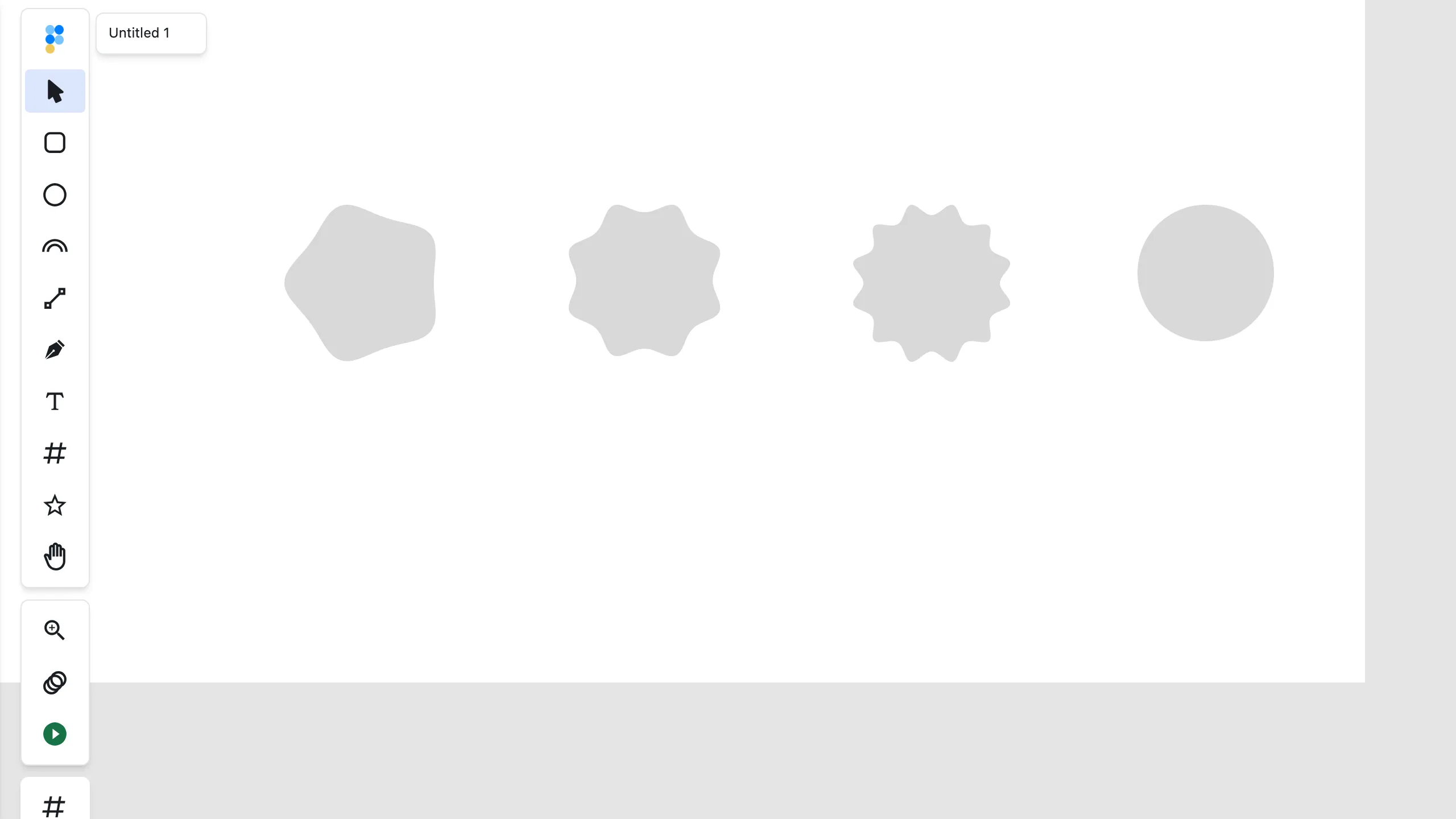

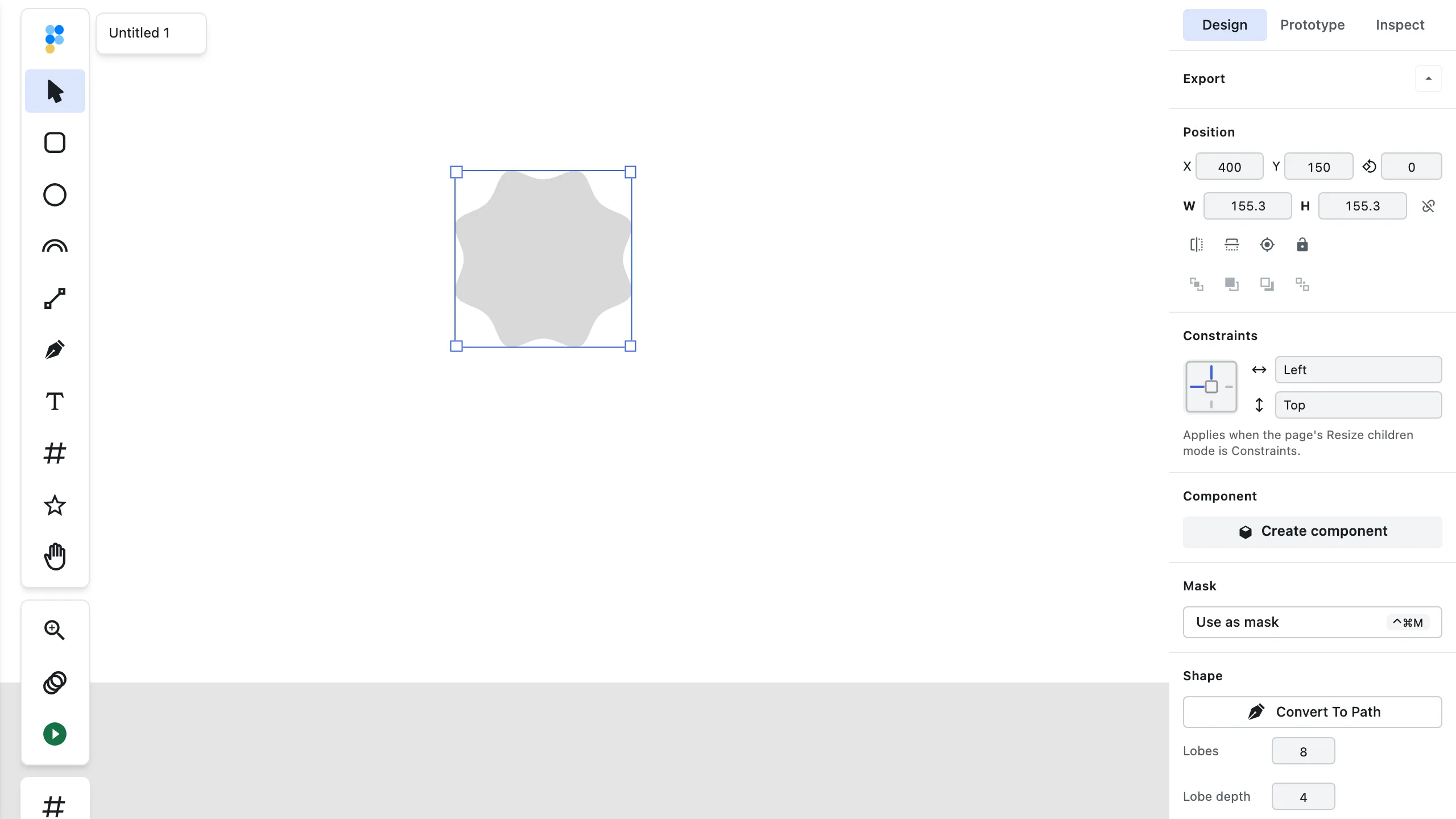
Validation & rejection (REQ-718): every geometry prop above is validated, not just accepted — a present rwidth/rheight/rx/ry/x2/y2/pageWidth/pageHeight must be a finite number, and points must be a non-empty array of {x,y} objects with finite x/y (an array of [x,y] pairs, an empty array, or non-numeric coordinates are all rejected). A prop that fails this check rejects the whole call with { ok: false, code: "invalid_geometry", message } — the message names the offending prop and the expected shape — and creates nothing. This closes a silent-failure hole where a bad value used to be accepted with {ok:true} and a real layer id whose bounds were NaN/null, invisible on the canvas: a successful create() now guarantees finite bounds.
"path" value validation (REQ-719): a present "path" value is additionally required to parse to usable SVG geometry (the same parser bounds-computation uses) — a malformed, unparseable d string rejects the whole call with { ok: false, code: "invalid_geometry", message }, naming "path", and creates nothing. An empty string ("", the documented 0x0 case) and any valid d keep working exactly as before. Relative commands (h/v/etc.) render identically to their absolute equivalents. This closes the everyday route where one syntactically-wrong d string used to silently poison the whole project's layerTree()/layerById() for the rest of the session (see below).
Kind-applicability (REQ-403): Props that don't apply to the requested kind are rejected with invalid_transform and nothing is created — the applicable set is this method's common shape props merged with the kind-specific props for the requested kind (byKind[kind]). This is method-level content validation inside the create() implementation, not entry-time argument validation.
Position props (REQ-1302, widened by REQ-1281, narrowed by REQ-1311): x and y are not common create props — they are declared in the per-kind schema of "rect", "line", "path", "text", "folder", "image", "icon" and "arc", and on every one of those kinds a single create(kind, {x, y, …}) places the new layer in the same call: its bounds top-left lands exactly on (x, y) in parent-local coordinates, the same numbers on the same basis as setLocalPosition(id, {x, y}), so no second call is needed. It is the visible box that moves, not the transform's e,f — the two differ whenever a kind's local geometry origin is not its bounds top-left (a path whose d starts at 10,10, a glyph scaled by size/24, an arc centred on its local origin), which is why placement is bounds-relative rather than a translate. A missing axis is 0, matching "rect"/"image", and an explicit transform wins over x/y outright. The six kinds REQ-1281 added deliberately carry no default: 0 would be a false claim about where a path/glyph/arc actually starts. "ellipse" takes cx/cy instead and "line" also takes x2/y2; the kinds declaring no top-level position prop ("ellipse", "polygon", "page" and "flower") still reject x/y — "polygon"'s points entries are {x, y} vertex data nested one level down, not a placement — so create("ellipse", {x: 120, y: 250, rx: 40, ry: 20}) comes back invalid_transform naming x, y and nothing is created, which is a bridge round trip better spent elsewhere. Two ways out: pass the position in the same call as transform: [1, 0, 0, 1, x, y] (its e,f are parent-local), or create first and then setPosition(id, {x, y}) (world) or setPosition(id, {x, y, space:"local"}) (the same parent-local numbers). In every parent, including a folder nested in a page: omitting x/y applies no placement (no default is assumed), and the reported bounds are the drawn world bounds either way — never raw geometry coordinates.
layer.create accepts an optional world-space position: {x, y} alongside the existing parent-local placement. When supplied, the new layer's bounds top-left lands exactly on (x, y) in world coordinates — the same numbers and the same promise as setPosition(id, {x, y}) — with the page-offset math done for you, so creating on a page at a non-zero offset needs no manual world = pageOffset + local conversion and no second call. When omitted, creation behaves exactly as before (parent-local placement). One create remains one undo step either way.
Prop placement (REQ-807): create() accepts geometry/identity props top-level (parentId/index/name/transform plus the kind's own byKind fields); every visual property — fontFamily, fontSize, fontWeight, cornerRadius, fixWidth, align, and the rest of the style whitelist — belongs inside style{}, and a top-level visual prop is rejected with invalid_transform naming style.<prop> and creates nothing. When the offender is a known style key the message appends a Did you mean style.<key>? hint.
await figpea.layer.create('text', { parentId, text: 'Hi', style: { fontFamily: 'Cinzel', fontSize: 44 } }); // note style.fontFamily, not a top-level fontFamily
Text style units (REQ-1436): three numeric style props take a unit the key name does not suggest, and reading any of them as unitless is a silent wrong render rather than an error — every one of those calls still returns ok: true. All three go inside style{} (see the prop-placement note above).
-
lineHeightis absolute px, never a multiplier. It is the advance applied to every line after the first, so a three-line block measuresnatural + 2 × lineHeight—1.6is 1.6 pixels of leading and the lines overprint each other. Convert a multiplier withlineHeight = fontSize × multiplier(16px at 1.6 →lineHeight: 26); below1.5is rejected withinvalid_style_value. Below the text's measured single-line height the call still succeeds and carries awarningnaming the minimum.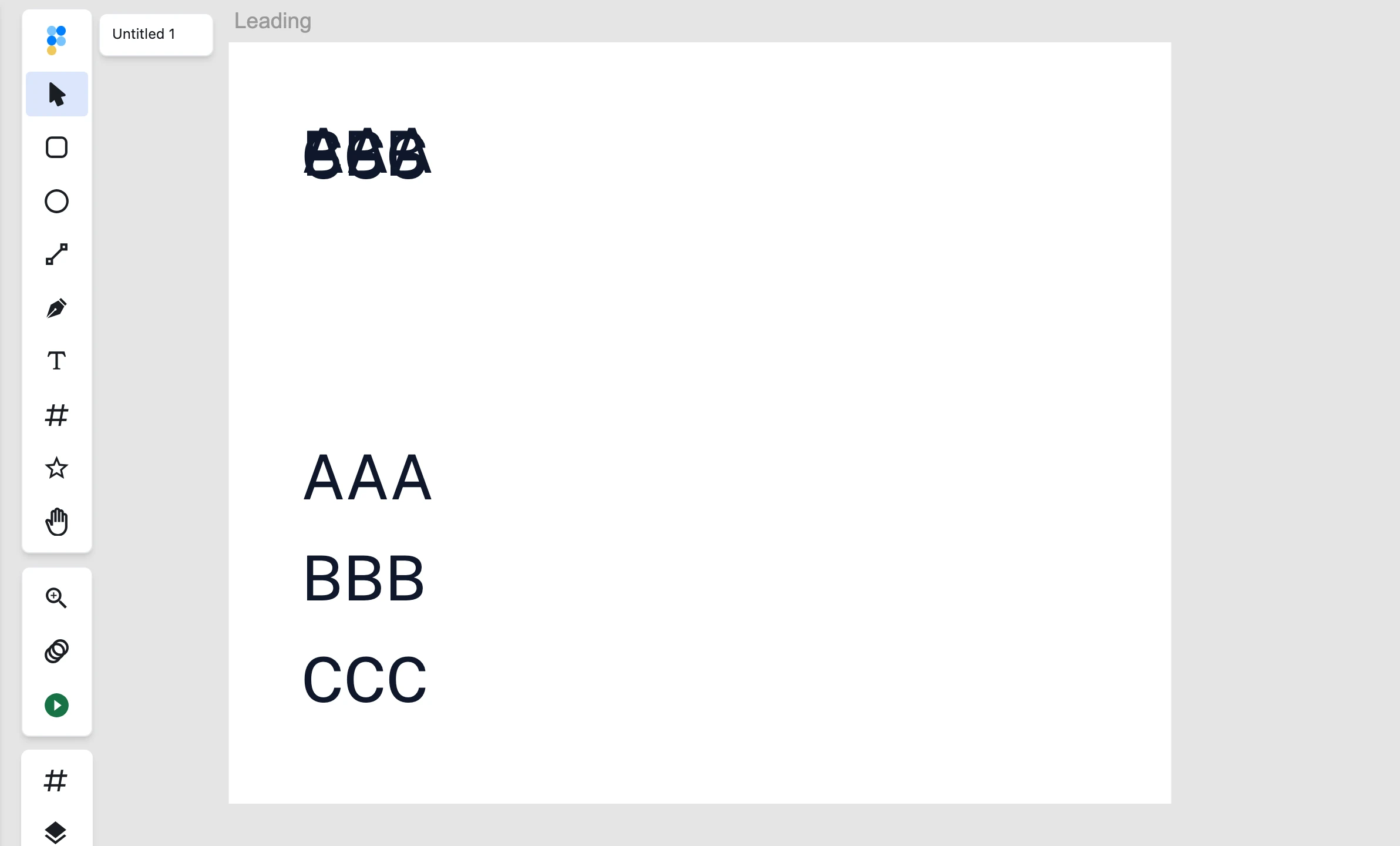
-
letterSpacingis thousandths of an em. Each unit is1/1000offontSize, so6at 26px is0.156 pxof tracking per gap — visually nothing — while600is15.6 pxand reads as visibly loose tracking. Writing6meaning "six pixels" is the trap; the unit isletterSpacing / 1000 × fontSize.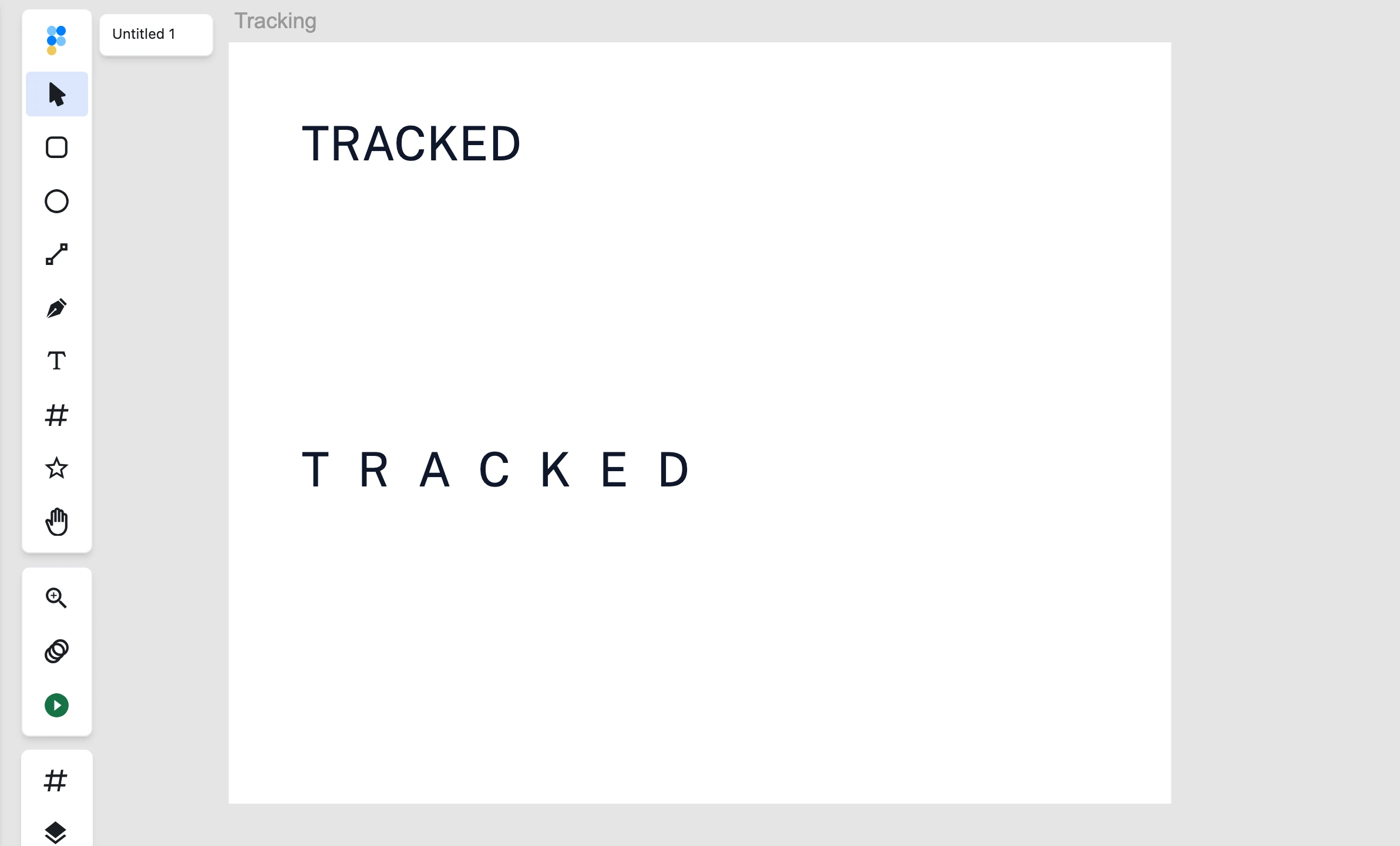
-
fixWidthis a wrap width in px, and leaving it off is a visible default. Set it and lines wrap to that width; omit it and the layer is single-line point text that never wraps, so a longer line overflows and is clipped (cut off) rather than folding onto a second line.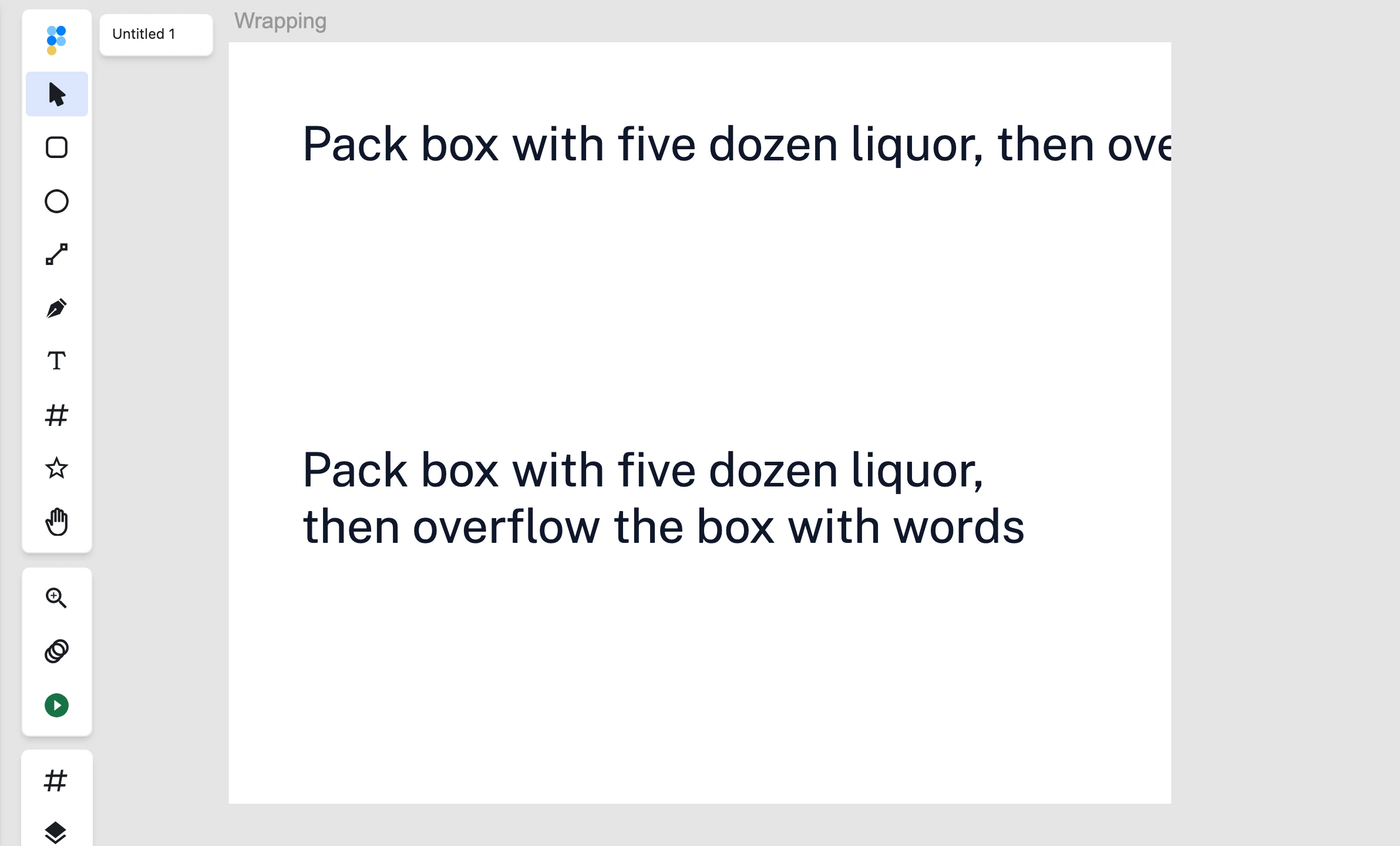
describe() now names the unit of every other numeric style prop — for layer.create and for layer.stylePatch alike: opacity / fillOpacity are fractions 0..1 and not percents, fontSize / strokeWidth / cornerRadius / fixHeight / tabWidth / tabs / dashArray / dashOffset are px, and miterLimit is a ratio of strokeWidth (2.61.0).
Result: the newly created layer's id.
duplicate(id)
Signature: duplicate(id: string): Promise<{ ok: true, value: { id: string } } | { ok: false, code: string, message: string }>
Duplicates an existing layer and attaches the clone as a sibling immediately after id. Returns the new layer's id.
move(id, dx, dy) / resize(id, size) / rotate(id, deg) / flipX(id) / flipY(id)
Pan a layer by a local delta (move), resize it to an absolute local target { width?, height? } (resize), rotate it by degrees around its visible box center (rotate), or flip it in place (flipX/flipY). All return Promise<{ ok: true } | { ok: false, code: string, message: string }>.
setPosition(id, pos) / setTransform(id, matrix)
Signatures: setPosition(id: string, pos: { x?: number, y?: number, space?: "local" | "world" }): Promise<{ ok: true, value: { bounds: { left: number, top: number, right: number, bottom: number }, transform: [a,b,c,d,e,f], warning?: string, outOfClip?: boolean } } | { ok: false, code: string, message: string }> and setTransform(id: string, matrix: [a, b, c, d, e, f]): Promise<{ ok: true, value: { bounds: { left: number, top: number, right: number, bottom: number }, transform: [a,b,c,d,e,f], warning?: string, outOfClip?: boolean } } | { ok: false, code: string, message: string }> — or, on a host that cannot nest arrays, setTransform(id: string, matrix: "[a, b, c, d, e, f]"): the same six numbers as a JSON string, declared by the contract on params.matrix.stringJson. The array form above is unchanged and remains the default. See Hosts that collapse nested arrays.
setPosition places a layer’s visible box: the layer’s bounds top-left — the same bounds that layerById/layerTree report — lands exactly on {x,y}, leaving rotation/scale untouched; repeating the same call is idempotent. Coordinate space is explicit via the space option: space: "local" positions relative to the parent (parent-local coordinates — identical semantics to setLocalPosition); omitted or space: "world" is world coordinates (not parent-local) — contrast create(kind, {transform:[1,0,0,1,x,y]}) which interprets e,f in parent-local coordinates, so passing the same local numbers with and without the option displaces by the parent’s world origin. Inside a rotated or mirrored parent the parent-local placement calls (setLocalPosition, setPosition with space: "local") are refused with invalid_position naming the parent — no parent-local write is exact there — so use the world-space round trip (bounds ↔ setPosition) on the same parent instead, which stays exact under any rotation. Either axis may be omitted and the omitted one is preserved in the returned world bounds; at least one axis is required. An unrecognised key in pos (yy is not y — and top is not y on the shared parent-local form) is refused with invalid_params naming it before anything moves, so ok:true means the position landed. setTransform sets the full affine matrix verbatim (no decompose/recompose), so a read immediately afterward deep-equals exactly what was set. Result: { bounds, transform, warning?, outOfClip? } on success — world bounds just placed plus the layer’s new local transform, with the optional out-of-clip warning beside present-and-true outOfClip when the layer lands wholly outside its parent’s clip rect (both absent otherwise); setPosition returns { ok: false, code: "invalid_position" } when neither axis is supplied, when a supplied axis is not a finite number, or when an omitted axis cannot be preserved — the message names the axis at fault; setTransform returns { ok: false, code: "invalid_transform" } if matrix isn’t an array of exactly 6 finite numbers.
await figpea.layer.setPosition(layerId, { x: 100, y: 100 });
await figpea.layer.setTransform(layerId, [5, 0, 1.5, 1, 40, 30]); // scale x5, shear, translate
setPath(id, d)
Signature: setPath(id: string, d: string): Promise<{ ok: true } | { ok: false, code: string, message: string }>
Rewrites the target path layer's d/svg in place — the layer keeps its id, parent, transform and style, so prototype interactions, component bindings and selection wiring survive the edit. A single undo step (withLayerTransaction); batchable as { method: "setPath", args: [id, d] } through batch(ops). No auto-recenter: world-bounds semantics come only from the explicit d. Rewriting the outline invalidates regionFills, so getRegionFills reflects the new geometry (kept fills would address the old geometry's subpath indices onto the new one). Validation mirrors create("path"): an unknown id returns not_found, a non-path layer returns not_a_path_layer, and a malformed d returns invalid_geometry naming "path" with the received value and the parser error (the same validatePathData gate create uses — a d that parses but yields no drawable geometry is rejected the same way). The empty string stays valid. See batch(ops) for the atomic multi-op form and getRegionFills for the invalidation promise.
await figpea.layer.setPath(layerId, "M0 0 L100 0 L50 80 Z");
// same layer, new outline — prototypes, instances, selection wiring intact
Can I change a path's shape without recreating the layer? — Yes: setPath(id, d) rewrites the outline in place; the layer keeps its id, parent, transform, style, and undo history. What happens to region fills when I rewrite a path? — regionFills are invalidated, so getRegionFills reflects the new geometry.
roundCorners(id, radius[, points])
Signature: roundCorners(id: string, radius: number, points?: number[]): Promise<{ ok: true } | { ok: false, code: string, message: string }>
Rounds the corners of a path layer in place with the Round Corners fillet — the scripted counterpart of the toolbar operation: each rounded corner is replaced by a clean tangent arc of the radius you pass, softening a logo, rounding a polygon, or taking the hard edges off an imported path without hand-computing geometry. The layer keeps its id, parent, transform and style, so prototype interactions, component bindings and selection wiring survive the edit. A single undo step; batchable as { method: "roundCorners", args: [id, radius] } (or [id, radius, points]) through batch(ops), with point identities preserved for later edits: untouched anchors keep their ids and new points get fresh ids, so follow-up anchor edits land on the right points.
points lists anchor/command indices to round; omitted or empty rounds every anchor. Only corners between straight segments are rounded: a corner with a curved segment on either side is skipped (and the rest of the selection is still rounded), as are collinear, degenerate and open-path endpoint corners. A radius larger than a corner allows is clamped to the largest fitting radius rather than silently ignored. Re-applying to an already-rounded corner finds nothing eligible — those points now sit on a curved segment — and is refused with invalid_params carrying the per-corner skip reasons, changing nothing.
Validation: an unknown id returns not_found, a non-path layer returns not_a_path_layer, and a non-positive radius, a malformed points list, an explicitly-listed out-of-range index (naming it), or zero eligible corners returns invalid_params — the zero-eligible message names each skipped corner and its reason (e.g. 1: curved), and nothing is mutated. See batch(ops) for the atomic multi-op form and Round Corners for the UI counterpart (including the live, re-editable Corner radius sidebar property, which this method does not write).
await figpea.layer.roundCorners(layerId, 12);
// every straight corner rounded with 12px tangent arcs — same layer, one undo step
await figpea.layer.roundCorners(layerId, 12, [1]);
// only anchor 1 rounded; the rest stay sharp
Does layer.roundCorners differ from the rectangle cornerRadius property? — Yes: roundCorners rewrites path geometry (a rounded path exports as path data), while cornerRadius stays a live re-editable rect property (a rectangle's corner radius exports as CSS border-radius). Can I round only some corners? — Yes, limit to chosen anchor indices with points; unlisted corners stay sharp, and unroundable listed corners are skipped or refused per the error contract, never silently wrong.
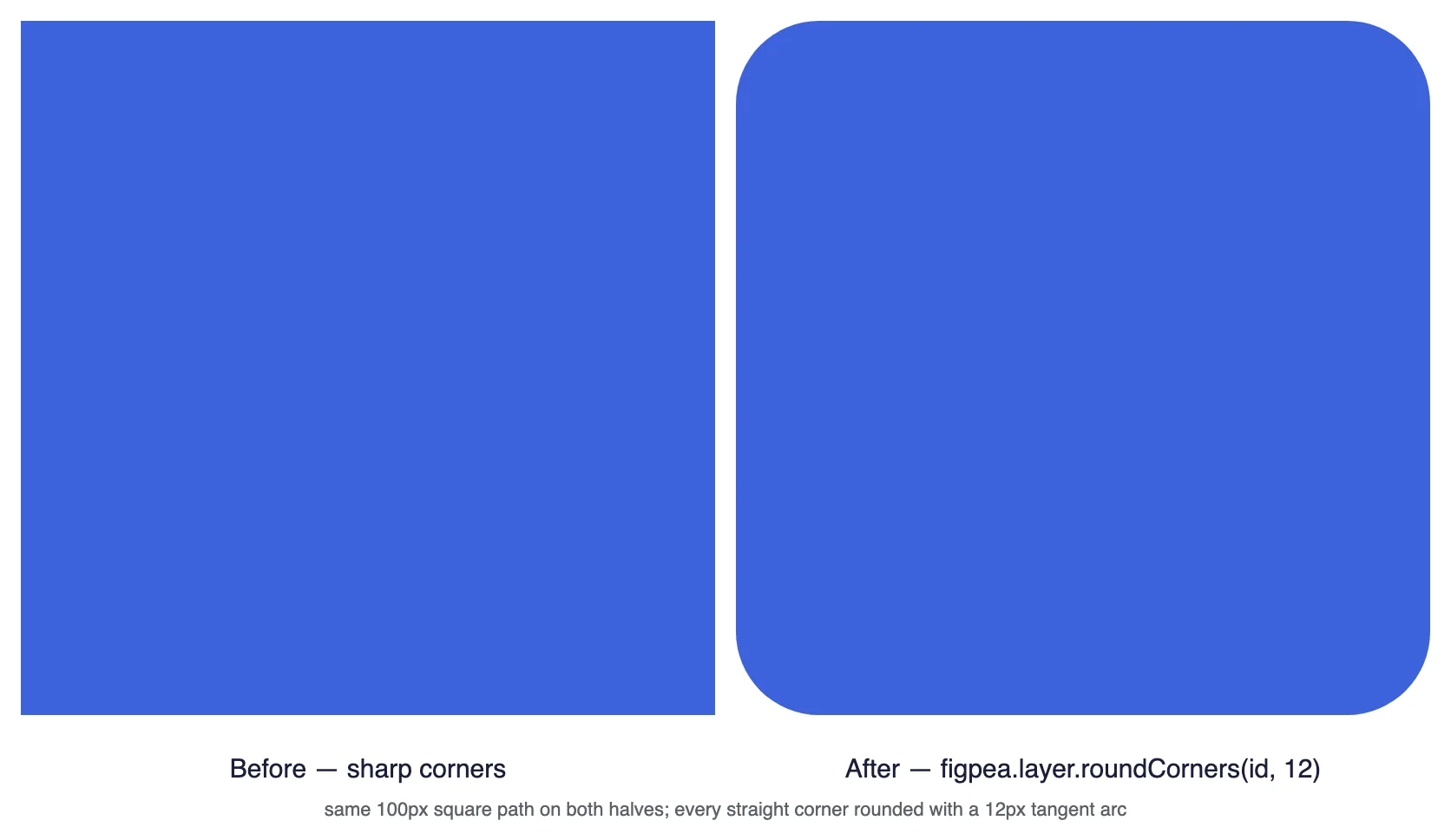
offsetPath(id, distance)
Signature: offsetPath(id: string, distance: number): Promise<{ ok: true } | { ok: false, code: string, message: string }>
Offsets the target path layer's outline by distance px with the editor's own offset geometry — the same result as the Inspector's Offset Path operation: a positive distance pushes the outline outward, a negative distance pulls it inward. A single undo step; batchable as { method: "offsetPath", args: [id, distance] } through batch(ops). Offsetting the outline invalidates regionFills, so getRegionFills reflects the new geometry (kept fills would address the old geometry's subpath indices onto the new one). An unknown id returns not_found; a non-path layer returns not_a_path_layer (only path layers offset — a rectangle, ellipse, or text layer is rejected, never auto-converted). A zero distance, a boolean-combined (compound) layer, or a path with more than 200 segments returns invalid_params naming zero-distance, compound (flatten it to a path first), or too-complex; an engine failure names its reason (degenerate, empty-input, engine-failed). See Offset Path for the Inspector operation this call runs. See batch(ops) for the atomic multi-op form and getRegionFills for the invalidation promise.
await figpea.layer.offsetPath(layerId, 12);
// the badge outline grows outward — the same geometry as the Inspector's Apply

What happens if my path is too complex? — Paths with more than 200 segments are declined with a clear error instead of freezing the editor; simplify first. Can I offset a boolean-combined group? — No — flatten it to a path first, then offset. Is offsetting undoable from a script? — Yes: one call is one undo step, and inside layer.batch it participates in the batch's all-or-nothing semantics.
toPath(id)
Signature: toPath(id: string): Promise<{ ok: true } | { ok: false, code: string, message: string }>
Converts a drawn shape (a rectangle, an ellipse, or similar) into an editable path on the same layer — the layer keeps its id, parent, transform and style, so prototype interactions, component bindings and selection wiring survive the edit. It wraps the editor's existing shape-to-path conversion — the same result as the Inspector's Convert to Path control. A single undo step (reversed by history.undo()); batchable as { method: "toPath", args: [id] } through batch(ops). Converting the outline invalidates regionFills, so getRegionFills reflects the new geometry (kept fills would address the old geometry's subpath indices onto the new one). A layer already stored as a path is left alone — a no-op success with no mutation and no history entry. An unknown id returns not_found; a layer that is not a convertible shape (text, a group, any other non-shape) returns not_a_path_layer; a shape carrying children returns invalid_params naming children — it is refused rather than child-deleted. See setPath(id, d) to rewrite a path's outline after converting, create(kind, props) for path authoring, and batch(ops) for the atomic multi-op form.
await figpea.layer.toPath(rectId);
// same layer, now an editable path — prototypes, instances, selection wiring intact
Can a script convert a shape into an editable path? — Yes: toPath(id) converts a drawn shape in place; a layer already stored as a path is left alone.
setVariableWidth(id, profile)
Signature: setVariableWidth(id: string, profile: Array<{ id?: string, anchorId: string, segmentT: number, width: number }>): Promise<{ ok: true } | { ok: false, code: string, message: string }>
Applies a variable-width profile to a path layer in place — the Variable Width toolbar operation, callable from scripts. The written profile uses the editor's own variable-width geometry — the same taper the Variable Width tool produces — so a scripted taper matches a hand-built one. The profile is the layer's width-point model: each entry addresses a path point by anchorId (discover it with getVariableWidth in a read-modify-write loop, or reuse the healed pointIds), positions itself along the following segment with segmentT (0 at the anchor, 1 at the next point), and sets the stroke width there in px. setVariableWidth applies the profile as one undo step and renders the same tapered filled outline the tool produces; an empty profile clears the taper back to a uniform stroke. Entry ids are kept verbatim when you supply them and minted when you omit them, and a value-identical rewrite is a no-op that records no history step. Batchable as { method: "setVariableWidth", args: [id, profile] } through batch(ops). An unknown id returns not_found; a non-path layer returns not_a_path_layer (only path layers taper — a rectangle, ellipse, or text layer is rejected, never auto-converted). An invalid profile (a malformed entry, a segmentT outside [0, 1], a negative width, an anchorId that addresses no point of the layer, duplicate entry ids) fails with a clear invalid_params-style error and mutates nothing. The tool's own declines apply too: dashed strokes and multi-subpath paths are declined per the tool's gates (split a multi-subpath layer into single-subpath layers first), and so are layers with no stroke or a zero-width stroke. See Variable Width Tool for the Inspector operation this call runs. See batch(ops) for the atomic multi-op form and getVariableWidth for the read-back.
await figpea.layer.setVariableWidth(layerId, [
  { anchorId: "a1", segmentT: 0.5, width: 10 },
  { anchorId: "a2", segmentT: 0.25, width: 3 },
]);
// the uniform stroke re-tapers around the two width points —
// the same taper the Variable Width tool produces
Does a scripted profile look the same as a hand-built taper? — Yes — the setter runs the editor's own variable-width geometry, so getVariableWidth after setVariableWidth matches what the Variable Width tool produces. Can I set variable width on a dashed stroke or a multi-subpath path? — No — same declines as the tool (dashed unsupported, single-subpath only; split multi-subpath layers first). Is setting a profile undoable from a script? — Yes: one call is one undo step, and inside layer.batch it participates in the batch's all-or-nothing semantics.
getVariableWidth(id)
Signature: getVariableWidth(id: string): Promise<{ ok: true, value: { points: Array<{ id: string, anchorId: string, segmentT: number, width: number }> } } | { ok: false, code: string, message: string }>
Reads a path layer's stored variable-width profile back verbatim — round-trips what setVariableWidth wrote, so scripts can read, tweak, and re-apply. A layer with no taper reads back an empty points array; reads are never declined on gate grounds. An unknown id returns not_found; a non-path layer returns not_a_path_layer.
const tapered = await figpea.layer.getVariableWidth(layerId);
// { points: [{ id: "w1", anchorId: "a1", segmentT: 0.5, width: 10 }, ...] }
insertAnchor(id, point) / deleteAnchor(id, index) / setAnchor(id, index, point) / setHandle(id, index, side, point) / setMirrorMode(id, index, mode)
Signatures: insertAnchor(id: string, point: { x: number; y: number }): Promise<{ ok: true } | { ok: false, code: string, message: string }>, deleteAnchor(id: string, index: number): Promise<{ ok: true } | { ok: false, code: string, message: string }>, setAnchor(id: string, index: number, point: { x: number; y: number }): Promise<{ ok: true } | { ok: false, code: string, message: string }>, setHandle(id: string, index: number, side: "in" | "out", point: { x: number; y: number }): Promise<{ ok: true } | { ok: false, code: string, message: string }>, setMirrorMode(id: string, index: number, mode: "none" | "angle" | "angle-length"): Promise<{ ok: true } | { ok: false, code: string, message: string }>
Adds, removes and moves individual anchors of a path layer — and adjusts their handles and smoothing — in place, the scripted counterpart of the editor's anchor tool: each op edits one anchor or handle and the layer keeps its id, parent, transform and style, so prototype interactions, component bindings and selection wiring survive the edit. A single undo step each; batchable as { method: "insertAnchor", args: [id, point] } (or the matching deleteAnchor / setAnchor / setHandle / setMirrorMode form) through batch(ops), with point identities stable so follow-up anchor edits land on the right points: untouched anchors keep their ids and new anchors get fresh ids — the promise roundCorners makes above is what this section consumes.
Anchors are addressed by command index everywhere except insertAnchor, which takes the point to insert: the call projects it onto the path and splits the segment there (a line or closing segment gains a straight anchor; a cubic is divided in two), so the reference is self-validating — indices shift after every insert or delete. deleteAnchor removes the anchor at index (deleting a subpath start promotes the next command so the subpath survives); setAnchor moves one anchor to point, carrying its attached controls along; setHandle puts the "in" (incoming) or "out" (outgoing) handle on point — a side with no handle is first given one by the same smoothing the Bend tool applies — and mirrors the opposite handle per the anchor's effective mirror mode; setMirrorMode stores "none", "angle" or "angle-length" for that anchor with no geometry change, steering the next setHandle.
Adding or removing anchors changes subpath membership, so an insert or delete invalidates regionFills (re-list regions afterwards); an in-place reshape keeps each regionKey stable for getRegionFills. Use setPath(id, d) only when you are replacing the entire outline; use these five calls when you are editing points.
Validation: an unknown id returns not_found, a non-path layer returns not_a_path_layer naming the id, and a malformed point, a malformed or out-of-range index (naming it), a side outside "in" / "out", a mode outside the enum (naming it), a CLOSE_PATH index (it carries no point), an insert with nothing projectable, a delete that would leave no anchors, or a handle edit the geometry cannot host returns invalid_params — and nothing is mutated. See batch(ops) for the atomic multi-op form.
await figpea.layer.setAnchor(layerId, 1, { x: 120, y: 80 });
// same layer, one anchor nudged — id, parent, transform, style intact
await figpea.layer.setHandle(layerId, 1, "out", { x: 150, y: 20 });
await figpea.layer.batch([
  { method: "insertAnchor", args: [layerId, { x: 60, y: 10 }] },
  { method: "setMirrorMode", args: [layerId, 1, "angle-length"] },
]);
Can I move one point without rewriting the whole outline? — Yes: setAnchor moves a single anchor in place; use setPath only when you are replacing the entire d. Do anchor edits break region fills or follow-up edits? — An in-place reshape keeps regionKeys stable for getRegionFills; adding or removing anchors may not — re-list regions after an insert/delete, the same way you re-read points after roundCorners.
setMask(id, type) / clearMask(id)
Signatures: setMask(id: string, type: "alpha" | "vector"): Promise<{ ok: true } | { ok: false, code: string, message: string }> and clearMask(id: string): Promise<{ ok: true } | { ok: false, code: string, message: string }>
setMask declares a layer to be a mask over its preceding sibling / container, specifying whether masking uses "alpha" or "vector" mode. clearMask un-declares mask behavior. Returns { ok: false, code: "invalid_mask_type" } if type is invalid.
getRegionFills(id) / setRegionFill(id, regionKey, fill) / clearRegionFill(id, regionKey)
Signatures: getRegionFills(id: string): Promise<{ ok: true, value: { regions: { regionKey: string, fill: { fillType: "solid", fill: string } | null }[] } } | { ok: false, code: string, message: string }>, setRegionFill(id: string, regionKey: string, fill: string): Promise<{ ok: true } | { ok: false, code: string, message: string }>, clearRegionFill(id: string, regionKey: string): Promise<{ ok: true } | { ok: false, code: string, message: string }>
Registers the Paint tool's region-fill model — filling individual closed regions of a path layer, including the regions formed where two or more subpaths overlap — on the agent API.
getRegionFills(id) lists every closed region derivable from a path layer's own subpath geometry, each with its regionKey and current fill ({fillType:"solid", fill} or null if unfilled). regionKey is the sorted, comma-joined list of the region's contributing subpath indices (e.g. "0", "1", "0,1" for the lens where two overlapping subpaths meet) — the only way to discover a valid regionKey, since no other method exposes a path layer's svg/subpath structure. It is stable across an edit that reshapes a subpath in place (an anchor move), but not guaranteed stable across an edit that adds, removes, or reorders subpaths.
setRegionFill(id, regionKey, fill) fills or re-colors one region with a plain CSS color string (solid fill only). If the layer still carries a single layer-wide fill, that color is first decomposed into an equal per-region entry for every currently-derived region, then the requested region is overwritten — all in one undo step. clearRegionFill(id, regionKey) removes one region's fill, leaving every other region (including the non-overlapping parents of an overlap region) untouched; a value-identical call is a genuine no-op.
Both region-addressed methods return { ok: false, code: "not_a_path_layer" } if the target isn't a path-shaped layer; setRegionFill additionally returns { ok: false, code: "invalid_region_key" } if regionKey doesn't match a region derivable from the layer's current geometry.
const listing = await figpea.layer.getRegionFills(pathId);
// listing.value.regions -> [{regionKey:"0", fill:null}, {regionKey:"1", fill:null}, {regionKey:"0,1", fill:null}]
await figpea.layer.setRegionFill(pathId, listing.value.regions[0].regionKey, "#3d63dd");
await figpea.layer.clearRegionFill(pathId, listing.value.regions[2].regionKey);
setConstraints(id, patch) / setResizeMode(id, mode)
Signatures: setConstraints(id: string, patch: { horizontal?: "left" | "right" | "leftAndRight" | "center" | "scale", vertical?: "top" | "bottom" | "topAndBottom" | "center" | "scale" }): Promise<{ ok: true } | { ok: false, code: string, message: string }> and setResizeMode(id: string, mode: "content" | "viewport" | "constraint"): Promise<{ ok: true } | { ok: false, code: string, message: string }>
setConstraints sets a layer's per-child constraint axes (used when its parent is in constraint mode); the patch merges against the layer's current/default constraints, so a partial {horizontal?}- or {vertical?}-only call preserves the other axis. setResizeMode sets a container's (page or group/folder) resize mode: "content" hugs to its children, "viewport"/"constraint" give it a fixed frame that clips overflow; a page cannot use "content" mode. Returns { ok: false, code: "invalid_constraint" } if an axis/mode value is outside its enum, if "content" mode is applied to a page, or if the target is neither a page nor a folder.
setAutoLayout(id, patch)
Signature: setAutoLayout(id: string, patch: { mode?: "none" | "horizontal" | "vertical", itemSpacing?: number, padding?: { top?: number, right?: number, bottom?: number, left?: number }, primaryAxisAlign?: "min" | "center" | "max" | "space_between" | "space_evenly", counterAxisAlign?: "min" | "center" | "max", primarySizing?: "fixed" | "resize_to_fit", counterSizing?: "fixed" | "resize_to_fit" }): Promise<{ ok: true } | { ok: false, code: string, message: string }>
Sets a group's stack layout by patching its autoLayout field — one call, one undo step (ILayerProxy mutation path, history boundary via commitHistory). The patch merges against the group's current autoLayout (so { itemSpacing: 16 } preserves an already-set padding and mode). Passing mode: "none" clears the stack and restores free layout; remaining keys in the same patch are ignored when mode is "none".
mode—none(clear) /horizontal/vertical. Required on first enable; omit to tune an already-active stack.itemSpacing— gap between adjacent children on the stack axis. Must be a finite, non-negative number.padding— insets the content box on four sides; partial{ top?, right?, bottom?, left? }merges against the existing padding (omit to leave a side unchanged). Each side must be a finite, non-negative number.primaryAxisAlign/counterAxisAlign— distribution along / across the stack axis (enums above).primarySizing/counterSizing—fixed(container size authoritative) vsresize_to_fit(hug contents + padding; container size derived from children, inner-first for nested stacks).
Validation & rejection: before mutating, the call rejects with the standard err() shape ({ ok: false, code, message } — see errorCodes) and leaves the layer unmodified when: mode/primaryAxisAlign/counterAxisAlign/primarySizing/counterSizing is outside its enum; itemSpacing or any padding side is not a finite non-negative number; or id does not resolve to a group (LayerType.folder). No new dedicated error code — the existing invalid_params / not_a_group family is returned (use the exact literal the implementation publishes; do not invent invalid_auto_layout).
Deferred fields: wrap, childGrow, positioning, counterAxisSpacing, grid, and counterAxisAlign: "baseline" | "stretch" are not settable through this method. They remain on the stored model and are preserved untouched by every setAutoLayout call — a group that arrived from .fig with wrap: true keeps that field byte-identically after tuning itemSpacing or padding.
Read-back: autoLayout is already exposed on FigpeaLayerNode via session.layerTree() / session.layerById() (since REQ-586). After setAutoLayout, the new values are observable there; solved child geometry is the subsequent per-layer bounds / transform that REQ-743's solver recomputes — no separate solved-geometry accessor.
Worked example — horizontal stack with gap and padding (AC-6):
// Turn a group into a horizontal stack with a 12px gap and 16px padding.
const r = await figpea.layer.setAutoLayout(groupId, {
  mode: "horizontal",
  itemSpacing: 12,
  padding: { top: 16, right: 16, bottom: 16, left: 16 },
  primaryAxisAlign: "min",
  counterAxisAlign: "center",
  primarySizing: "resize_to_fit",
  counterSizing: "fixed",
});
if (!r.ok) throw new Error(r.message);

// Verify — stored model and solved geometry are already readable.
const node = await figpea.session.layerById(groupId);
console.log(node.value.autoLayout); // { mode: "horizontal", itemSpacing: 12, padding: {…}, … }
console.log(node.value.children.map(c => c.bounds)); // solved positions incl. gap + padding
Cross-links: See Auto Layout for the designer-facing panel controls that drive the same fields (REQ-744). Saved with the Figpea project (.fp); not written back into the .psd / .xd / .fig you opened.
placeProjectImage(hash)
Signature: placeProjectImage(hash: string): Promise<{ ok: true, value: { id: string } } | { ok: false, code: string, message: string }>
Places an image already in the project -- identified by the sha256 content hash figpea.report.projectImages() reports -- onto the canvas as a new rect layer, sized to the image's intrinsic pixel dimensions. Placement is fully automatic (there is no parentId/x/y param): it parents into the selected page/layer's page, or the project root at the viewport centre when nothing is selected, and positions at the viewport centre when that point lies on the target page (otherwise the centre of the page's on-screen region, or the page's own centre if off-screen). The camera never moves. Selected on creation. One undo step. Reuses the library's existing image instance rather than decoding a second copy. Returns { ok: false, code: "not_found" } for an unknown hash or when no session is active.
stylePatch(id, patch)
Signature: stylePatch(id: string, patch: object): Promise<{ ok: true } | { ok: false, code: string, message: string }>
Patches a layer's style with an explicit whitelist of public keys -- any key not on the list is rejected with { ok: false, code: "unsupported_style_key" }:
- Fill & stroke:
fill,fillType,strokeEnabled,strokeColor,strokeWidth,strokes({ enabled?: boolean, strokeColor?: string, strokeWidth?: number, strokePosition?: "inside" | "center" | "outside", lineCap?: string, lineJoin?: string, miterLimit?: number, dashArray?: number[], dashOffset?: number, paint?: { type: "solid" | "gradient" | "image", color?, gradient?, pattern?, patternScaleType?, patternRepeat?, patternTransform? } }[]— supports multi-stroke layer and gradient stroke authoring) - Gradient fill:
gradient—type: "linear" | "radial" | "conic", required non-emptystops: [{ offset, color }], optional per-type geometry (linearX1/Y1/X2/Y2for linear;innerCircleX/Y/R+outterCircleX/Y/Rfor radial;startAngle/centerX/centerYfor conic) and optionaltransformmatrix (a 6-number affine applied in the gradient's paint space; its translate components are in normalized layer-local units, 0..1 across the layer, the same space as the geometry fields); bothtypeandstopsmust be supplied in the same patch asfillType: "gradient"(settingfillTypealone is not valid). Malformed gradient →invalid_style_value, with the layer's prior fill left completely unchanged. Stops interpolate in sRGB; midpoints darken perceptually on dark grounds and this is accepted. The linear geometry is authored as normalized fractions of the layer\u2019s own width (linearX1/linearX2) and height (linearY1/linearY2) \u20140is the near edge,1.0the far edge \u2014 so values that read as pixels (e.g.linearY2: 50on a 100 px-tall layer) paint flatstop[0], which is correct behaviour, not a renderer bug. - Stroke controls:
strokePosition("inside" | "center" | "outside"),lineCap("butt" | "round" | "square"),lineJoin("bevel" | "miter" | "round"),dashArray(number array, e.g.[4, 2]),dashOffset(number),miterLimit(number) - Effects:
dropShadow/innerShadow({ enabled, dx, dy, r, color }),objectBlur({ enabled, r }),backgroundBlur({ enabled, r, brightness, opacity }),overlay({ enabled, color }),gradientOverlay({ enabled: boolean, gradient?: { type: "linear" | "radial" | "conic", stops: Array<{ offset: number, color: string }> }, blendMode?: string, opacity?: number, reverse?: boolean }—reverseflips the gradient's stop order at render time),patternOverlay({ enabled: boolean, pattern?: object, scale?: number, origin?: { x: number, y: number }, blendMode?: string, opacity?: number }—patternis the decoded PSD pattern bitmap set by the file's own decoder; it is not independently authorable through this call, so apatternOverlaypatch is effectively limited to togglingenabled/scale/origin/blendMode/opacityon an already-decoded pattern),outerGlow({ enabled: boolean, color: string, size: number, spread?: number, blendMode?: string, opacity?: number }—spread(0-100) narrows the effective blur as it increases),innerGlow({ enabled: boolean, color: string, size: number, choke?: number, blendMode?: string, opacity?: number, source?: "edge" | "center" }—choke(0-100) is inner glow's equivalent ofspread;sourcepicks whether the glow hugs the shape's silhouette ("edge", default) or radiates from its local-bounds center ("center")),bevelEmboss({ enabled, ... }— decoded PSD bevel/emboss:style("inner"|"outer"|"emboss"|"pillow"),technique("smooth"|"preciseMatte"|"slopeLimitMatte"|"chiselHard"|"chiselSoft"),direction("in"|"out"),contour,depth, plus highlight/shadow color+opacity+blend, blur/soften and light angle. Render contract fortechnique: the value is decoded faithfully and, for inner bevels, it is honoured:smoothpaints the narrow steep-edged smooth profile whilepreciseMatteandslopeLimitMattepaint a distinct matte profile — a soft, wide transition calibrated against a captured Photoshop-authored reference — so setting the technique changes the render. An enabledchiselHard/chiselSoftvalue, or an unrecognised technique, is still painted with the smooth profile and publishes arasterized_fallbackwarning underreport.diagnostics(), naming the file key, the value decoded to, and the profile actually painted — which is how you tell a honoured render from an approximated one.chiselHard/chiselSoftare retained but unconfirmed: they appear in no measured fixture and in neither Adobe's published descriptor terminology nor the reference renderer.style's non-innervalues are likewise decoded faithfully and painted as inner, reported the same way),satin({ enabled, ... }— decoded PSD satin: color, blend, opacity, angle/distance/blur, invert) - Blend mode:
blendMode(accepted:"normal" | "dissolve" | "darken" | "multiply" | "color-burn" | "linear-burn" | "darker-color" | "lighten" | "screen" | "color-dodge" | "linear-dodge" | "lighter-color" | "overlay" | "soft-light" | "hard-light" | "vivid-light" | "linear-light" | "pin-light" | "hard-mix" | "difference" | "exclusion" | "subtract" | "divide" | "hue" | "saturation" | "color" | "luminosity") — composites correctly across the layer's own opacity (0–100%) and any vector/raster mask alpha channel, even over transparent or semi-transparent background stacks - Transparency:
opacity(layer incl. effects),fillOpacity(Photoshop fill opacity — scales only the layer's own fill/pixels, never its effects; 0..1, effects stay atopacity) - Geometry:
cornerRadius(number, or a[tl, tr, br, bl]tuple) - Text style (text layers only):
fontFamily(automatically resolves and loads matching Google Fonts on demand;session.waitForIdle()awaits in-flight font fetches),fontSize(px),fontWeight,fontItalic,letterSpacing(thousandths of an em — each unit is 1/1000 offontSize, so6at 26px is 0.16px of tracking, not 6px),lineHeight(absolute px, never a multiplier — the advance of every line after the first, solineHeight = fontSize × multiplier; below1.5is rejected asinvalid_style_value),align,case("upper" | "lower" | "title"— layer-level default only, no ranged authoring; out-of-enum →invalid_style_value),opticalMargin(optical-margin trim in px, default 0 — shifts the layer's painted ink toward the box's start edge while the layout box never moves; ignored whileinkAlignis on),inkAlign(ink-align switch, default off — when true, the effective trim is computed from the nearest vertical guide/column edge instead of the authored number; no guides nearby resolves to 0). Both default to zero/off so the layout box stays put while only the ink moves — see Optical margin trim & ink-align. The Layout box vs ink box entry is the observability side of the same concept (inkBoundsreads the painted-ink rect); these two keys are the authoring side.
- Text-frame sizing:
fixWidth(Wrap width in px: when set, lines wrap to this width (word wrap) instead of extending past it; without fixWidth the layer is single-line point text that never wraps — a long line overflows (clips) instead of wrapping. A single token too wide for fixWidth is neither an overflow nor a clip: it is broken mid-token across lines, and no character is lost or duplicated. The one exception is a single character wider than fixWidth — it cannot be split further, so it takes a line of its own and that line overflows.) andfixHeight(text box height in px; omit for auto-height). A token too wide forfixWidthis broken mid-token across lines — never clipped, never overflowing — so an unbroken string folds onto further lines rather than running past the box. The one exception: a single character wider thanfixWidthcannot be split further, so it takes a line of its own and that line overflows.fixHeightclips rather than wraps — it neither reflows nor shrinks the text — so thelinesreported byfigpea.layer.measureTextis the unclipped count: the number of lines the text needs at thatfixWidth, which can be larger than the box shows (REQ-1532).valign("top" | "center" | "bottom") — only visible whenfixHeightis set. - Font metrics (REQ-1507): every text node reports the resolved face's vertical metrics in px at the resolved size —
ascent/descentontextMetrics(layerTree()/layerById) and onfigpea.layer.measureText— pluscapHeight(theactualBoundingBoxAscentof"H"in the resolved face; canvas exposes no cap-height API) andbaselineOffset(px from the box top to the first baseline for the layer'sfixHeight/lineHeight, valign shift included on thefixWidth+fixHeightclip branch).firstBaselineY = y + baselineOffsetlands the first baseline with no render. Worked example: create a text layer at a known family / size /lineHeight, read it back withlayerById, addtextMetrics.baselineOffsettobounds.top. - Per-line widths (REQ-1458):
figpea.layer.measureTextreports one ink width (px) per wrapped line, in order, aslineWidths—length === lines— read off the same wrapped layout the renderer paints, so any entry wider than yourfixWidthis a manual line the renderer re-wrapped. Worked example: measuring'At the same cycle count LFP\nheld 7 % more capacity than'atfontSize: 15in afixWidth: 240box reports the second manual line at 295px in that 240px box. Q: "How do I tell which wrapped line overflows itsfixWidth?" A: "ReadlineWidths— one ink width per wrapped line, in order; any entry wider than yourfixWidthis a line the renderer will re-wrap." Q: "Does the re-wrap warning block creation?" A: "No. The layer is still created (or set) with the value you passed; thewarningstring only reports that the applied breaks differ from the manual ones." Seecreate(kind, props)/setTextbelow for the warn-onlywarning. - Baseline metrics (REQ-1507):
figpea.layer.measureTextreturns the same four keys —ascent,descent,capHeight,baselineOffset— read off the same layout the renderer paints, so alayerByIdread-back agrees exactly.naturalWidthstays the advance width (not the ink extent — side bearings differ), and agrees with export-measured ink width within 2px on the calibrated setting. The metrics describe the measured face: read them alongside themeasuredFamily/substituted/verifiedkeys (REQ-1447 / REQ-1517), never as properties of the requested family. - Image fill mode (image/pattern layers only):
patternScaleType("fit" | "cover" | "fill" | "free"),patternRepeat("no-repeat" | "repeat" | "repeat-x" | "repeat-y")
This is the full 48-key round-trip -- the same keys layerTree()/layerById() read back under style above.
await figpea.layer.stylePatch(layerId, {
  fill: "#ff0000",
  opacity: 0.8,
  strokeWidth: 2,
  cornerRadius: [4, 4, 8, 8],
  blendMode: "luminosity",
});
setPageFill(pageId, patch)
Signature: setPageFill(pageId: string, patch: { fill?: string, fillType?: 'solid' | 'none' }): Promise<{ ok: true, value: void } | { ok: false, code: string, message: string }>
Sets a page's background fill. An unparseable color is rejected with invalid_style_value, leaving the prior fill untouched. The page's background is composited into figpea.canvas.screenshot({ id }) and into figpea.export.artboard / figpea.export.layer, so an export of that page carries the color as an opaque ground; with fillType: 'none' the page paints nothing and exports transparent where no layer covers. A page created through this API arrives with a white background, the same as a page you add by clicking in the editor; pass a background with the create call, or use setPageFill, to choose a different one — and you do not need a full-page rectangle.
const page = await figpea.layer.create("page", { pageWidth: 1440, pageHeight: 900 });
if (page.ok) {
  await figpea.layer.setPageFill(page.value.id, { fill: "#FFFFFF", fillType: "solid" });
}
setImageFill(id, source)
Signature: setImageFill(id: string, source: { url: string, mimeType?: string, patternScaleType?: "fit" | "cover" | "fill" | "free", patternRepeat?: "no-repeat" | "repeat" | "repeat-x" | "repeat-y" } | { bytes: ArrayBuffer | Uint8Array | number[], mimeType?: string, patternScaleType?: "fit" | "cover" | "fill" | "free", patternRepeat?: "no-repeat" | "repeat" | "repeat-x" | "repeat-y" }): Promise<{ ok: true } | { ok: false, code: string, message: string }>
Attaches an image fill to an existing layer (any kind), choosing the fit/tile mode in the same call. Validate-before-mutate: any supplied patternScaleType/patternRepeat is checked first (out-of-enum -- invalid_style_value, nothing touched), then the source is resolved to a loaded image (fetch/decode failure -- invalid_image_source, nothing touched). The call resolves only once those bytes have decoded into the renderer's pattern cache, which is a distinct step from the load above (which establishes the type and intrinsic size), so an attach followed immediately by a capture needs no wait between them.
Parameters:
id(string) — Layer id.source(object) — Image source (exactly one ofurl/bytesis required):url?: string— HTTP(S) URL to an image.bytes?: ArrayBuffer | Uint8Array | number[]— Raw image bytes.mimeType?: string— used when constructing frombytes.patternScaleType?: "fit" | "cover" | "fill" | "free"(default"cover") andpatternRepeat?: "no-repeat" | "repeat" | "repeat-x" | "repeat-y"(default"no-repeat") — same enums asstylePatch/create("image"), to control image fit/tile mode.
Result: Void on success -- and, as of the contract version in the row above, only once the image has decoded; { ok: false, code: "not_found" } for an unknown layer id; { ok: false, code: "invalid_style_value" } if patternScaleType/patternRepeat is outside its enum; { ok: false, code: "invalid_image_source" } if the source (url fetch or bytes decode) failed to resolve to a usable image.
await figpea.layer.setImageFill(layerId, { url: "https://example.com/image.png" });
// Read it back:
const node = await figpea.session.layerById(layerId);
if (node.ok && node.value.style?.fillType === "pattern") {
  console.log(`Fit mode: ${node.value.style.patternScaleType}`);
}
setText(id, text) / setVisible(id, visible) / delete(id)
Replace a text layer's content (setText), toggle visibility (setVisible), or remove a layer from its parent (delete). All return Promise<{ ok: true } | { ok: false, code: string, message: string }>. setText on a fixWidth layer carries an optional warn-only warning (REQ-1458): when the new text's manual line breaks do not survive the box -- a manual line wider than fixWidth that the renderer re-wrapped -- the warning names the re-wrapped manual line(s) with measured px vs box px; the text is set either way, and the warning is absent unless there is something to say.
setName(id, name)
Signature: setName(id: string, name: string): Promise<{ ok: true } | { ok: false, code: string, message: string }>
Renames a layer or page by id. Validates name is a non-empty string (after trim); trims before storing. Returns {ok:false, code:"not_found"} for an unknown id, {ok:false, code:"invalid_params"} for a missing / non-string / empty-or-whitespace-only name. One undo step via the shared layer-mutator transaction. Also available as a batch op ({method:"setName", args:[id, name]}) with the same semantics and single-undo coalescing.
await figpea.layer.setName(layerId, "Press Kit");
await figpea.layer.setName(pageId, "Homepage");
// Batch:
await figpea.layer.batch([{ method: "setName", args: [layerId, "Header"] }]);
group(ids) / ungroup(id)
Signatures: group(ids: string[]): Promise<{ ok: true, value: { id: string } } | { ok: false, code: string, message: string }> and ungroup(id: string): Promise<{ ok: true } | { ok: false, code: string, message: string }>
Group the given layer ids into a new folder layer at the first id's position, or ungroup a folder layer, promoting its children to its own parent.
reorder(id, targetId, pos) / reparent(id, parentId, index?)
Move a layer to a sibling position relative to targetId (pos is "before", "on", or "after"), or move it into a new parent's children at an optional index (defaults to appending at the end). Both return Promise<{ ok: true } | { ok: false, code: string, message: string }>.
clip(id) / unclip(id)
Remove a layer from its parent's children and turn it into the clip mask for the sibling immediately behind it (the previous entry in the parent's children array) (clip), or restore a clip mask as a visible sibling again (unclip). Both legacy clip helpers execute as exactly one undo step each when called via batching.
batch(ops)
Signature: batch(ops: { method: string, args: unknown[] }[]): Promise<{ ok: true, value: { results: OpResult[] } } | { ok: false, code: string, message: string, failedIndex: number, results: OpResult[] }>
Applies a sequence of other figpea.layer.* ops as one undo step -- a single figpea.history.undo() reverses the whole batch. All-or-nothing: if any op fails, the whole batch rolls back (no partial application, no undo step created) and the result reports the failing op's own code/message plus its failedIndex. method: "batch" (recursion) or any unrecognized method name is rejected per-op with { ok: false, code: "unsupported_op" }.
batch is the method where large args are normal — it is the only all-or-nothing, single-undo-step way to place a page — so its ops share one per-call argument budget: past describe().limits.argsChars the whole call is refused with arg_size_exceeded and nothing is applied, so there is no partial page to recover. Size against that value (aim for roughly two-thirds), split the op list across calls of that size, and pass ids from earlier results literally. Each chunk is its own undo step. See Per-call argument budget. On a host that cannot nest arrays, send ops as one JSON string instead — that is also how the batch stays a single atomic call there; see Hosts that collapse nested arrays.
// Build a 2-rect layout as ONE undo step.
const result = await figpea.layer.batch([
  { method: "create", args: ["rect", { parentId: pageId, x: 0, y: 0, rwidth: 50, rheight: 50 }] },
  { method: "create", args: ["rect", { parentId: pageId, x: 60, y: 0, rwidth: 50, rheight: 50 }] },
]);
if (result.ok) {
  const ids = result.value.results.map((r) => r.value.id);
  await figpea.history.undo(); // removes both rects
} else {
  console.log(`batch failed at op ${result.failedIndex}: ${result.code}`);
}
Within one layer.batch call, an op can reference an earlier op's created layer two ways: the string form "$<index>" (e.g. "parentId": "$0") or the object form { "opResult": n } (e.g. "parentId": { "opResult": 0 }). Both resolve within the single call only — across chunked calls, pass real ids from earlier results. A malformed placeholder is refused with invalid_params naming the offending op index, so the error points at the op to fix rather than at the shape of the payload.
// string form: create on a page, then position it in the same batch
figpea.layer.batch([
  { method: "create", args: ["rect", { parentId: pageId, rwidth: 200, rheight: 100 }] },
  { method: "setPosition", args: ["$0", { x: 2000, y: 200 }] },
]);
// object form for a dependent op in the same batch
figpea.layer.batch([
  { method: "create", args: ["rect", { parentId: pageId, rwidth: 200, rheight: 100, position: { x: 2000, y: 200 } }] },
  { method: "setName", args: [{ opResult: 0 }, "hero-rect"] },
]);
Hosts that collapse nested arrays (figpea-mcp only)
Some agent host harnesses serialise a nested array into a single-key {"item": …} envelope before the value reaches the server. Measured in a real design run on 2026-09-27, that made layer.batch — the contract's only atomic multi-op path — and layer.setTransform unreachable on that host, one call at a time.
The rule. Any parameter the manifest declares object, array or matrix may be sent as a JSON string instead, and figpea-mcp parses it before the round trip, with no flag. A string is a scalar, which is the one thing such a host does not collapse. The array form remains the default and fully supported — this is an alternative route, not a replacement, and it works on both lanes.
Where you meet one — three positions, in practice:
layer.batch'sops— the whole op list as one string, which is what keeps the batch atomic (one call, one undo step).layer.setTransform'smatrix, andlayer.create'stransform— the six numbers as one string.- The
props/patchobject position —create'spropsandstylePatch'spatchare objects, and the arrays a reader most often needs inside them live one level down: a gradient's stops, multi-stroke arrays, andtabStops(text tab-stop sets). These are keys inside that object, not methods of their own — there is nostylegroup on this contract, andgradient/strokes/tabStopsare keys you write insidepatch, reached throughstylePatch. Stringify the object, not the key inside it.
// 1. The matrix, as a string.
await figpea.layer.setTransform("L_rect", "[1,0,0,1,48,110]");

// 2. A 2-op batch as ONE string — and note the inner matrix is a REAL ARRAY inside
//    the literal. The server parses the string once, at `ops`, and never descends
//    into an op's own `args`, so a matrix written as a nested string would reach
//    the editor as a string, be rejected, and roll the whole batch back.
await figpea_call({
  group: "layer",
  method: "batch",
  args: ['[{"method":"create","args":["rect",{"rwidth":100,"rheight":50}]}, {"method":"setTransform","args":["L_rect",[1,0,0,1,48,110]]}]'],
});

// 3. The object position — the object itself, as its own slot.
await figpea_call({ group: "layer", method: "create", args: ["line", '{"x":0,"y":0,"style":{"strokes":[[{"width":2}]]}}'] });
Read the form in advance. figpea_describe({ group: "layer", method: "setTransform" }) returns the contract's own declaration — stringJsonParams names the parameters that accept a string, and where the contract declares one, the parameter carries a typed stringJson with a copyable example:
"matrix": {
  "type": "matrix",
  "required": true,
  "stringJson": { "type": "string", "example": "[1,0,0,1,48,110]" }
}
type stays matrix — that is the runtime type the editor validates against, and it is not renamed. stringJson is the alternative published beside it. The rule above holds in both lanes, but figpea_describe is where the declaration is published: a full-mode tool description states the parameter's array shape and nothing more, so read describe() rather than the tool list.
What does not change. A {"item": …} envelope is still refused by name, never silently unwrapped — the collapse is lossy, and a legitimate single-key argument object that happens to be named item would be silently reinterpreted. The refusal costs zero round trips and now names this route as the way out:
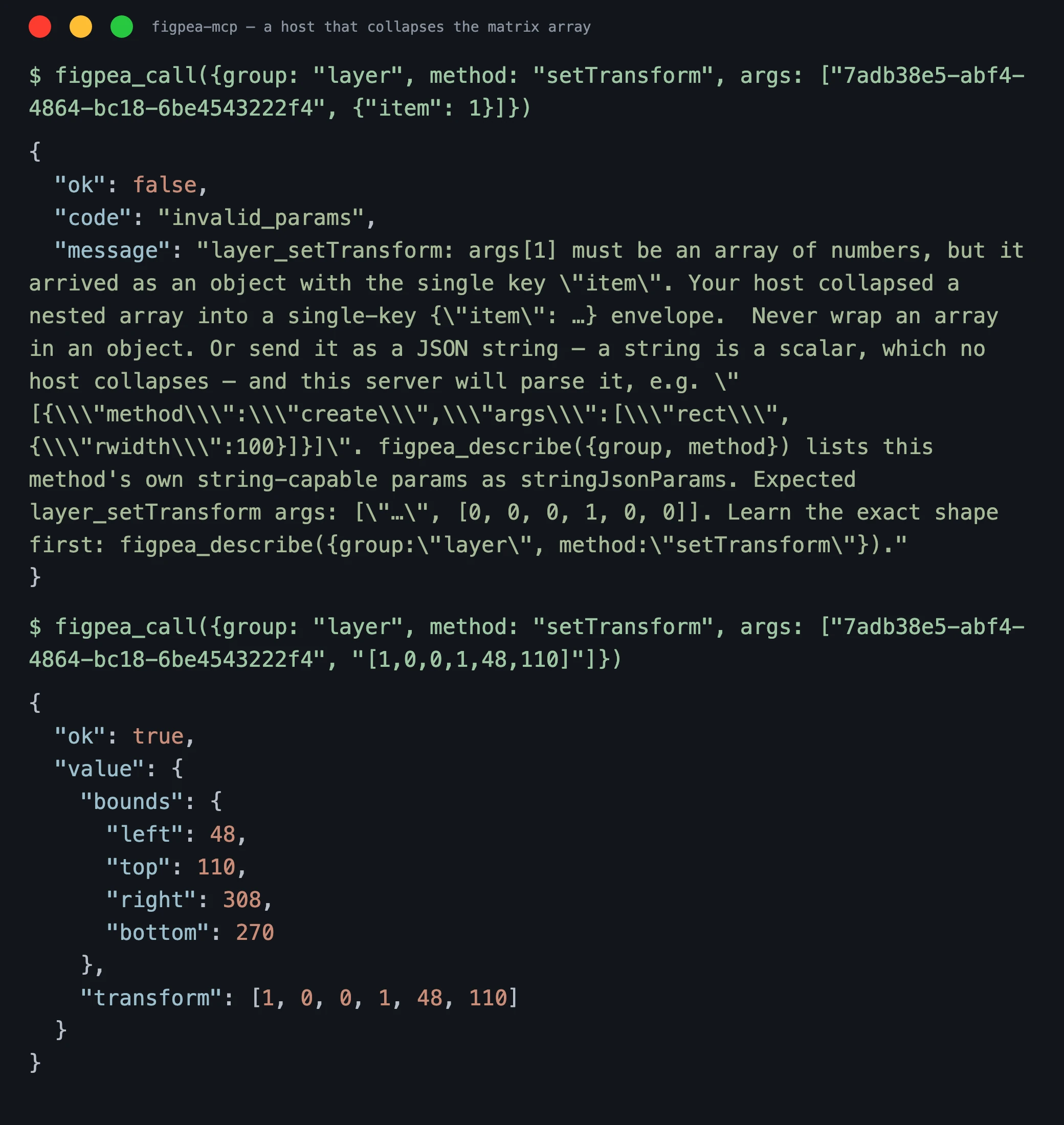
So the whole round trip, from a host that cannot nest arrays:
$ figpea_call({group:"layer", method:"setTransform", args:["L_rect", {"item":1}]})
{ "ok": false, "code": "invalid_params",
  "message": "layer_setTransform: args[1] must be an array of numbers, but it arrived as an
              object with the single key \"item\". … Or send it as a JSON string — a string is
              a scalar, which no host collapses — and this server will parse it, e.g. …" }

$ figpea_call({group:"layer", method:"setTransform", args:["L_rect", "[1,0,0,1,48,110]"]})
{ "ok": true, "value": { "transform": [1, 0, 0, 1, 48, 110] } }
"My host says args[1] must be an array of numbers — what do I send?" The same six numbers in one string: "[1,0,0,1,48,110]". That is the entire fix, and the manifest above now tells you so before you hit the error rather than after.
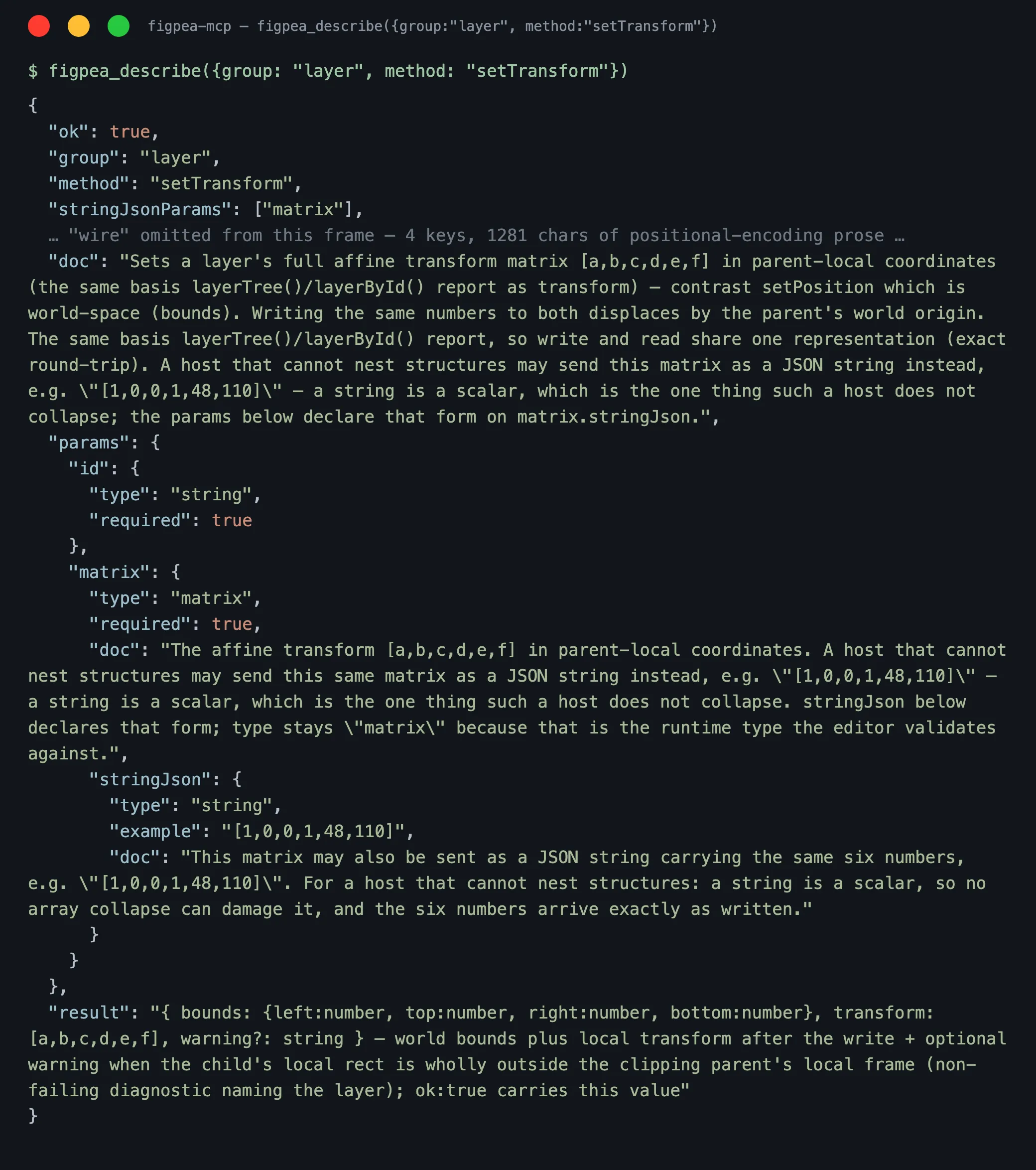
select(target)
Signature: select(target: string | string[]): Promise<{ ok: true } | { ok: false, code: string, message: string }>
Sets the active session's current selection to the given layer id(s), rendering the transform widget for them -- the ergonomic authoring-surface wrapper over the same selection path figpea.session.setSelection uses, accepting either a single id or an array for multi-select. Result: void on success; { ok: false, code: "not_found" } if any given id doesn't resolve to a layer.
// Select one layer, then read where its transform widget rendered:
await figpea.layer.select(rectId);
const geometry = await figpea.canvas.widgetGeometry();
figpea.history -- Undo/Redo
All figpea.layer calls are recorded in a shared history with the UI's undo/redo -- one API call, one undo step.
undo() / redo()
Signatures: undo(): Promise<{ ok: true } | { ok: false, code: string, message: string }> and redo(): Promise<{ ok: true } | { ok: false, code: string, message: string }>
Revert or re-apply the most recent step on the active session's history. Prefer undo() over hand-computing an inverse mutation while iterating -- it's cheaper and safer, and it shares the same stack as the UI.
figpea.interaction -- Interaction / Prototype Authoring
Author and read back prototype interactions (tap, time, keys-gamepad, hover triggers; navigate, artboard-transition, auto-animate, overlay-transition, previous-artboard, scroll-transition, hyperlink, state-transition actions). Each operation is one undo step and free model mutation; authoring does not enable Pro-gated Present-mode playback.
create(layerId, input)
Signature: create(layerId: string, input: { trigger: "tap" | "time" | "keys-gamepad" | "hover", action: "navigate" | "artboard-transition" | "auto-animate" | "overlay-transition" | "previous-artboard" | "scroll-transition" | "hyperlink" | "state-transition", targetId?: string, properties?: object }): Promise<{ ok: true, value: { id: string } } | { ok: false, code: string, message: string }>
Authors an interaction on a layer — a trigger that navigates or transitions to a target. Validation runs before any mutation: unsupported trigger/action, missing/invalid targetId, or non-page target all reject with invalid_interaction. An unrecognised key inside input (propertys is not properties) is refused with invalid_params naming it before anything is validated or created, so a stored interaction's properties are the ones supplied.
Result: the newly created interaction's id on success, not_found if the layer or target page don't exist, or invalid_interaction on validation failure.
const result = await figpea.interaction.create(rectId, {
  trigger: "tap",
  action: "navigate",
  targetId: pageId,
  properties: { duration: 0.3 }
});
if (result.ok) {
  console.log("Interaction created:", result.value.id);
}
list(layerId)
Signature: list(layerId: string): { ok: true, value: { id: string, trigger: string, action: string, targetId?: string, properties?: object }[] } | { ok: false, code: string, message: string } (synchronous -- no Promise)
Lists all interactions on a layer. Returns an empty array for layers with no interactions.
const interactions = figpea.interaction.list(rectId);
if (interactions.ok) {
  for (const interaction of interactions.value) {
    console.log(`${interaction.trigger} → ${interaction.action} to ${interaction.targetId}`);
  }
}
remove(interactionId)
Signature: remove(interactionId: string): Promise<{ ok: true } | { ok: false, code: string, message: string }>
Removes an interaction by id from the active project.
figpea.component -- Component State Authoring, Instance Creation & Overrides
Author component instances, manage component states, convert layers to reusable components, and inspect/reset instance overrides. All methods are free -- no entitlement gating. For the UI concept guide on component masters and instances, see Components and Instances.
The supported methods in this group are:
component.create(layerId)component.placeInstance(componentId)component.addState(componentId, input?)component.setActiveState(componentId, input?)component.getStates(componentId)component.getChildOverrides(childId)component.getOverrides(instanceId)component.resetOverride(childId, input)component.resetAllOverrides(instanceId)component.removeChild(childId)component.restoreChild(instanceId, input)component.removeState(componentId, input)component.renameState(componentId, input)
Every signature and undo claim below is copied verbatim from v3's live component.descriptor.ts -- never assume undo behavior by analogy between methods, each one is independently measured.
create(layerId)
Signature: create(layerId: string): Promise<{ ok: true, value: { id: string } } | { ok: false, code: string, message: string }>
Converts a plain layer to a component and registers it in the project's component library. The layer stays in its current page position; selects the new component. One undo step: a single figpea.history.undo() fully reverses the whole conversion -- com/states are cleared and the layer is deregistered from the component library; figpea.history.redo() re-applies it.
placeInstance(componentId, position?)
Signature: placeInstance(componentId: string, position?: { x: number, y: number }): Promise<{ ok: true, value: { id: string } } | { ok: false, code: string, message: string }>
Creates an instance of a component. Two placement paths, and both record one undo step:
- With
position(e.g.{ x: 240, y: 120 }): the instance is added to the active page and positioned so the drop point lands at its centre. Selected on creation, captured via thewithUndoBatchpath, and the camera does not move. Supplying non-finitex/yrejects with the standarderr()shape before any layer is created. - Without
position(omit the argument): the call is byte-identical to the pre-REQ behavior — same target page viaresolveInstancePlacementParent(the master's own page), same cascade offset viaplacedInstanceCount+instancePlacementTransform, same selection viaonChooseSingleLayer, same camera-stays-put contract — and it is captured as one undo step as well, from the parentaddChild'schildrenmutation channel, which the app's history stack does record (measured —req-270-component-undo-doc-parity.test.ts).
Corrected (REQ-270) — see the
figpea.versionhistory entry above for the version that shipped it. This entry previously said the no-positionpath remains NOT undoable, and thatfigpea.history.undo()would not reverse it. That was measured false: a single undo fully reverses either path. The claim was introduced when a previously-wrong "one undo step" was overcorrected into a blanket "not undoable", and it was re-asserted in three earlier releases. If you have code that worked around the old wording, that workaround is no longer needed.
Result: the newly-created instance's id.
addState(componentId, input?)
Signature: addState(componentId: string, input?: { name?: string }): Promise<{ ok: true, value: { id: string, name: string } } | { ok: false, code: string, message: string }>
Adds a new state to a component and makes it the active state. Omit input.name (or the whole input object) for a default "State {n}" name. An unrecognised key in input (stateName is not name) is refused with invalid_params naming it and no state is created. Captured as exactly one undo step: a single figpea.history.undo() removes the state again -- the state leaves the list and the activation falls back to the state that was active before, so activeStateId is never left pointing at a state the list does not carry; figpea.history.redo() re-adds it (measured — req-1361-component-state-undo.test.ts).
Corrected (REQ-1361) — see the
figpea.versionhistory entry above for the version that shipped it. This entry previously said the call was NOT undoable, because thestatesarray was spliced directly and the state-activation the call performs internally was marked non-recordable. That was accurate then and is now false: the deletion and the activation are both recorded, as one step, and one undo reverses both together.
setActiveState(componentId, input?)
Signature: setActiveState(componentId: string, input?: { stateId?: string }): Promise<{ ok: true } | { ok: false, code: string, message: string }>
Switches a component's active state by id, or clears it to Base (omit input.stateId, or the whole input object). An unrecognised key in input (stateIdd is not stateId) is refused with invalid_params naming it and the active state is left exactly where it was. One undo step for ANY state transition -- named-to-named or to/from Base alike: a single figpea.history.undo() reverses the switch either way.
getStates(componentId)
Signature: getStates(componentId: string): { ok: true, value: { states: [{ id: string, name: string, active: boolean }], activeStateId?: string } } | { ok: false, code: string, message: string } (synchronous -- no Promise)
Returns the list of available states on a component. Imported component states (from Adobe XD or Figma files) are fully surfaced by getStates() and retain their original source file state names.
getChildOverrides(childId)
Signature: getChildOverrides(childId: string): { ok: true, value: { instanceId?: string, groups: ("transform" | "fill" | "text" | "visibility")[] } } | { ok: false, code: string, message: string } (synchronous -- no Promise)
Reconcile-and-read: recomputes which override groups childId currently diverges from its enclosing instance's master, syncing the instance's record as a side effect. A layer with no enclosing instance (plain layer, master child, or the instance root itself) is not an error -- returns { instanceId: undefined, groups: [] }.
getOverrides(instanceId)
Signature: getOverrides(instanceId: string): { ok: true, value: { changedProps: { childId: string, groups: string[] }[], removedChildren: { baseChildId: string, name: string, icon: string }[] } } | { ok: false, code: string, message: string } (synchronous -- no Promise)
Full read of one instance's Overrides block: every child with a currently-recorded overridden-groups entry, plus every removed child resolved via its recorded base id.
resetOverride(childId, input)
Signature: resetOverride(childId: string, input: { group: "transform" | "fill" | "text" | "visibility" }): Promise<{ ok: true } | { ok: false, code: string, message: string }>
Clears one overridden group on a child -- its own value for that group's keys is removed (falls back to tracking the master live) or copied from the master's current value. Other overridden groups on the same child are left untouched. A childId with no enclosing instance, or a group outside the four recognized names, is a safe no-op (ok(undefined), no mutation), never an error. Extra keys in input beyond group are ignored — only group is read. One undo step, faithfully reversible in both directions.
resetAllOverrides(instanceId)
Signature: resetAllOverrides(instanceId: string): Promise<{ ok: true } | { ok: false, code: string, message: string }>
"Reset all changes" on an instance: clears every overridden group plus the other inspector-editable style keys on every descendant with a resolvable master child, and restores every removed child -- bounded to one instance's subtree. One undo step whenever the instance has at least one overridden group to clear or at least one removed child to restore; zero undo steps only when there is genuinely nothing to reset.
removeChild(childId)
Signature: removeChild(childId: string): Promise<{ ok: true } | { ok: false, code: string, message: string }>
Removes a child from its enclosing instance only (the master and every sibling instance are untouched) -- records the child's base id so it can be restored later via restoreChild. A no-op if childId has no enclosing instance. One undo step.
restoreChild(instanceId, input)
Signature: restoreChild(instanceId: string, input: { baseChildId: string }): Promise<{ ok: true, value: { id: string } } | { ok: false, code: string, message: string }>
Restores a previously-removed child on an instance by its recorded base id -- re-instances it from the master child at the master's child-order index (restore always re-instances; it never re-attaches the original detached child, which would not survive a project serialize/restore round-trip). One undo step.
removeState(componentId, input)
Signature: removeState(componentId: string, input: { stateId: string }): Promise<{ ok: true } | { ok: false, code: string, message: string }>
Removes a state variant from a component by id. If removing the active state, active state falls back to Base (undefined). Unknown componentId or stateId returns { ok: false, code: "not_found" }; targeting an instance layer returns { ok: false, code: "unsupported_op" } (instances do not own states). Undo is captured as exactly one undo step on both paths, so the two are described separately only because the active path also moves the active pointer. Removing the active state records one undo step that fully reverses the gesture: the deleted state and everything authored inside it come back, and the fallback to Base is undone with them. Removing a non-active state records one undo step that restores that state and leaves the active pointer where it was. figpea.history.redo() re-applies either deletion (measured — req-1361-component-state-undo.test.ts).
Corrected (REQ-1361) — see the
figpea.versionhistory entry above for the version that shipped it. This entry previously claimed the two paths differed: the active path was only partially reversible (one step that reversed only theactiveStateIdfallback, leaving the state deleted) and the non-active path recorded no step at all. That was accurate then and is now false — both paths record one step and one undo fully reverses either.
renameState(componentId, input)
Signature: renameState(componentId: string, input: { stateId: string, name: string }): Promise<{ ok: true } | { ok: false, code: string, message: string }>
Renames an existing state variant on a component. An unrecognised key in input (naem is not name) is refused with invalid_params naming it and the name is left unchanged. Unknown componentId or stateId returns { ok: false, code: "not_found" }; targeting an instance layer returns { ok: false, code: "unsupported_op" }. One undo step: a single figpea.history.undo() fully reverses the rename (measured — property mutation on the state layer via BaseMutator).
const states = figpea.component.getStates(componentId);
if (states.ok) {
  console.log(`Active: ${states.value.activeStateId || "Base"}`);
}
figpea.export -- Layer and Project Export
UI soft graces do not apply to the Agent API. The interactive editor UI includes session-based soft graces (such as 6 free scaled exports per session) for human trial sampling. The Agent API does not grant these soft graces — all programmatic export calls (
scale ≠ 1, PDF, ZIP, spec bundles, tokens, originals, asset harvest, Figma Migration Kit, contact sheet, flow poster) strictly enforce claim checks (hasClaim(...)) and require an active Pro plan or Rescue Pass.
All export operations honor the same entitlement gating as the UI (via hasClaim(...)), returning { ok: false, code: "entitlement_required" } instead of popping an upgrade modal when access is denied. Authoring under figpea.session, figpea.layer, and figpea.history is always free; export is the one boundary that can require a plan.
Getting an export off the wire: every binary result above — the native .fp included — can be written to a file instead of returned as inline base64, with the reserved returnAs: "path" key on a call through figpea-mcp; see Off-band binary returns under figpea.canvas below.
layer(id, input) / artboard(id, input)
Signature: layer(id: string, input: { format: "png" | "jpeg" | "webp" | "svg", scale?: number, suffix?: string }): Promise<{ ok: true, value: { bytes: string, mime: string, filename: string } } | { ok: false, code: string, message: string }>
Exports a single layer as a raster image or SVG. scale ≠ 1 requires hasClaim("extract.scale"); format === "svg" requires hasClaim("extract.svg"). artboard(id, input) has the identical signature and gating -- an "artboard" is just a page/folder layer addressed like any other layer id. When the target is a page carrying a background color (see setPageFill), the raster export carries that color as its ground; with the page's fill type none it is transparent instead.
Result: the exported bytes as a base64 string, a MIME type, and a suggested filename. Decode the bytes with Uint8Array.from(atob(bytes), c => c.charCodeAt(0)) -- not new Blob([atob(bytes)], ...), which corrupts anything outside the Latin-1 range because atob produces a binary string, not raw bytes:
const result = await figpea.export.layer(layerId, { format: "png", scale: 2 });
if (result.ok) {
  const { bytes, mime, filename } = result.value;
  const byteArray = Uint8Array.from(atob(bytes), (c) => c.charCodeAt(0));
  const blob = new Blob([byteArray], { type: mime });
  // download or process blob...
} else if (result.code === "entitlement_required") {
  console.log("User must upgrade to export at this scale");
}
project(input)
Signature: project(input: { format: "pdf" | "zip" | "figpea", size?: number, imageFormat?: "png" | "jpeg" | "webp", verifyGeometry?: boolean }): Promise<{ ok: true, value: { bytes: string, mime: string, filename: string, geometryWarning?: { code: string, message: string, layerCount: number, layers: string[] } } } | { ok: true } | { ok: false, code: string, message: string }>
verifyGeometry (optional, default false, format: "figpea" only) checks the round trip for you. Absent — today's exact behaviour and today's exact cost: nothing is read back. Present and true, a canonicalised geometry fingerprint taken before encode is compared with the one taken after decode, and a mismatch returns geometryWarning on the success value naming the layers whose geometry moved — { code, message, layerCount, layers }. It compares the bounds, the transform's translation, the shape kind, the path's parsed absolute segment list at fixed precision, and the paint keys that change rendered geometry (fill, fillType, strokeEnabled, strokeWidth, strokeColor, roundCornerRadius) — deliberately not a hash of the serialized records, because load-time path normalization re-encodes every path and a raw hash would warn on every file. Text runs, images and preRender are out of its scope. It costs one extra O(file) read of the archive's repo.json, which is why it is opt-in. It is a warning field on a successful result, not an error code, so the error-code table is unchanged — a mismatch does not make the call ok:false. A good CI recipe is export.project({ format: "figpea", verifyGeometry: true }) and fail when value.geometryWarning is present.
Exports the whole active project as PDF (requires hasClaim("export.pdf")), ZIP of per-layer rasters (requires hasClaim("export.zip")), or the native Figpea format (ungated). size/imageFormat apply to the ZIP format's raster output. The two lanes differ in what comes back, which is why the signature is a union of two success arms: for format: "figpea" the call returns {bytes, mime, filename} as base64 bytes directly and never triggers a download, so successive exports stay distinct without inspecting ~/Downloads, while pdf and zip do trigger a download and return {ok: true}. To keep a .fp out of your context, call it through figpea-mcp with returnAs: "path" — see Off-band binary returns under figpea.canvas below.
const result = await figpea.export.project({ format: "pdf" });
if (!result.ok && result.code === "entitlement_required") {
  console.log("User must upgrade to export PDF");
}
specBundle() / tokens()
Signatures: specBundle(): Promise<{ ok: true, value: { html: string } } | { ok: false, code: string, message: string }> and tokens(): Promise<{ ok: true, value: { css: string, json: string } } | { ok: false, code: string, message: string }>
Developer-handoff exports. specBundle() returns a self-contained, offline HTML string (zero external references) covering every artboard's inspectable elements -- position, size, fills, typography, copyable CSS. tokens() returns the active project's distinct fill colors and text styles as CSS custom properties (css) plus a documented JSON subset (json), with deterministic naming across consecutive exports. Both take no arguments and return their text directly rather than triggering a download. Both require hasClaim("export.zip") -- the same claim project({ format: "zip" }) gates on. They are not free, the same "authoring free, export gated" boundary above applies to them too.
const bundle = await figpea.export.specBundle();
const tokens = await figpea.export.tokens();
if (bundle.ok && tokens.ok) {
  console.log(bundle.value.html.length, tokens.value.css);
} else if (!bundle.ok && bundle.code === "entitlement_required") {
  console.log("User must upgrade to export the spec bundle / tokens");
}
originals()
Signature: originals(): Promise<{ ok: true, value: { bytes: string, mime: "application/zip", filename: string } } | { ok: false, code: string, message: string }>
Recovers every distinct (by content hash) original embedded image in the active project as a ZIP of the verbatim original bytes -- no re-encode, byte-identical to the source -- the agent-API mirror of "Recover Original Images." Takes no arguments and returns the ZIP as base64 bytes rather than triggering a download.
Result: ZIP bytes as a base64 string, mime: "application/zip", and a suggested filename.
const result = await figpea.export.originals();
if (result.ok) {
  const { bytes, filename } = result.value;
  const blob = new Blob([Uint8Array.from(atob(bytes), (c) => c.charCodeAt(0))], { type: "application/zip" });
  // save or process blob...
} else if (result.code === "entitlement_required") {
  console.log("User must upgrade to recover original images");
}
assetHarvest(options?)
Signature: assetHarvest(options?: { preset?: "web" | "ios" | "android" }): Promise<{ ok: true, value: { bytes: string, mime: "application/zip", filename: string } } | { ok: false, code: string, message: string }>
Harvests every detected asset (embedded images and icon-sized vector groups) from the active project as a preset-formatted ZIP with platform-appropriate scales, formats, and folder layout -- the agent-API mirror of the "Harvest Assets" gallery modal. preset defaults to "web"; the agent-API call exports all detected assets (selection is a UI-only affordance). Browsing the gallery is free -- only the export call itself is gated.
Result: ZIP bytes as a base64 string, mime: "application/zip", and a suggested filename.
const result = await figpea.export.assetHarvest({ preset: "ios" });
if (result.ok) {
  const { bytes, filename } = result.value;
  // save or process the ZIP bytes...
} else if (result.code === "entitlement_required") {
  console.log("User must upgrade to export assets");
}

// Harvest with the default (web) preset:
const webAssets = await figpea.export.assetHarvest();
figmaKit()
Signature: figmaKit(): Promise<{ ok: true, value: { bytes: string, mime: "application/zip", filename: string } } | { ok: false, code: string, message: string }>
Assembles the Figma Migration Kit: a Figma-tuned SVG for every top-level artboard (text stays editable, named layers/groups keep their names) plus an assets/ folder, fonts.md, copy-deck.md, and README.md, all in one ZIP -- the agent-API mirror of the "Figma Migration Kit" export option. This emits new Figma-tuned output; it does not save back into an existing Figma file. Takes no arguments.
Result: ZIP bytes as a base64 string, mime: "application/zip", and a suggested filename.
const result = await figpea.export.figmaKit();
if (result.ok) {
  const { bytes, filename } = result.value;
  // save or process the ZIP bytes...
} else if (result.code === "entitlement_required") {
  console.log("User must upgrade to export the Figma Migration Kit");
}
Entitlement note: like specBundle()/tokens() above, originals(), assetHarvest(), and figmaKit() all require hasClaim("export.zip") -- they are not free -- the same claim project({ format: "zip" }) gates on. The "authoring free, export gated" boundary applies to every developer-handoff export in this section, with no exceptions.
contactSheet()
Signature: contactSheet(): Promise<{ ok: true, value: { bytes: string, mime: "application/pdf", filename: string } } | { ok: false, code: string, message: string }>
Exports the whole active project's contact-sheet PDF — a cover page (project name, stats, font manifest) plus one titled page per artboard in document order. Takes no arguments.
Gating: Requires hasClaim("export.pdf") -- the same claim project({ format: "pdf" }) above gates on (the contact sheet is a PDF; no new claim key).
Result: PDF bytes as a base64 string, mime: "application/pdf", and a suggested filename.
const result = await figpea.export.contactSheet();
if (result.ok) {
  const { bytes, filename } = result.value;
  const blob = new Blob([Uint8Array.from(atob(bytes), (c) => c.charCodeAt(0))], { type: "application/pdf" });
  // save or process blob...
} else if (result.code === "entitlement_required") {
  console.log("User must upgrade to export the contact sheet");
}
flowPoster(input?)
Signature: flowPoster(input?: { renderFormat?: "svg" | "png" | "pdf" }): Promise<{ ok: true, value: { bytes: string, mime: string, filename: string } } | { ok: false, code: string, message: string }>
Exports the project's prototype flow poster — one node per artboard (thumbnail + name), one edge per parsed prototype transition — as SVG (default) or a PNG/PDF render of that same SVG. GATED on hasClaim("export.pdf").
Result: Bytes as a base64 string, MIME type (matching renderFormat), and a suggested filename.
const result = await figpea.export.flowPoster({ renderFormat: "png" });
if (result.ok) {
  const { bytes, mime, filename } = result.value;
  const blob = new Blob([Uint8Array.from(atob(bytes), (c) => c.charCodeAt(0))], { type: mime });
  // save or process blob...
} else if (result.code === "entitlement_required") {
  console.log("User must upgrade to export the flow poster");
}
figpea.canvas -- Camera Control, Live Screenshot, Layer Geometry & Widget Geometry
A visual-feedback aid for driving the editor programmatically: camera (viewport) control, a live capture of what's actually on the canvas right now, and a geometry read-out of the currently-rendered transform widget. All of figpea.canvas is ungated -- none of it routes through the entitled export encoder path, because none of it is an export artifact; it's the agent's own equivalent of looking at the screen (and moving its own eyes to the right place first).
Recommended feedback loop: mutate (figpea.layer.*) -> figpea.canvas.fit(pageId) (bring the new/changed content into frame, mirroring the UI's zoom-to-fit) -> your browser-automation MCP's own native screenshot -> iterate. figpea.canvas.screenshot() below is the explicit no-camera-move fallback, for an isolated single-layer or off-screen check that doesn't disturb whatever the camera is currently framing -- viewport-independent when id is passed, camera-scaled when it is not. One caveat that matters when you capture an image fill: the settle described under screenshot below lives on figpea.canvas.screenshot() only. If you capture through your own browser-automation MCP, the editor gives you no settle, so call await figpea.session.waitForIdle() first -- exactly as you already do for a webfont -- or you can still be handed a frame whose image fill has not decoded yet.
fit(id?)
Signature: fit(id?: string): Promise<{ ok: true, value: FigpeaViewport } | { ok: false, code: string, message: string }>
Pans/zooms the editor camera so the given layer/page/artboard (or the whole design when id is omitted) is framed within the visible viewport, centered with ~10% padding. A degenerate/zero-area target (e.g. an empty new project) is a no-op that returns the current viewport unchanged (ok, not an error).
const rect = await figpea.layer.create("rect", { rwidth: 100, rheight: 50, style: { fill: "#ff0000" } });
await figpea.canvas.fit(rect.value.id); // frame the new shape
getViewport() / setViewport(viewport)
Signatures: getViewport(): Promise<{ ok: true, value: FigpeaViewport } | { ok: false, code: string, message: string }> and setViewport(viewport: { x: number, y: number, zoom: number }): Promise<{ ok: true, value: FigpeaViewport } | { ok: false, code: string, message: string }>
getViewport reads the current editor camera as a world-space visible rectangle -- FigpeaViewport is { x, y, width, height, zoom }, where { x, y } is the world coordinate at the DOM viewport's top-left corner, zoom is the stage scale factor, and width/height are derived, read-only world extent. This is the same world basis figpea.session.layerTree()/layerById()'s bounds use, so a layer's bounds can be compared directly against the viewport. setViewport is the exact inverse: it accepts only { x, y, zoom } (width/height are outputs of getViewport/fit, never accepted here), and setViewport(v) followed by getViewport() round-trips v (within floating-point tolerance).
await figpea.canvas.setViewport({ x: 0, y: 0, zoom: 1 });
const viewport = await figpea.canvas.getViewport();
screenshot(options?)
Signature: screenshot(options?: { id?: string, pixelRatio?: number }): Promise<{ ok: true, value: { bytes: string, mime: "image/png", width: number, height: number, settled?: false, warning?: string } } | { ok: false, code: string, message: string }>
Captures the live canvas as a PNG -- in a project with exactly one page, that page by default (the whole visible stage only when there are zero or several pages), or (via options.id) a single layer/page/artboard's own on-canvas region; options.pixelRatio controls the capture's pixel density. options.id is now viewport-independent in density as well as region -- it returns the same pixels at any editor zoom, because omitting pixelRatio (or passing 1) draws at 1x and an explicit pixelRatio still wins. That was not true before 2.64.0 (AGENT_API_CONTRACT_VERSION), where a {id} capture silently picked up the live camera's zoom, so a 1px hairline came back thicker after a round trip that the layer model said was unchanged; the returned width/height/mime are unaffected either way. The no-id form still crops the live visible stage and is therefore camera-positioned by design -- it never moves the camera. Omitting options.id captures the region at its on-screen size — the layer's world size multiplied by the camera zoom — and only then by your pixelRatio, so the returned width/height depend on camera state and both forms return ok: true. Always pass options.id for a capture you intend to judge or measure. The no-id form is correct only when you want the region exactly as the user currently sees it. Measured on a 3543 × 5002 artboard at pixelRatio: 0.42 with the camera at zoom 0.1477: screenshot({pixelRatio: 0.42}) returned 219 × 310, and screenshot({id: pageId, pixelRatio: 0.42}) returned 1488 × 2100 — 219 = 3543 × 0.1477 × 0.42. (Our measurement of one scenario, not a product guarantee.) When options.id names a page, the returned PNG carries that page's background color as its ground; with the page's fill type none it is transparent instead. bytes is base64-encoded PNG data with the identical decode gotcha as figpea.export.layer's bytes above -- see that section if you need raw bytes rather than a data:image/png;base64,... URL. It also waits for image decoding before it captures. Decoding a pattern fill is asynchronous, so a capture issued right after attaching a photograph could return a frame with that fill still painted as its flat fallback colour -- with no error and no other signal. screenshot now settles the decodes in flight for what it is about to capture, on every capture path (a {id} layer/artboard, the single-page crop, and the whole-stage fallback), so what you look at is what was painted; this changes when you may look, not how the image looks. The settle is budgeted (10 seconds), so a capture that genuinely cannot settle is still returned rather than withheld -- carrying settled: false and a warning naming what had not settled. Recovery is one line: await figpea.session.waitForIdle() and capture again. Both keys are absent when the capture settled, so code reading only {bytes, mime, width, height} is unaffected.
const shot = await figpea.canvas.screenshot({ id: pageId }); // id-bearing: viewport-independent, safe to judge or measure
if (shot.ok) {
  const img = new Image();
  img.src = `data:image/png;base64,${shot.value.bytes}`;
}
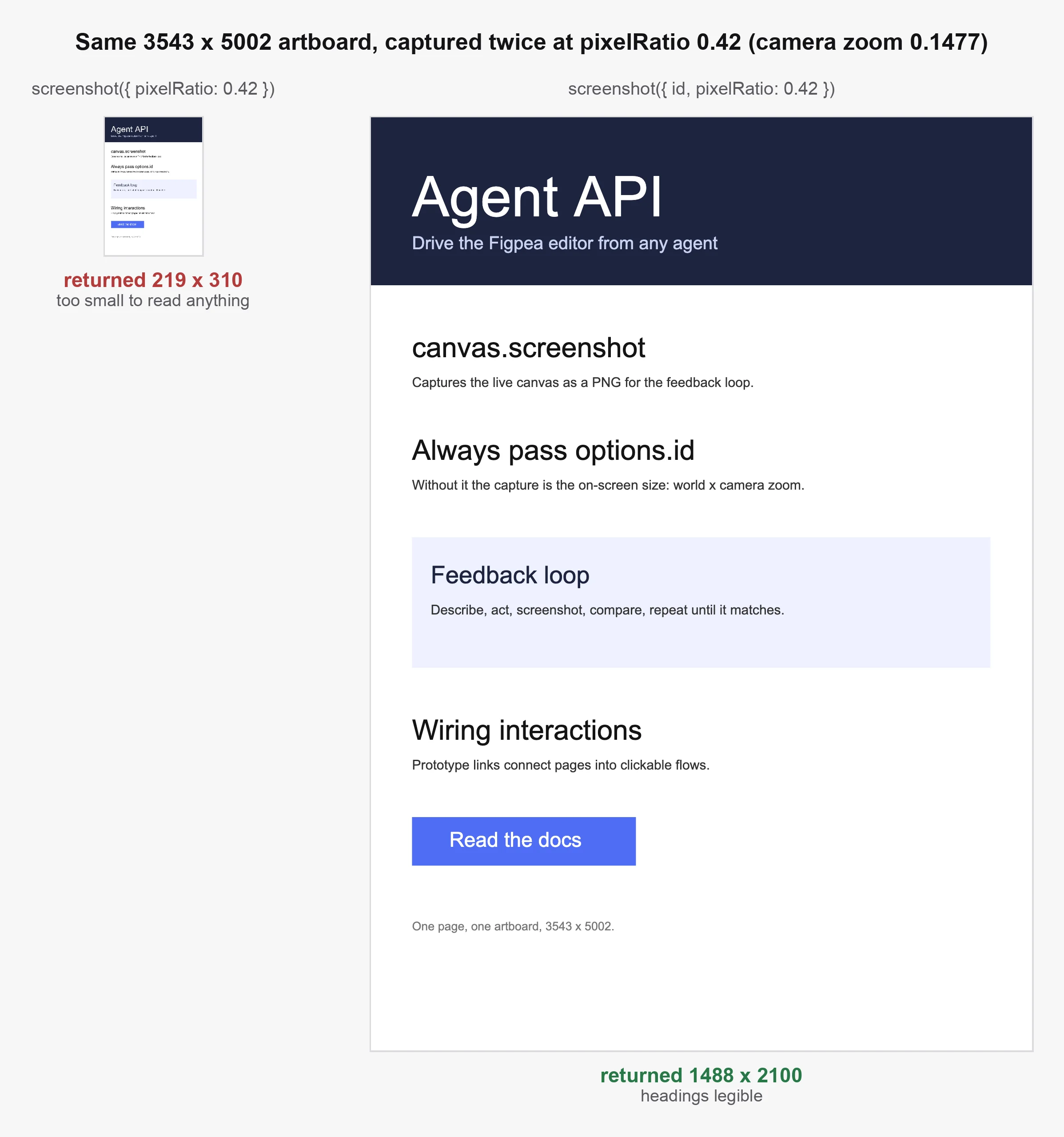
Off-band binary returns (returnAs: "path", figpea-mcp only)
A full-page screenshot runs 500 KB – 2 MB raw, which costs ~500K – 2M tokens when figpea-mcp inlines it as base64 in an MCP image block. A project export is inlined just as base64, so a native .fp you meant to leave on disk comes back as base64 text instead.
Called through figpea-mcp (not through window.figpea directly), a tool accepts the reserved returnAs: "path" key. It qualifies on the shape of the result, not on the name of the tool: any payload carrying {bytes, mime, filename?} comes back off-band — an image (figpea.canvas.screenshot, figpea.export.layer, figpea.export.artboard) or a non-image such as the native .fp from figpea.export.project. Instead of inline base64, the bridge writes the bytes to a per-session file and returns a single text block {ok: true, path, mime, width, height, bytes, filename, url}. This is a figpea-mcp envelope feature: the window.figpea contract, its version, and its error codes are untouched.
The keys are path (the absolute session path), mime (the payload's own type — a .fp is a ZIP container, so it reads application/zip), and bytes (the raw decoded size, not the base64 length). filename is the payload's own name, and it appears only when the payload carried one: figpea.canvas.screenshot carries none, so its result — key set and file name — is byte-identical to what it was before. url is the bridge's token-gated alias for the same bytes, and width/height are always present, at 0 for a non-image payload. The written file keeps that name, so the export below lands as export_project-<stamp>-<uuid>-My_Design.fp — never .bin.
figpea.export.project({ format: "figpea" }) is the ungated native export, and it is the case most worth sending off-band. Both call forms write the file and return the same text block — the .fp lands on disk, and its bytes never cross the wire as base64:
// Compact mode (the figpea-mcp default) reaches every method through figpea_call,
// with args as the method's positional argument array:
const res = await mcp.callTool("figpea_call", {
  group: "export",
  method: "project",
  args: [{ format: "figpea" }],
  returnAs: "path",
});
// -> one text block; a .fp on disk, not base64 in the tool result

// Full mode exposes the same call as its own tool, where the parameter is `input`:
const res2 = await mcp.callTool("export_project", { input: { format: "figpea" }, returnAs: "path" });
// -> {"ok":true,"path":"/tmp/figpea-mcp/<session>/export_project-<ts>-<uuid>-My_Design.fp","mime":"application/zip","width":0,"height":0,"bytes":8800,"filename":"My Design.fp","url":"http://localhost:<port>/blob/<token>"}
const bytes = host.readFile(res2.path);
The same key on a screenshot, whose result is unchanged:
// Worked example: for >1 MB screenshots, pass returnAs: 'path' and read the
// file with your host's file tool; saves ~1.3 tokens/raw byte.
const res = await mcp.callTool("canvas_screenshot", { returnAs: "path" });
// -> { content: [{ type: "text", text: '{"ok":true,"path":"/tmp/figpea-mcp/<session>/canvas_screenshot-<ts>-<uuid>.png","mime":"image/png","width":1440,"height":900,"bytes":812345,"url":"http://localhost:<port>/blob/<token>"}' }], isError: false }
const bytes = host.readFile(res.path); // bytes never cross the MCP wire as base64
Open the file with your host's own file-reading tool — url is the bridge's token-gated alias, path is the absolute session path. Omit returnAs (or pass "inline") for today's inline behavior, byte-identical. A value the server does not accept, or a write that cannot land, comes back loud: invalid_params naming what the key takes, or return_path_write_failed with isError: true and no partial bytes. There is no other way to get a result onto disk: a parameter this server does not recognise is refused, not ignored. Rule of thumb for anything large — for >1 MB screenshots, and for large exports generally — pass returnAs: "path" and read the file with your host's file tool; saves ~1.3 tokens/raw byte.
widgetGeometry() / gradientWidgetGeometry()
Signature: widgetGeometry(): { ok: true, value: { handles: { leftTop, top, rightTop, left, right, leftBottom, bottom, rightBottom, rotate, body }, corners: { leftTop, rightTop, rightBottom, leftBottom } } } | { ok: false, code: string, message: string } (each point is { x: number, y: number }; synchronous -- no Promise)
Returns the current on-screen (client/viewport CSS-pixel) coordinates of the selected layer's transform-widget interaction points -- the 8 resize handles, the rotate handle, and the body-move region -- plus the selected layer's on-canvas rect corners. gradientWidgetGeometry() returns the active gradient handle points when editing gradient fills. Reads the widget's own rendered DOM, so every point matches exactly where that handle renders.
await figpea.layer.select(rectId);
const geometry = await figpea.canvas.widgetGeometry();
if (geometry.ok) {
  const { x, y } = geometry.value.handles.rightBottom;
  // drive a real pointer drag on the bottom-right resize handle...
}
layerRect(id)
Signature: layerRect(id: string): { ok: true, value: { x: number, y: number, width: number, height: number } } | { ok: false, code: string, message: string } (synchronous -- no Promise)
Returns the world-space bounding box (axis-aligned) of any layer, selected or not -- a pure model-level geometry read, the same bounds/calcBounds() basis layerTree()/layerById()/fit() use. Not a rendered measurement -- it excludes rendered stroke/shadow overflow; use figpea.canvas.screenshot() if you need actual pixel extent. Selection-preserving: a read-only call that never touches the current selection.
Result: { x, y, width, height } in world px (x/y are the left/top edge). Hidden or zero-area layers resolve ok with their (possibly zero-area) rect -- visibility is a separate axis, never a throw; only an unknown layer id returns not_found.
// Get the bounding box of a layer without selecting it.
const rect = await figpea.canvas.layerRect(layerId);
if (rect.ok) {
  console.log(`${rect.value.width}x${rect.value.height} at (${rect.value.x}, ${rect.value.y})`);
}
assertGeometry(input)
Signature: assertGeometry(input: { page: string, assertions: { layer: string, x: number, y: number, width: number, height: number, tolerance?: number }[] }): { ok: true, value: { layer: string, pass: boolean, expected: { x, y, width, height }, actual: { x, y, width, height } | null, failures: string[], note?: string }[] } | { ok: false, code: string, message: string } (synchronous -- no Promise)
Checks a list of geometry assertions against the live document in a single call -- the checkable counterpart to eyeballing coordinates. Each assertion names a layer by NAME within the given page's subtree (exact match, first match wins; names never fuzzy-match, so a typo fails loudly rather than matching approximately) plus its expected world-space position/size and an optional per-assertion tolerance in px (default 0.5). Returns one entry per assertion: pass, the asserted expected values echoed, the live actual read, and failures naming the disagreeing fields among x/y/width/height.
A pure model-level read on the same calcBounds() basis as layerRect above -- not a rendered measurement: it reports the numbers a capture is cropped from, not proof of visual correctness (a passing assertion means the layer sits where the spec says, not that the slide looks right). Read-only: no selection, camera, or model writes. An unknown page or layer yields pass: false with actual: null and a naming note, never a throw; duplicate names resolve to the first match with a note naming the ambiguity. Like every window.figpea call it returns the standard { ok, value } | { ok: false, code, message } envelope -- never throws -- and it is available only with ?agent=1, like the rest of this page.
How do I verify a layer's position programmatically? Call assertGeometry with the page and one assertion per layer you specified: a pass: true entry per layer means the slide matches its coordinate spec, and a pass: false entry names the layer with both expected and actual values so you can fix the layout rather than re-measure it. For the shipped file rather than the live document, the same coordinates are checkable with no editor at all -- see Exporting for the native .fp format the check reads.
// Check a slide against its coordinate spec in one call.
const checked = await figpea.canvas.assertGeometry({
  page: "Slide A",
  assertions: [
    { layer: "hero", x: 30, y: 25, width: 120, height: 70 },
    { layer: "caption", x: 30, y: 110, width: 400, height: 24, tolerance: 1 },
  ],
});
if (checked.ok) {
  for (const entry of checked.value) {
    console.log(`${entry.pass ? "PASS" : "FAIL"} ${entry.layer}`
      + (entry.pass ? "" : ` -- expected ${JSON.stringify(entry.expected)}, actual ${JSON.stringify(entry.actual)} (off: ${entry.failures.join(",")})`));
  }
}
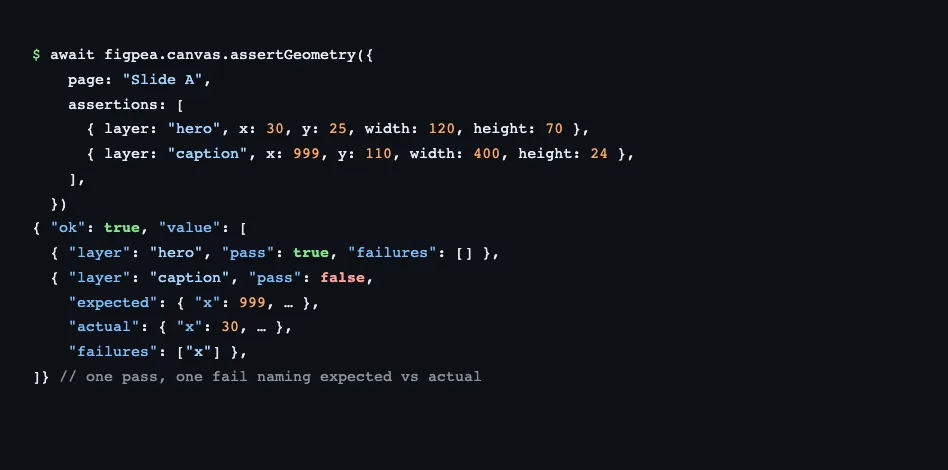
Version history: added in 3.7.0 (AGENT_API_CONTRACT_VERSION) alongside capturePages below.
capturePages(input?)
Signature: capturePages(input?: { pages?: string[], scale?: number }): Promise<{ ok: true, value: { bytes: string, mime: "image/png", width: number, height: number, pages: { name: string, x: number, y: number, width: number, height: number }[] } } | { ok: false, code: string, message: string }>
Renders the named pages -- omitted means all pages in document order -- at a caller-chosen scale (default 1, pass ~0.15-0.25 for thumbnails) and composites them into one labeled PNG contact sheet in a single call: a single row wrapping to a grid past a max row width, each page's name drawn on the sheet itself above its tile at a fixed device-pixel size so labels stay legible at thumbnail scale, plus a per-tile {name, x, y, width, height} manifest for programmatic checks. Viewport-independent (the camera never moves) with the same budgeted image-pattern settle as screenshot. Ungated, like screenshot -- a capture, not an export artifact -- and distinct from the gated export.contactSheet PDF. Returns the standard { ok, value } | { ok: false, code, message } envelope -- never throws -- and like the rest of this page it is available only with ?agent=1. Pair it with an MCP setup that can display the one returned image.
How do I capture all pages in one image? Call capturePages once with a thumbnail scale: the single returned PNG holds every page side by side with its name visible, so a cross-slide question -- is this slide distinguishable from that one at thumbnail size? -- is answered by looking at one image, with no image processing outside the editor. Read the pages manifest when you need tile coordinates rather than pixels.
// One call: the whole deck as a single labeled comparison image.
const sheet = await figpea.canvas.capturePages({ scale: 0.2 });
if (sheet.ok) {
  console.log(`${sheet.value.pages.length} tiles in a ${sheet.value.width}x${sheet.value.height} image`);
  const img = new Image();
  img.src = `data:image/png;base64,${sheet.value.bytes}`;
}
Version history: added in 3.7.0 (AGENT_API_CONTRACT_VERSION) alongside assertGeometry above.
figpea.report -- Project Health Report, Copy Deck, Font Manifest & Soft Diagnostics
All methods are FREE -- ungated -- inspection, like figpea.canvas above. Each mirrors the editor's Project Report modal and its "Export Copy Deck" button.
summary()
Signature: summary(): Promise<{ ok: true, value: ProjectReportData } | { ok: false, code: string, message: string }>
Builds the full project health report for the active session: artboard names, component count, font manifest, interaction count, distinct-by-content-hash image count/total bytes, and text stats. Takes no arguments.
{
  projectName: string;
  artboards: { name: string }[];
  componentCount: number;
  fonts: { name: string, missingLocally: boolean, googleFontsMatch?: string, substituted: boolean }[];
  interactionCount: number;
  images: { count: number, totalBytes: number };
  text: { layerCount: number, totalCharacters: number, wordCount: number };
}
const result = await figpea.report.summary();
if (result.ok) {
  console.log(`${result.value.artboards.length} artboards, ${result.value.images.count} distinct images`);
}
copyDeck()
Signature: copyDeck(): Promise<{ ok: true, value: { markdown: string, csv: string } } | { ok: false, code: string, message: string }>
Builds the copy deck: every non-empty text-layer string, grouped by top-level artboard, as both Markdown and RFC-4180-quoted CSV. Same data source as the UI's "Export Copy Deck" button, returned inline instead of downloaded. Takes no arguments.
const result = await figpea.report.copyDeck();
if (result.ok) {
  console.log(result.value.markdown);
}
fonts()
Signature: fonts(): Promise<{ ok: true, value: { name: string, missingLocally: boolean, googleFontsMatch?: string, substituted: boolean }[] } | { ok: false, code: string, message: string }>
Returns just the font manifest -- a convenience projection of summary()'s fonts field, for agents that only need font data. Takes no arguments; the result is sorted by name. missingLocally indicates whether the font binary is installed in the local OS library (it does not mean substituted, as Google Fonts are resolved and loaded on demand); substituted is the truthful rendering signal (true when the requested family could not be resolved and a fallback face was rendered instead).
const result = await figpea.report.fonts();
if (result.ok) {
  const missing = result.value.filter((f) => f.missingLocally);
  console.log(`${missing.length} fonts missing locally`);
}
projectImages()
Signature: projectImages(): Promise<{ ok: true, value: { hash: string, name: string, mime: string, size: number, width: number, height: number, usedBy: string[] }[] } | { ok: false, code: string, message: string }>
Returns the active project's derived image library: one entry per distinct image (content-hash deduplicated) that the project uses as a layer fill, each carrying its sha256 content hash, name, mime type, byte size, intrinsic pixel width/height, and the ids of every layer using it (usedBy). Ordering is by content hash ascending. Pass a returned hash to figpea.layer.placeProjectImage(hash) to put that image on the canvas. PSD raster layers and masks are not listed -- they decode to ImageData, not an image blob.
diagnostics()
Signature: diagnostics(): Promise<{ ok: true, value: { severity: 'info' | 'warning' | 'error', code: string, message: string, layerId?: string, count?: number }[] } | { ok: false, code: string, message: string }>
Returns soft decode/render diagnostics accumulated for the active project since its last open (reset on openFile/newProject). An empty result means no detected soft issues by the checks this version runs, never a fidelity guarantee. Takes no arguments.
Diagnostic codes (all formats unless noted):
'font_missing_local'— a font family used in the project is not available locally (fallback to Google Fonts may be available).'unsupported_node'— SVG, XD, and Figma. A source node/reference Figpea could not fully realize on open — a<use>whose target is missing, or an<image>whosehrefis unsupported (SVG), or an unsupported shape/element/gradient/fill (XD) — and dropped or emptied instead.'rasterized_fallback'— SVG, XD, .fig, and PSD. A construct Figpea could not reproduce faithfully, replaced with a simpler approximation — currently an unresolvable SVG<pattern>fill falling back to a solid fill, an XD pattern image fill that couldn't load falling back to flat grey, a.figSTRETCH image fill missing its original dimensions, or a PSD bevel/emboss effect whose style or technique is painted with the profile the renderer covers. (The bevel cases are a reported approximation, not content loss: the layer still renders and keeps its bounds — severitywarning.)'layer_decode_failed'— PSD and .fig, severityerror. A layer whose decode threw during import — dropped entirely on PSD (the document still opens, but that layer's content is missing), kept as an empty placeholder group or degraded folder on .fig.'interaction_lost'— XD error. Unreadable prototype interaction.
Calibration Framing: Diagnostic coverage breadth reflects wiring order across decoders, not overall parser fidelity — it grows per format over time, and a format surfacing more codes today is not inspected more faithfully than one surfacing fewer. The Figma (.fig) decoder now routes its remaining degradation sites — instance post-processing, image paint, boolean combine mode and mask post-processing — onto the shared ctx.warn channel, retiring the partial-coverage caveat that used to apply to .fig. That closes a reporting gap, not a fidelity one. PDF maintains pure channel-based zero-coverage framing.
The editor's own Project Health Report reads from this same channel, so what your agent gets back is what a designer sees. Below, a real .fig file reports the image-fill case four times — the count field aggregates repeats rather than emitting one entry per layer:
const result = await figpea.report.diagnostics();
if (result.ok && result.value.length === 0) {
  console.log("File opened clean — no detected soft issues");
} else if (result.ok) {
  for (const diag of result.value) {
    console.warn(`[${diag.code}] ${diag.message}`);
  }
}
figpea.font -- Font-Alias Read/Write
Read and write the stored missing→replacement font-alias map -- the same map the editor's missing-font popup and Font Manager read and write. All methods are FREE -- ungated. Neither method throws: every failure is a structured { ok: false, code, message } result.
listAliases()
Signature: listAliases(): Promise<{ ok: true, value: Record<string, string> } | { ok: false, code: string, message: string }>
Returns the stored alias map, verbatim: keys are the original-cased missing family names, values their replacements. Empty object when nothing is stored.
const result = await figpea.font.listAliases();
if (result.ok) {
  console.log(result.value); // e.g. { "Avenir": "Arial" }
}
getAlias(missing)
Signature: getAlias(missing: string): Promise<{ ok: true, value: string | null } | { ok: false, code: string, message: string }>
Reads the stored replacement for one missing family (case-insensitive lookup). Returns the replacement string, or null when no alias is stored -- absence is normal state, not an error.
Errors: { ok: false, code: "not_found" } when no design session is active; { ok: false, code: "invalid_params" } when missing is missing, not a string, or blank.
setAlias(missing, replacement)
Signature: setAlias(missing: string, replacement: string): Promise<{ ok: true, value: { missing: string, replacement: string } } | { ok: false, code: string, message: string }>
Stores missing → replacement (overwrites on re-set -- the missing name is the key, matched case-insensitively) and re-resolves via useFont(missing), so canvas text repaints in the replacement in-session while layers keep the original family name (non-destructive, reversible -- the same set+re-resolve order the popup picker uses, so UI and API agree by construction).
The replacement must resolve through the existing library chain (local + built-in + Google manifest -- the same availability signal the picker's aggregated list reads). An unresolvable family rejects with { ok: false, code: "unknown_font" } naming the family, so the corrective action is "pick an available family".
const result = await figpea.font.setAlias("Avenir", "Arial");
if (!result.ok && result.code === "unknown_font") {
  console.warn(`No such family: ${result.message}`);
}
Errors: { ok: false, code: "not_found" } when no design session is active; { ok: false, code: "invalid_params" } when either name is missing, not a string, blank, or a self-alias (replacement equal to missing); { ok: false, code: "unknown_font" } when the replacement is not an available family.
clearAlias(missing)
Signature: clearAlias(missing: string): Promise<{ ok: true, value: void } | { ok: false, code: string, message: string }>
Removes the stored alias for one missing family (case-insensitive) and drops the in-session loaded mark, so the next open falls back to default substitution (the popup row returns). Idempotent -- clearing an absent alias returns ok, nothing to clear.
Errors: { ok: false, code: "not_found" } when no design session is active; { ok: false, code: "invalid_params" } when missing is missing, not a string, or blank.
Durability
A project that exists only in the live editor tab is not durable. Everything you author lives in that one browser tab's memory: close the tab, refresh it, or let the editor reload a file and the project is gone, with nothing written to disk.
An exported .fp checkpoint is the only durable form. export.project({ format: "figpea" }) writes a self-contained archive holding the project's layers, styles and structure, and that file is what survives. Every other step -- a screenshot, a report, a long successful authoring session -- is in-flight work in the tab.
Figpea does not write back to the file you opened. session.openFile on a .psd, .xd, .fig, .svg or .pdf gives you an editable layer model, but your edits stay in the tab: there is no save-back to the original format and no mechanism that merges changes into it. That is a deliberate boundary, not a missing feature -- those formats are read-only sources, and a lossy round-trip through a design tool is how original files get damaged. Export a .fp and reopen that to keep your work.
Which design you are pointed at, and how to keep a mutation out of the wrong one:
const doc = await figpea.session.document();          // { documentId, documentName }
await figpea.session.expectDocument(doc.value.documentId);
// ...mutations refuse with document_mismatch if the tab switches designs...
await figpea.session.expectDocument();                  // clear when done
The guard covers a mutation given an expected identifier. With none armed, every method behaves exactly as it did before -- reads included.
Error codes
The complete set of codes returned across the surface:
| Code | Meaning |
|---|---|
not_found | Resource (layer, project, active session, component) does not exist -- including an unselectable id (layer.select), no rendered transform widget (canvas.widgetGeometry), an unknown layer id (canvas.layerRect), no active session (report.summary / copyDeck / fonts / diagnostics), or unknown component/layer id in figpea.component.* lookups |
unsupported_style_key | Style patch includes a key not in the whitelist |
entitlement_required | User does not have the required claim for an export (including export.specBundle / export.tokens / export.originals / export.assetHarvest / export.figmaKit / export.contactSheet / export.flowPoster) |
unsupported_kind | layer.create's kind argument isn't a recognized layer kind |
not_flippable | The target layer's mutator doesn't implement flipping |
not_a_text_layer | The target layer isn't a text layer (setText) |
not_a_group | The target layer isn't a folder/group layer (ungroup) |
group_failed | Grouping the given selection produced no group |
open_failed | The file failed to decode/open (session.openFile) |
fp_entry_damaged | A .fp archive's own bytes disagree with its own directory -- an entry failed its checksum, its declared size, or did not decompress, so the file is corrupt (session.openFile) |
fp_entry_missing | A required .fp archive entry (main.fpe / repo.json) is absent -- a truncated download or a partial copy, so re-fetch or re-copy the whole file (session.openFile) |
export_failed | An unexpected error was thrown during export encoding |
invalid_format | export.project's format isn't "pdf" / "zip" / "figpea" |
invalid_position | setPosition's { x, y } isn't both finite numbers |
invalid_transform | setTransform's matrix isn't an array of exactly 6 finite numbers; layer.create with a prop that doesn't apply to the requested kind (nothing created) |
unsupported_op | batch's op method is "batch" itself (recursion) or not a recognized layer.* method name |
timeout | The operation did not complete before the given deadline (session.waitForIdle) |
invalid_style_value | A whitelisted style key is present but its value is outside the enum it allows (patternScaleType/patternRepeat, malformed gradient with bad type/empty/out-of-range stops/non-string/empty color, out-of-enum case, gradient-shaped fill without fillType — supply gradient data as style.gradient with fillType: "gradient") |
invalid_image_source | The image source (url fetch or bytes decode) failed to resolve to a usable image (layer.setImageFill, layer.create) |
invalid_selector | The selector object includes an unknown key or an uncompilable regex pattern/flags (session.find) |
invalid_interaction | interaction.create validation failure: unsupported trigger/action, missing/invalid targetId, or non-page target |
invalid_mask_type | Invalid declared mask type (layer.setMask) |
invalid_constraint | Invalid responsive constraint or resize mode (layer.setConstraints, layer.setResizeMode) |
not_duplicable | The target layer has no parent and cannot be duplicated (layer.duplicate) |
invalid_params | Method parameter validation failure -- missing required fields, invalid types, or unknown keys: an unrecognised key inside a nested object param is refused naming it (<method>() received unknown parameter "<key>") on session.openFile, layer.resize, canvas.setViewport, export.flowPoster, layer.setPosition/setLocalPosition, component.addState/renameState/setActiveState/removeState/restoreChild/placeInstance, interaction.create, canvas.addDimension/setRulerVisible, layer.cut/setConstraints/setImageFill/smoothPath and session.waitForIdle (component.resetOverride and layer.repeat document that unknown keys are ignored instead); plus entry-time type validation across all methods: a supplied argument whose top-level type diverges from the method's declared schema returns this code before any implementation code runs, naming method, parameter, expected type, and received type (e.g. setSelection(): ids must be array (got string)) (REQ-770) |
invalid_geometry | A layer.create geometry prop (points/rwidth/rheight/rx/ry/x2/y2/pageWidth/pageHeight/path, plus arc ring sweep/rx/ry/startAngle values) is present but its value isn't finite, doesn't parse (path), is non-positive (ring rx/ry), or isn't the declared shape -- the call is rejected and nothing is created |
not_a_path_layer | The target layer isn't a path-shaped layer (layer.getRegionFills, layer.setRegionFill, layer.clearRegionFill) |
invalid_region_key | setRegionFill's regionKey doesn't match any region derivable from the layer's current geometry -- call getRegionFills again (layer.setRegionFill) |
unknown_font | The named font family is not an available family (local, built-in, or Google) -- pick an available one (font.setAlias) |
arg_size_exceeded | Tool-call args exceeded the 22,000-unit per-call budget -- figpea.describe().limits.argsChars (see Per-call argument budget). Binary members (e.g. session.openFile bytes) are charged real payload bytes, everything else JSON-serialized chars; the refusal names the firing method. Nothing was applied, so there is no partial result to recover from. Image payloads keep the stage-bytes-on-a-local-CORS-origin (http://127.0.0.1:… with ACAO:*) or reuse-projectImages + placeProjectImage guidance instead of a data: URI |
document_mismatch | A mutation was given an expected document identifier (via session.expectDocument()) and the active document does not match. Nothing was created, moved or deleted in either design -- the method was not run, so there is nothing to roll back. The message names the expected and the active identifier; re-aim or clear with session.expectDocument. Applies to the mutating methods (the layer.* verbs including batch, session.newProject/openFile/renameProject/setSelection, and the component/interaction/canvas authoring methods) while an expectation is armed. Reads are never guarded, and a mutation with no expectation armed behaves exactly as before |
figpea-mcp & Local Network Access (LNA) Guided Pairing
When using figpea-mcp to drive Figpea via AI agents, pairing is guided and transparent. The editor connects on its own. The browser's own local-network permission is the only gate — there is no consent step and no Connect button to press.
-
Actionable
no_taberror: If a contract tool call is made while no editor tab is paired, the tool returns an explicitno_taberror response carrying the full pairing URL and aconnectionblock naming what the bridge last saw:{ "ok": false, "code": "no_tab", "connection": { "lastEvent": "no_attempt", "nextStep": "nothing has reached this bridge yet — open the pairing URL from this status call in a browser to start an editor tab", "tcpConnections": 0, "upgrades": 0, "helloAccepted": 0, "helloRejected": 0, "supersededCount": 0, "lastCloseCode": null, "lastCloseReason": null, "startedAt": "2026-10-06T12:00:00.000Z" }, "message": "No editor tab paired. Open this URL in your browser to connect an editor tab:", "url": "https://editor.figpea.com/?agent=1&bridgePort=8080&bridgeToken=abc123token" }The five top-level keys — and the ten fields inside
connection— are what the server returns; only the values change run to run (a fresh token per run, per-process counters,startedAtdating this run's numbers).Which situation you are in is the
connection.lastEventvalue — and only some of them are fixed by opening the URL:no_attempt— nothing has reached the bridge yet. Opening the pairing URL fixes this.transport_only— a socket reached the port but the handshake never completed (often the wrong port). Opening the URL does not fix this — check the port, then reload the tab.hello_timeout— the handshake completed but the tab never said hello. Opening the URL does not fix this — reload the tab.hello_rejected— the pairing token was stale (from an earlier server run). Only a freshly minted URL fixes this — an old URL never matches.hello_accepted— a tab is paired; healthy, proceed. Nothing to fix.slot_refused— another tab already holds the bridge's single slot and is still serving. Opening the URL does not fix this — close that tab or restart with multi-slot mode.tab_superseded— a newer tab took over; still paired, proceed. Opening the URL does not fix this.disconnected— the paired tab went away. Opening a fresh pairing URL fixes this.
Each failure also carries its own next step in
connection.nextStep— follow that text for the details; the rows above only tell you which fix family you are in.The same details reach your terminal the moment the server starts, so the URL exists before any tool is called. Running
npx figpea-mcp --port=17707prints:[figpea-mcp] bridge listening on localhost:17707 [figpea-mcp] pairing token: 6b7c5237-6b57-476f-ae3f-61bbbfbabb7a [figpea-mcp] open this URL in a browser to connect an editor tab: [figpea-mcp] https://editor.figpea.com/?agent=1&bridgePort=17707&bridgeToken=6b7c5237-6b57-476f-ae3f-61bbbfbabb7a [figpea-mcp] (or call the open_editor tool from the connected MCP client)Both values are per-run: the token is a fresh UUID every time, and the port is assigned by the OS unless you pin it with
--port=<n>. All of this goes to stderr — stdout belongs to the MCP transport. The bridge printslocalhostin URLs but still binds127.0.0.1(loopback only) by design — only the emitted host changed. -
Automatic pairing: Opening the pairing URL dials the bridge straight away — the socket opens on its own, and the in-app notice (
Connect to figpea-mcp?, naming the bridge asws://localhost:<port>) reports what is happening rather than asking for approval. While it works, the notice shows its progress (Connecting…, thenRetrying on its own — no reload neededwith an attempt count). Once connected, the notice unmounts and the editor shows a bottom-right pill (Figpea agent connected · localhost:<port>). A Connect now button stays available for a manual re-dial at a moment of your choosing; the first connection never waits for it.
The notice then gives way to a pill in the same corner, naming the bridge this tab is attached to:
-
Local Network Access (LNA) Permission States:
prompt: The browser will ask for permission to reach the local network. This prompt is expected and safe. Choose Allow to continue.granted: The permission is remembered for this origin; the editor connects automatically on page load — no click is needed (the permission explainer is likewise omitted from any notice).denied: Blocked by browser settings. Shows recovery instructions: reset Local network access to Allow in Site settings, then reload the page — retrying alone will not reconnect.
-
Automated Browser & Agent Harness Pairing: Automated or headless browsers cannot answer native permission prompts. To pair in automated test or agent harness environments:
- Grant LNA permission via CDP (
Browser.grantPermissions), a pre-granted browser profile, or Chrome'sLocalNetworkAccessAllowedForUrlsenterprise policy. - With LNA pre-granted (CDP
Browser.grantPermissions, a pre-granted profile, or Chrome'sLocalNetworkAccessAllowedForUrlsenterprise policy), the editor connects automatically — no interaction needed. Otherwise, programmatically click the notice's action button (Connect now, or Try again once an attempt has failed). - Localhost exemption: Editors served from
http://localhostare same-address-space and exempt from LNA entirely.
- Grant LNA permission via CDP (
-
How many tabs can pair: By default the bridge serves one tab, and the default flow is unchanged — but it is safe now. A second connection is refused by name rather than silently taking the tab already paired: the close reason says which tab holds the bridge, the tab that was already paired keeps serving, and
statusreports it asconnection.lastEvent: "slot_refused"with anextStepin the same payload as every other event. Nothing is displaced and nothing is lost.To run two agents (or an agent and a human tab) against Figpea at the same time, opt in:
npx -y figpea-mcp --bridge-slots=multi # or FIGPEA_BRIDGE_SLOTS=multiEach tab then holds its own slot, with its own document and its own
connectionId, and you address a specific one. The knob's default is explicitlysingle, so nothing changes unless you ask it to.
figpea_statusnames the tab it is attached to — its origin (scheme://host:port) and contract version — and lists every paired connection underconnections, so assert it before a destructive write: that is how you know you are editing the document you think you are.status.bridgeSlotsis how you tell which kind of bridge you are looking at.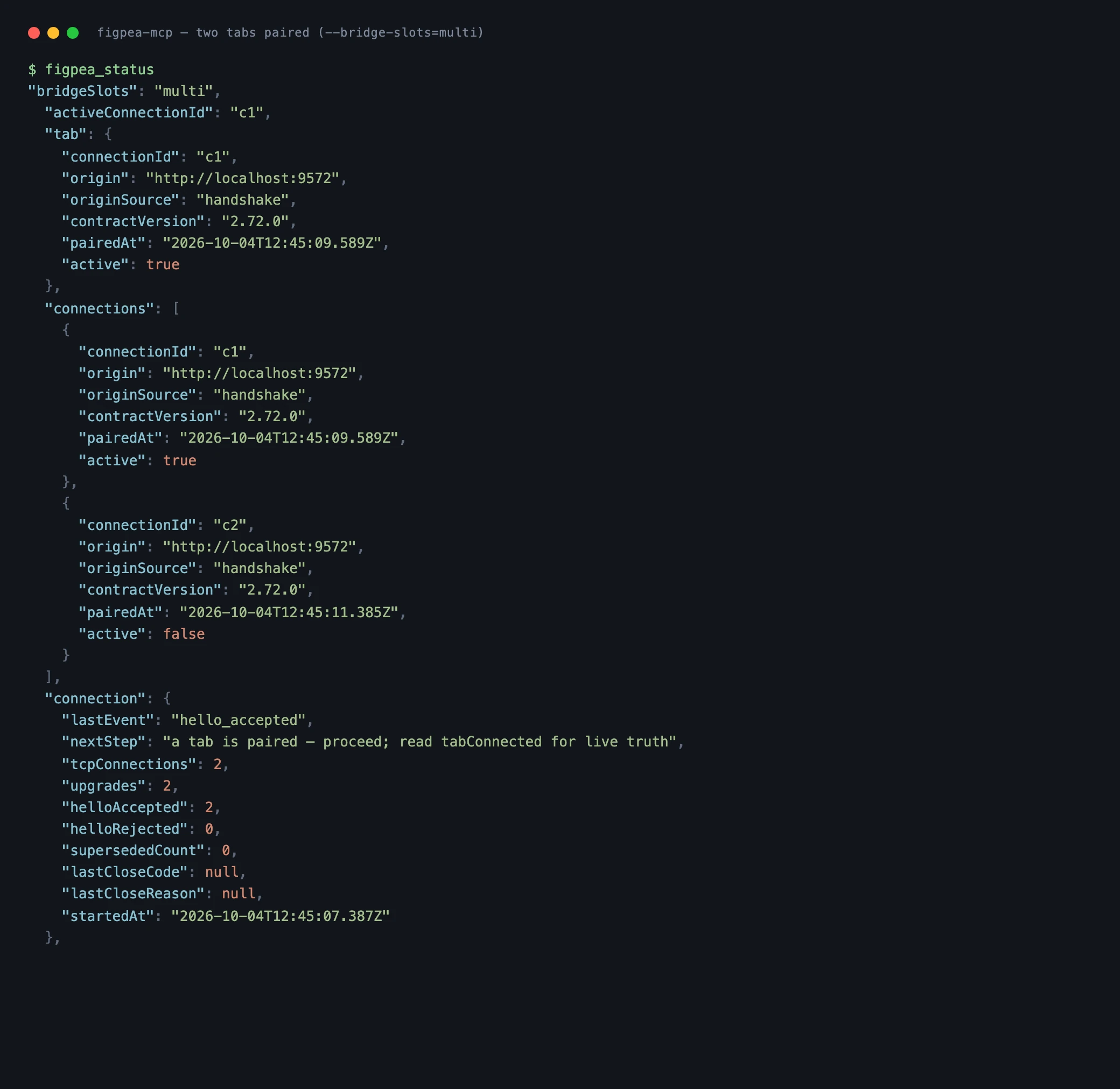
In multi-slot mode only, the tool
select_tabselects which paired tab subsequent calls address. It is registered only when the bridge runs with--bridge-slots=multi(orFIGPEA_BRIDGE_SLOTS=multi), and is absent fromtools/liston the default single-slot bridge, where there is nothing to select — a second tab is refused by name instead. That is whatstatus.bridgeSlotstells you.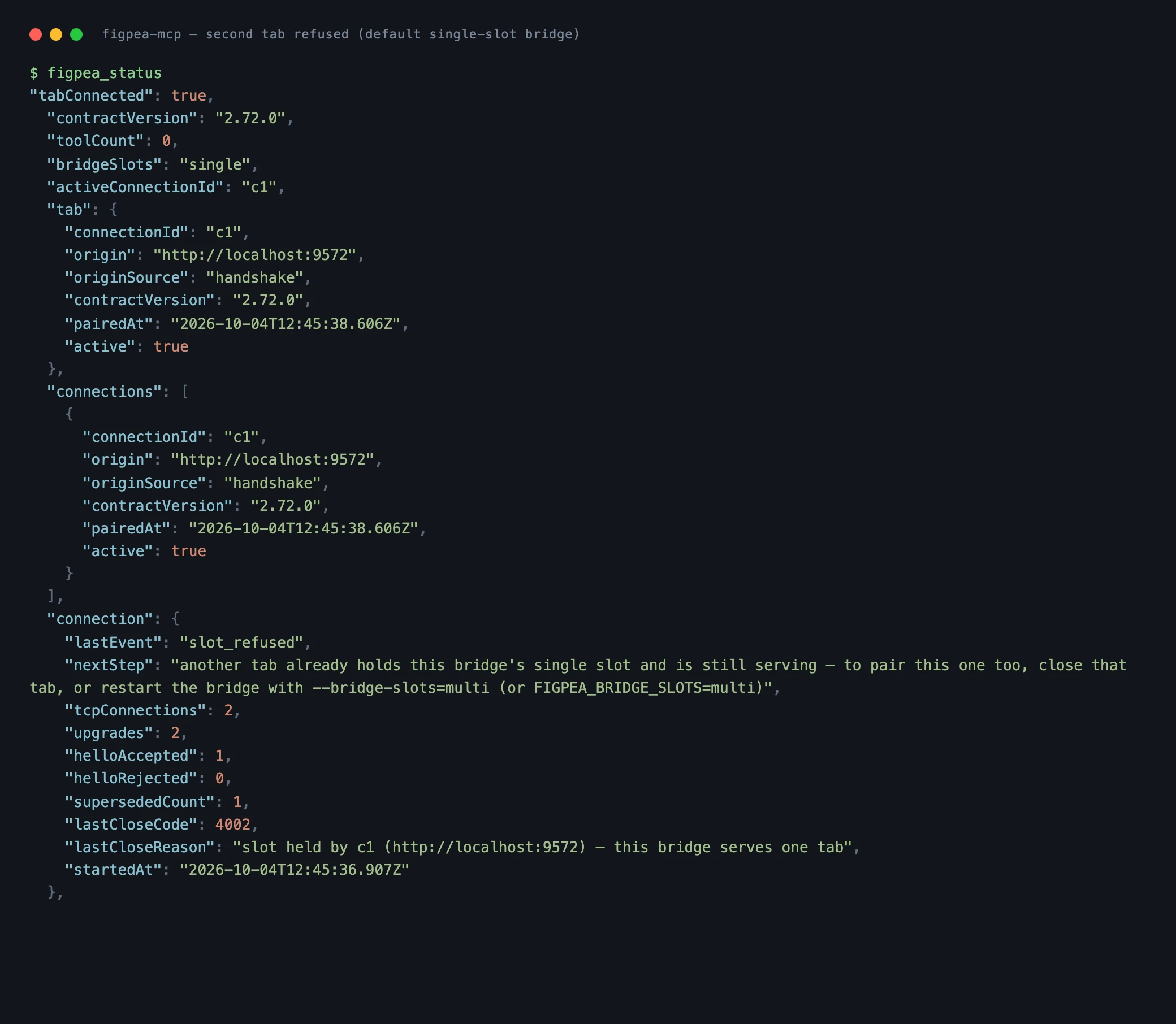
Can I run two agents against Figpea at the same time? Yes — one editor tab each, on the same machine, with the bridge started as
npx -y figpea-mcp --bridge-slots=multi. Each tab keeps its own document, and a call addressed to one never reaches another. Without the flag the second tab is refused by name instead of taking the first one's place. This is several editor tabs each with its own document, not collaboration: there is no shared document and no real-time co-editing, and your design files still never leave your machine — the bridge binds loopback only, holds no credentials, and ships no telemetry.How do I know my agent is editing the document I think it is? Read
figpea_statusbefore the write, not after. It names the attached tab'soriginandcontractVersion, and lists every paired connection with its own id, origin and contract version — so you can check that the tab your agent reached is the one you meant instead of assuming it. Iforigincomes backnull, that is the browser declining to send the header rather than a guess: the bridge never reconstructs an origin. With two tabs paired,select_tab(multi-slot mode) both moves the pointer and re-points the tool descriptions at the tab you picked.See /ai-agents for client setup — adding
npx -y figpea-mcpto Claude Code, Cursor or any other MCP client, and where the flag goes.
If pairing fails
- Open the pairing link in the tab you want to pair — if
lastEventisno_attemptordisconnected(forhello_rejected, mint a fresh one first: re-read the URL from a new status call, since a token from an earlier run never matches). For any other row above, do what that row says instead — opening the link again will fail the same way. Theno_tabresult and the terminal printout both carry the full URL, and both values in it are per-run. - Wait for the connection. The notice reports its progress (
Connecting…, thenRetrying on its own — no reload neededwith an attempt count) — give it that time instead of reloading mid-attempt. - Read the on-screen diagnosis rather than guessing: the notice names what it tried (
Couldn't reach ws://localhost:<port> yet, or the local-network block with its Site-settings recovery), so follow that text instead of assuming the bridge is down. - Let it retry on its own: the editor works through a retry budget (the notice counts its attempts) without a reload, and the button stays disabled while the budget runs.
- Reload only if the tab is genuinely stuck: the notice has stopped retrying and says so (
then stopped), or the permission is denied and the notice says retrying alone will not reconnect.
Download the Skill
This download is a pointer you can drop straight into an agent's skills directory, and it is deliberately not a copy. It names GET https://editor.figpea.com/agent/skill.md as the authoritative, always-current body — so there is nothing here that can drift out of date between editor releases, and no version to re-pin when the API changes. Concretely: fetch that URL directly, or read it from the runtime with await figpea.SKILL(), or call the figpea_skill MCP tool. The full craft-guidance reference (the authoring loop, recreating a reference faithfully, wiring interactions, the screenshot feedback loop, undo etiquette, entitlement boundaries, and the canonical Tier-1 recipe) lives on that endpoint and in the runtime itself — see figpea.SKILL(selector?) above.
Connect via figpea-mcp
The recommended way to connect an agent to Figpea is the published figpea-mcp package — it fetches the live contract from the editor origin, so it can never go stale. Add it to any MCP client (Claude Code, Cursor, or any other) with npx -y figpea-mcp, or see /ai-agents for the full client-setup guide and the GitHub repository for source:
npx -y figpea-mcp