
Open PSD and Adobe XD files in your browser
Free. Private. Nothing is ever uploaded — your files never leave your machine. Open files on your desktop, tablet, or phone without installing an app. SVG and PDF open too, and no account is needed to view a file.
Your original file is never changed — Figpea only ever creates new files.
New · MCPWorks with Claude Code, Cursor, and CodexExplore AI Agents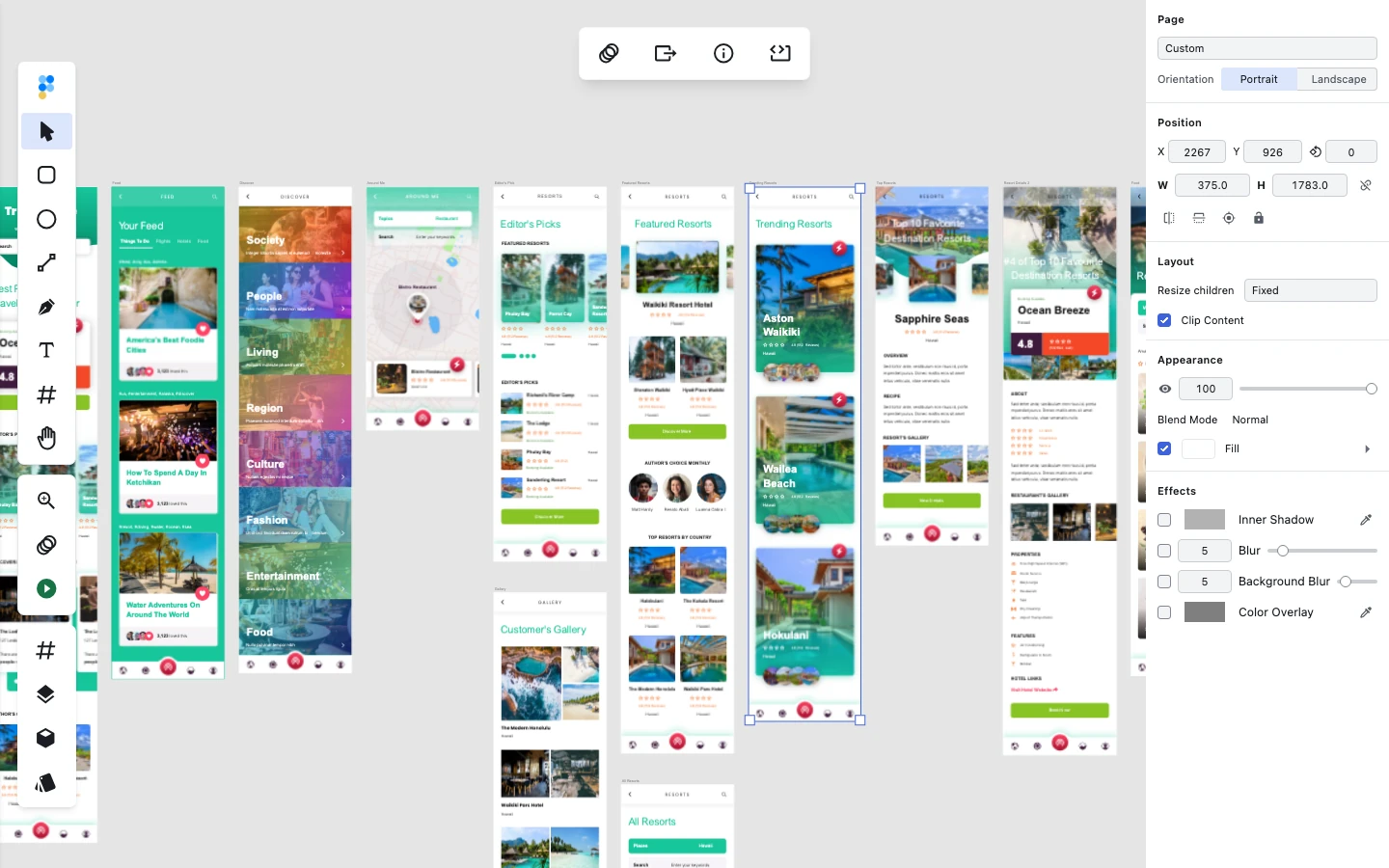

Why Choose Figpea?
Every Stranded Format
Open PSD and PSB, Adobe XD (discontinued — we still open it), SVG, PDF, and Figma (.fig) files. Learn about PSD, opening an XD file online (XD guide), and Figma support.
NDA-Safe, 100% Local
Everything is processed locally in your browser — your files never leave your machine. No account needed to view a file, just open it.
More Than a Viewer
Inspect layers, copy CSS, and edit designs for free, and play full-deck prototypes — then export assets at any scale or present without the post-exit upgrade prompt with Pro. Learn more
New — for developers
Your coding agent is now your designer.
Point Claude Code, Codex or Cursor at Figpea — npx figpea-mcp + open editor.figpea.com/?agent=1. Describe what you need; your agent builds any 2D design — poster, business card, birthday invitation, book cover, social card, pitch deck — real editable layers, restyles by prompt, screenshots to check, exports PNG/SVG/PDF (SVG and PDF need Pro). No account, nothing uploaded.
Main Features
Deep File Format Support
Adobe Photoshop Files
View PSD and PSB files with high-fidelity rendering of layers, effects, and masks
Adobe XD Files
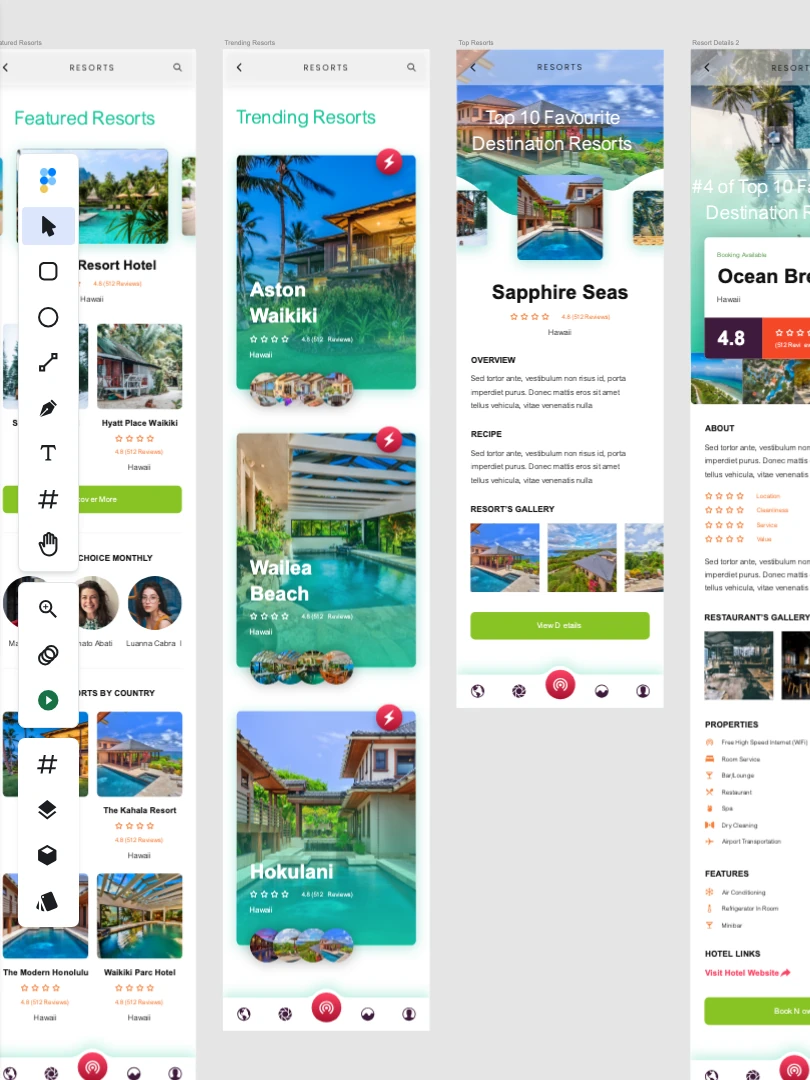
The highest-fidelity XD viewer anywhere — open components, states, and interactive prototypes long after Adobe discontinued XD. Open the Adobe XD online viewer
Figma Files
Open .fig files exported from Figma in your browser — view pages, frames, and layers. No Figma account needed.
Complete Privacy
Files stay on your machine - nothing is ever uploaded to any server
Powerful Controls
Inspect & Edit for Free
Inspect layers, copy CSS, and edit designs right in your browser — editing is free
Interactive Prototypes
Play prototypes and present dynamic transitions between artboards or pages for free — upgrade to Pro to present without the post-exit upgrade prompt.
Export at Any Scale
Export assets to PNG, JPEG, or WebP at 1x free — SVG, PDF, and any custom scale are Pro.
View Design Files on Phone & Tablet
Open PSD, Adobe XD, and Figma (.fig) files directly from a mobile or tablet browser. No app to install, no account required, and nothing uploaded — 100% local.
No App Installed
Runs entirely in mobile web browsers without store downloads.
No Account Required
Open files instantly without signing in or registering.
Nothing Uploaded
Files stay on your device and never leave your machine.
Touch-First UI
Purpose-built mobile touch controls for review on the go.
Purpose-Built Touch Capabilities
Pinch-to-Zoom & Two-Finger Pan
Smooth touch navigation centered around gesture midpoints for effortless inspection.
Tap-to-Inspect Drawer
Tap any layer to inspect properties, dimensions, and styling in a convenient slide-up drawer.
Pages & Layers Drawers
Easily navigate multi-page design files and layer hierarchies on small screens.
Full-Screen Presentation
Present artboards and prototype flows cleanly in full-screen mode on mobile devices.
Share Layer as 1x PNG
Send any layer directly to the device share sheet as a 1x PNG image.
Why Figpea is Different
| Features | Figpea | Other Tools |
|---|---|---|
| File Privacy | 100% Local | Cloud Upload |
| Adobe XD Support | Full Support | Limited/None |
| PSD Rendering | High Fidelity | Inconsistent |
| Interactive Prototypes | ||
| Export Options | Multiple Formats | Limited |
| Phone & Tablet Viewing | Touch-First & Local | Desktop-First / Cloud-Bound |
Got a Design File You Can't Open?
Open it in Figpea for free — right in your browser, and nothing is ever uploaded.
Open FigpeaFREE