 Figpea
Open Figma (.fig) Files in Your Browser
You can open and read a .fig file in Figpea without a Figma account — it runs locally in your browser, and nothing is uploaded.
⚠️ Figma (.fig) support is an early alpha / experimental feature.
- It gives you a structural read of the file — not a pixel-perfect reproduction.
- It is view / read only — Figpea does not save back to Figma. It opens
.figfiles to view and read them; it does not write.figfiles.- XD, PSD, and SVG are Figpea's more polished, higher-fidelity formats — see the guides below.
- Hit a file that renders poorly? Email it to [email protected] so we can harden the parser.
How to open a .fig file (no Figma account needed)
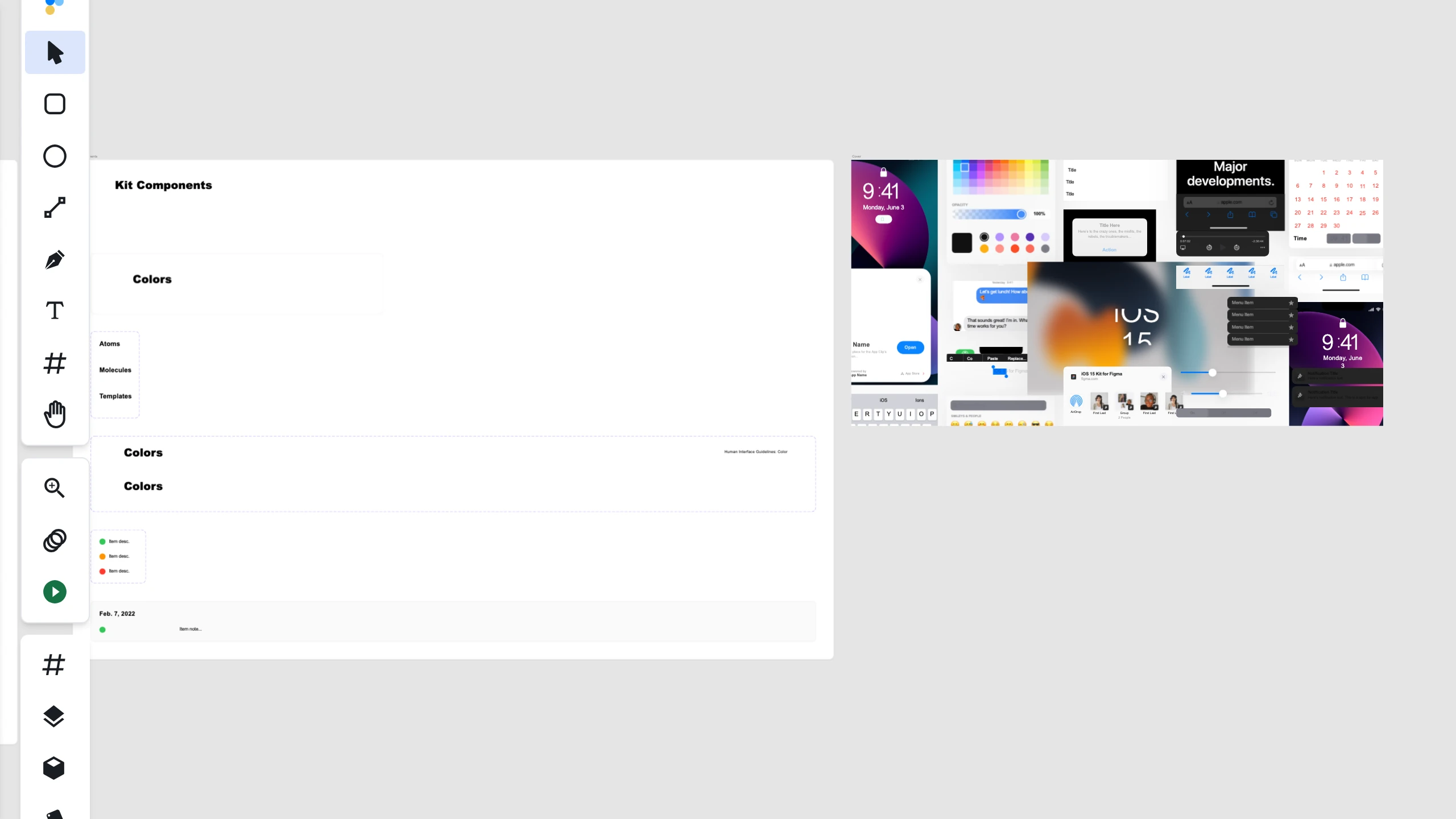
- Drag and drop the
.figfile onto the Figpea editor window, or use File → Open. - Processing happens locally on your machine — nothing is uploaded.
- No sign-in is required to view the file.
You do not need the file shared to you through a Figma invite or login — if you have the .fig on disk, you can open it.
What renders today
Figpea reads and renders pages, frames, text, vectors, images, and gradients.
Multi-page .fig files open on the first sheet — shown on its own, fitted to the window, with its row selected in the Sheets list. To see every sheet at once, choose Show all sheets, which tiles all sheets side-by-side, like XD artboards.
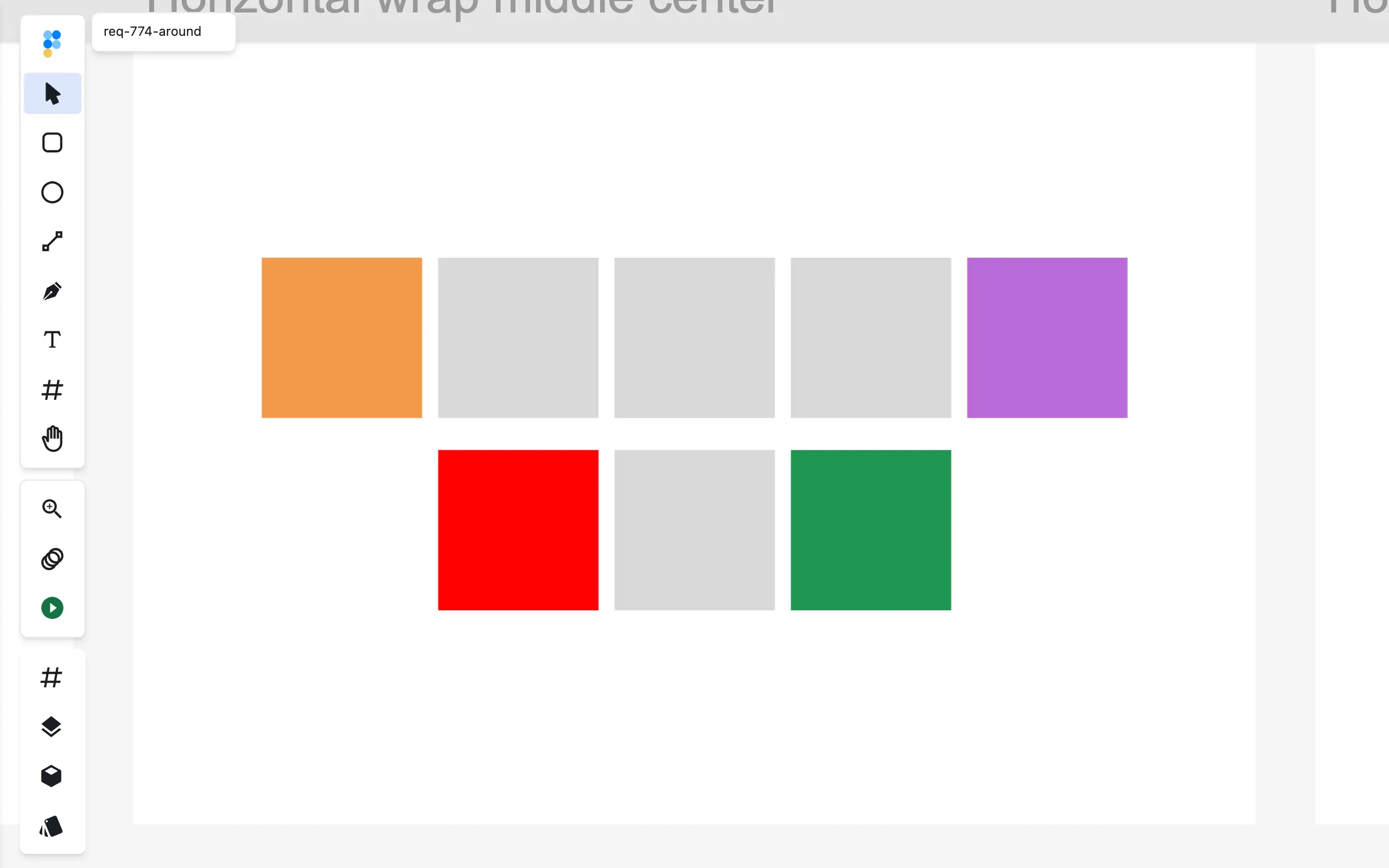
Auto-layout stacks that arrive from a .fig file are read and shown in the editor — including Figma's spacing modes (space between, space around, and evenly-spaced distribution), so children sit where they were arranged in Figma — and you can tune their direction, gap, padding, alignment, and sizing afterwards; see Auto Layout.
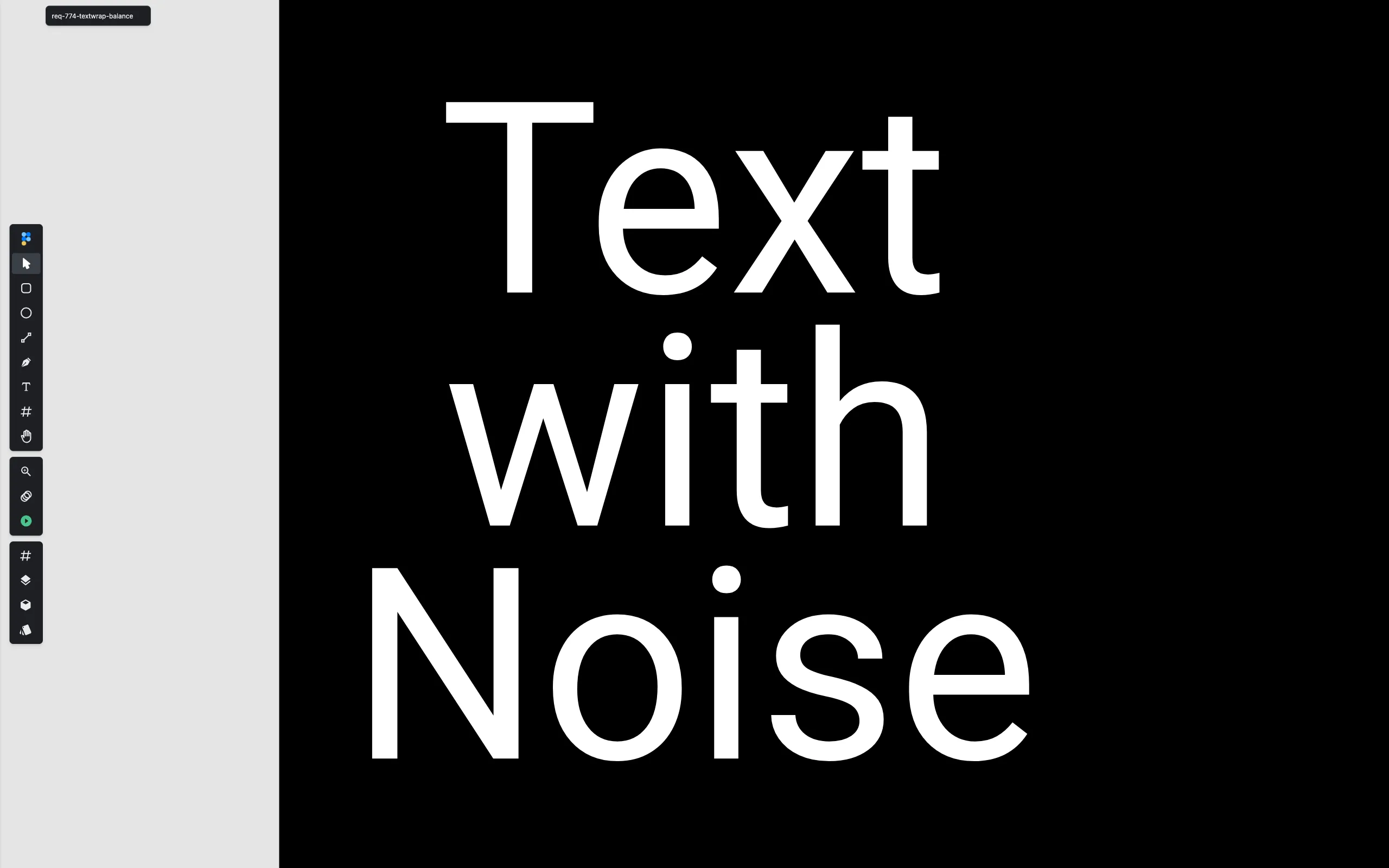
Text wrapped with Figma's newer Balance setting keeps its balanced line breaks too; Pretty opens without errors and falls back to standard wrapping.
What to expect from an alpha parser
Figma (.fig) support in Figpea is an early alpha. Some effects, complex fills, or newer Figma features may not render, or may render only approximately. Fonts follow Figpea's normal substitution rules — see Font Management.
This is view / read only: Figpea does not save back to Figma, and it does not write .fig files.
Frequently asked questions
Can I open a .fig file without a Figma account?
Yes. Figma (.fig) support in Figpea is an early alpha / experimental feature — you can open and read a .fig file entirely locally, without a Figma account.
Do I need to install anything?
No. Figpea runs in your browser — there is nothing to install.
Is my file uploaded anywhere?
No. All processing happens 100% locally on your machine; your .fig file is never uploaded.
Can I edit the file and save it back to Figma?
No. Figma (.fig) support is view / read only — Figpea does not save back to Figma, and it does not write .fig files.
Is it pixel-perfect?
No. It's an alpha, structural read of the file — not a pixel-perfect reproduction. XD, PSD, and SVG are Figpea's more mature, higher-fidelity formats.
Why does a Figma file sometimes open with the wrong layout?
Usually because the file was exported with Figma features the viewer doesn't know yet — Figma changes the .fig format regularly. Figpea's importer tracks those changes (most recently Figma's August 2026 spacing modes and text-wrap settings), and values it doesn't recognize fall back safely instead of failing to open. Hit a file that still renders oddly? Email it to [email protected] so we can harden the parser.
Which page of a multi-page .fig file opens first?
The first sheet — shown on its own, fitted to the window. Choose Show all sheets to tile every sheet side-by-side.
Related
- Opening Design Files — how opening, privacy, and fonts work across every supported format
- Pricing — Figma (.fig) viewing is free, no account required
- Open Adobe XD Files Online with Figpea
- Open PSD Files Without Photoshop